3D logo ideas by industry
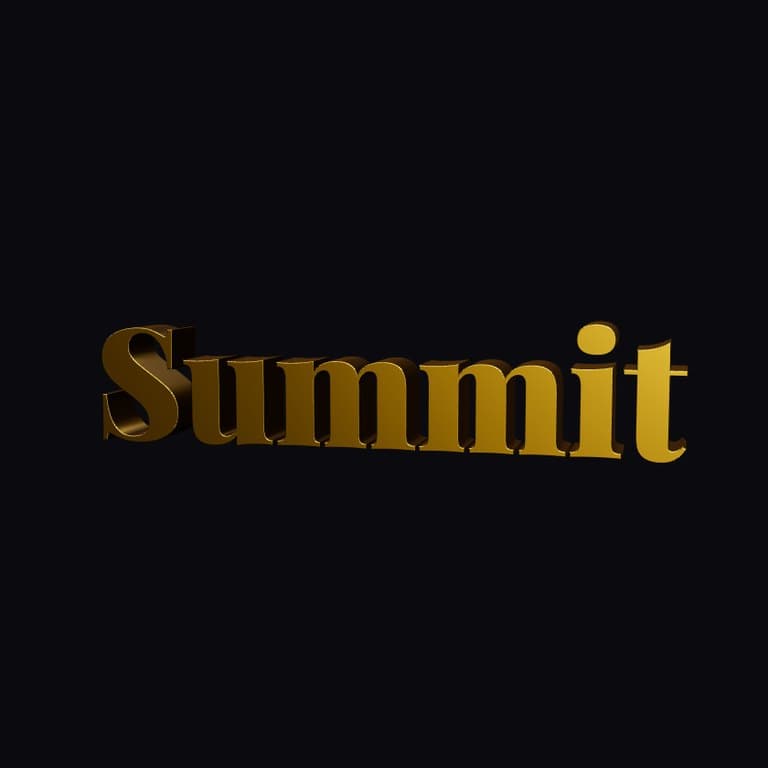
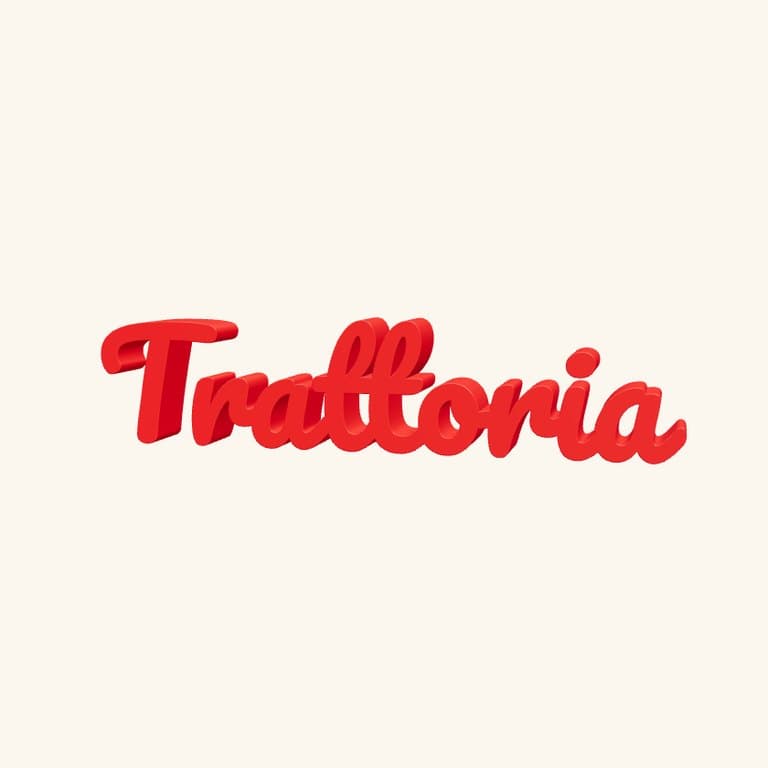
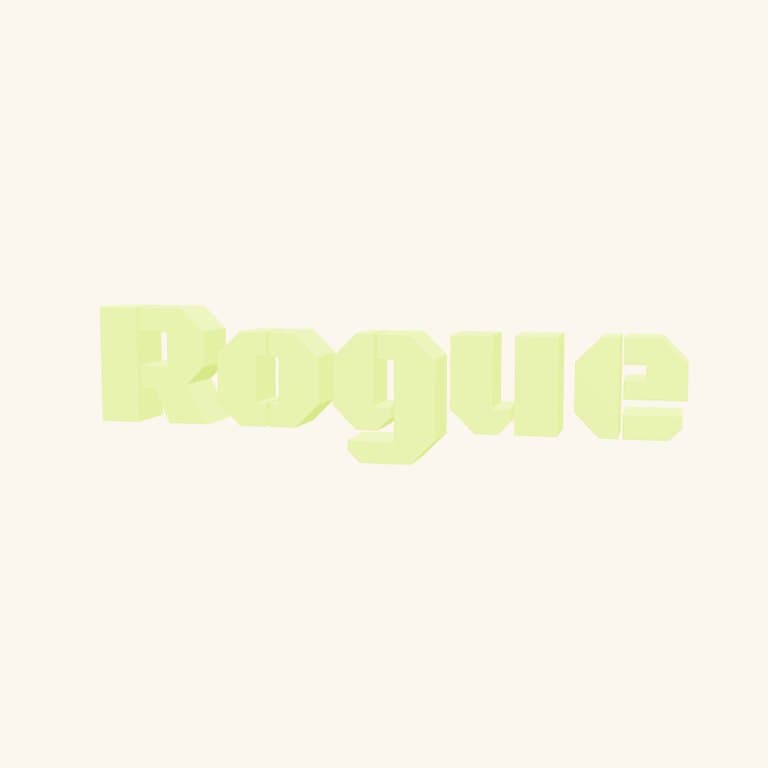
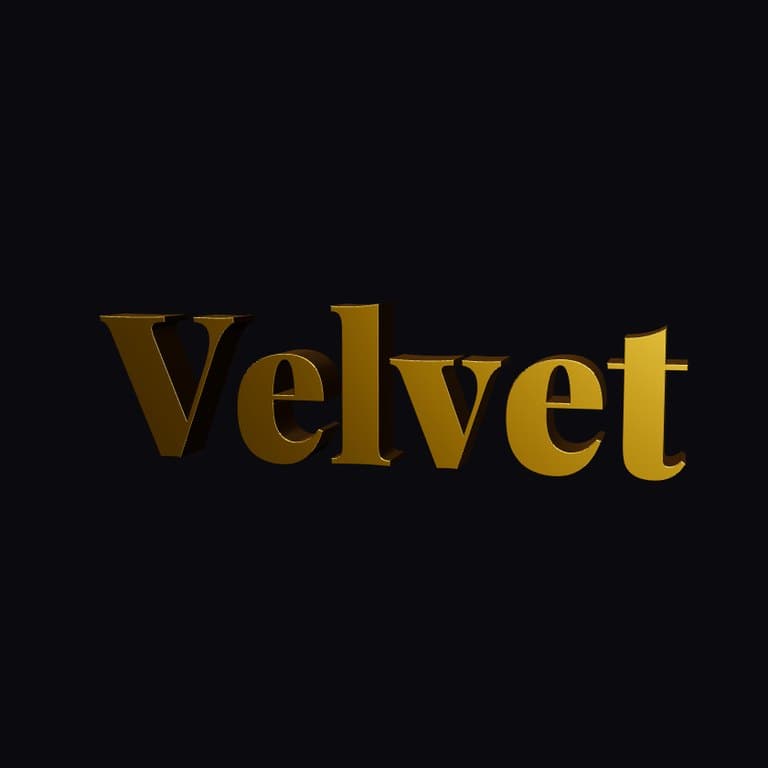
Each page below shows the same editor tuned for one kind of brand: a live 3D preview, four rendered examples with the font and finish that suit the trade, and a one-click link that opens the example in the editor so you only have to type your name.



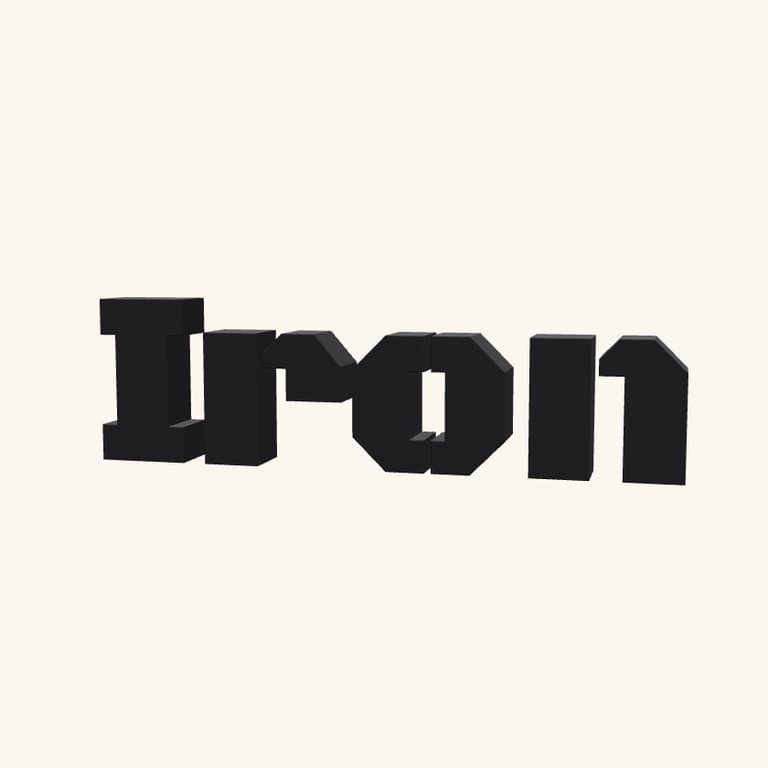
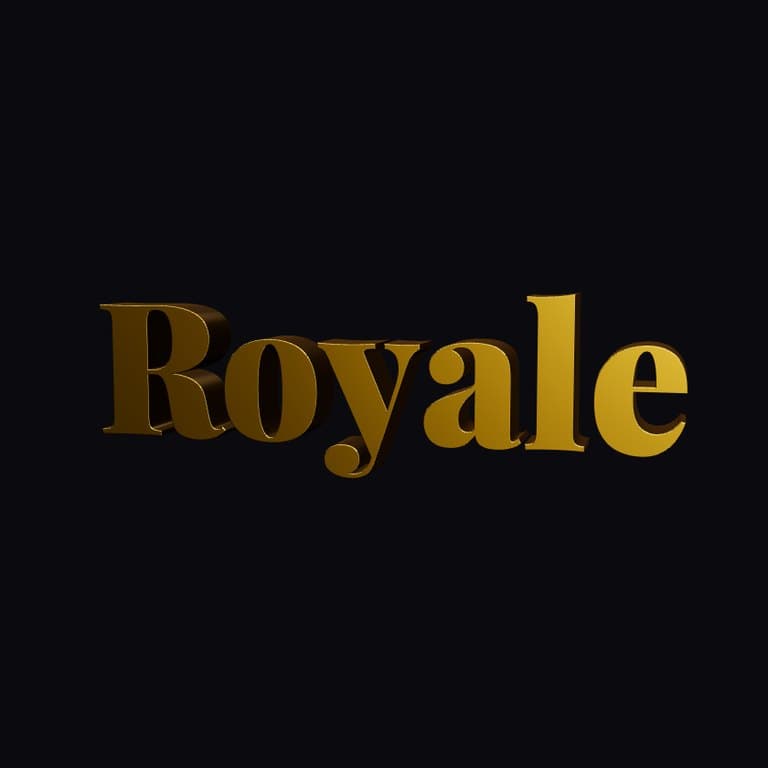
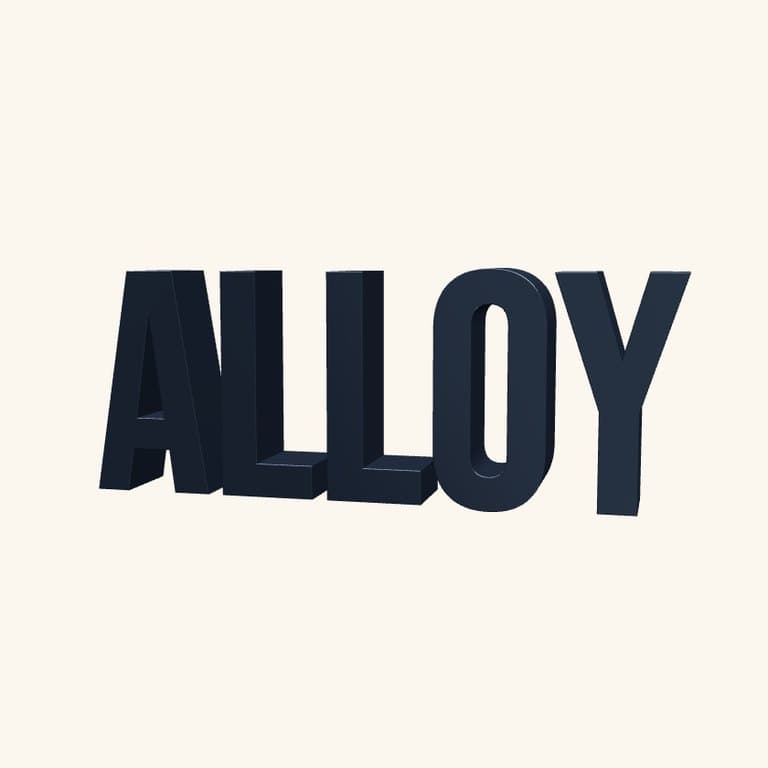
What is a 3D logo maker?
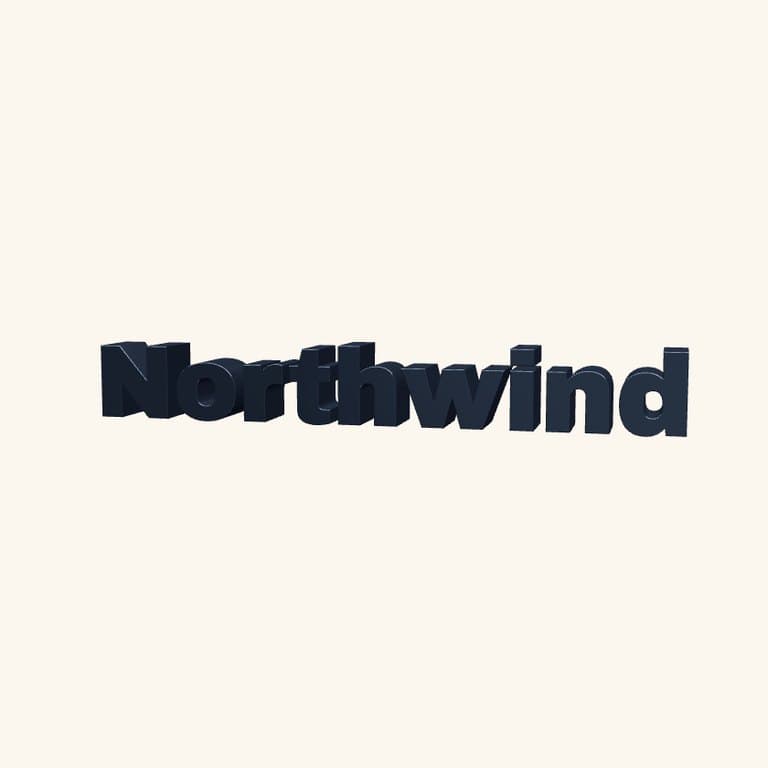
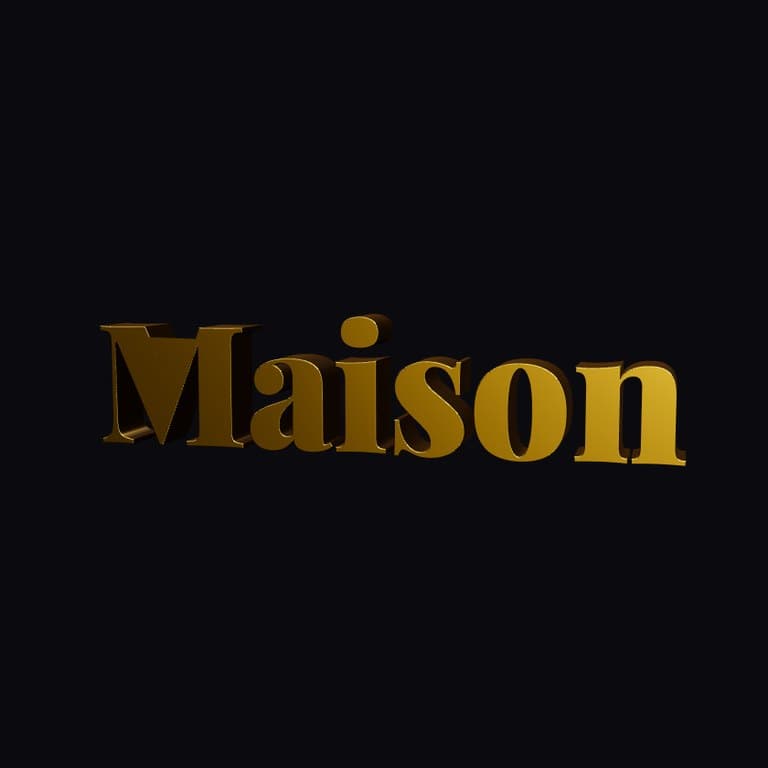
A 3D logo maker is a browser tool that turns flat text or vector art into a fully three-dimensional, lit, and shaded logo object. The Pop-Cam 3D Logo Maker gives you 10 fonts, 10 physically-based materials (chrome, gold, glass, holographic, emissive, metal, plastic, rubber, clay, and the default studio finish), 6 looping animations, and exports to PNG (with an optional transparent background), seamlessly looping MP4, or a 3D model. Everything runs in your browser — no Blender, no Cinema 4D, no Spline subscription required. For a deeper walkthrough with real examples, read our 3D logo mockup generator guide.
3D logo vs flat logo — does it matter?
In a feed of thousands of competing posts, ads, and channels, a 2D wordmark disappears. A 3D logo with depth, lighting, and reflections commands attention, signals professionalism, and reads as an investment in craft. Big brands use 3D logos in motion graphics; indie founders, YouTubers, streamers, and small teams usually default to flat because the production cost is high. An AI 3D logo maker collapses that cost: a chrome animated wordmark in thirty seconds means there's no excuse to ship a flat logo anymore.
How AI 3D logo generation works
Behind the scenes, the Pop-Cam 3D engine extrudes your text or vector path into a real 3D mesh, applies a physically-based material with the metalness, roughness, and reflectivity you select, places three-point studio lighting, and renders the scene in real time using WebGL. When you tweak a setting — material, color, lighting angle, animation speed — the renderer updates the next frame, so editing feels instant. Exports walk the same scene through a high-resolution renderer (for PNG and MP4) or a mesh exporter (for STL, GLB, OBJ, PLY).
3D logo best practices
- Pick the material first. Chrome and holographic read as “tech” and “modern”; gold and the marble texture read as “premium” and “editorial”; clay and rubber read as “product” and “clean.”
- Use a bold sans-serif for chrome and holographic finishes. Thin scripts disappear under heavy reflections.
- Add a subtle animation, not a busy one. A slow spin or float reads as polished; rapid wobble reads as cheap.
- Keep the background transparent. Export PNG with alpha so the logo composites cleanly over your design.
- Lock the lighting, not the camera. Animate the object, not the lights — keeps reflections consistent.
Where to use a Pop-Cam 3D logo
Once you export, drop the PNG — background off, if you want alpha — into landing-page heroes, app icons, pitch decks, packaging mockups, and merch templates. Use the looping MP4 for YouTube intros and outros, Twitch panels, social ads, and Spotify Canvas. Every material, font, texture and animation is available from the first render — you only spend a 💎 when you export. New accounts start with 2 free 💎; plans from $15.99/month cover 50 downloads.
3D logo, 3D text generator or chrome text generator: what you get here
A 3D text generator renders letters with depth; a 3D logo maker does that and treats the result as a brand mark, with materials, lighting, animation and export sizes a logo needs. Pop-Cam is the second. Type the name, choose a font and a finish, and in about 30 seconds you have a 3D text logo you can export as a PNG with a transparent background, a looping MP4, or a 3D model. If what you wanted was a chrome text generator or a 3D letter logo for a single initial, the same editor does it: the finish is the chrome, and a one-letter name is still a name.
Scope: this tool works from text (or your own SVG or pixel art). It does not redraw an existing raster logo in 3D; for that, upload the SVG version.
Chrome, gold and metallic logos: picking a finish
Three finishes account for most 3D logos people make here, and each has its own page with examples tuned to it.
| Finish | Reads as | Fits | Examples |
|---|---|---|---|
| Chrome logo | Mirror metal, cool highlights, Y2K and tech | Streamers, music, streetwear | Metallic Logo Maker |
| Gold logo | Warm, premium, slightly matte or polished | Real estate, jewelry, hospitality | Gold Logo Maker |
| Metallic logo (steel, brushed) | Industrial, solid, less flashy than chrome | Fitness, automotive, tools | Metallic Logo Maker |
The other finishes in the editor cover softer looks; try a name in two or three before exporting, since a 💎 is only spent on download.
3D logo ideas by industry: music, real estate, fitness, shop, startup
The industry pages above are the same editor with the font, finish and lighting pre-chosen for one kind of business. In words, for anyone arriving from a search:
| Looking for | Page | What the preset leans toward |
|---|---|---|
| Music logo, band or DJ logo | 3D Music Logo Maker | Chrome and neon, dark backgrounds |
| Real estate logo | 3D Real Estate Logo Maker | Gold and stone, serif fonts |
| Fitness logo, gym or coach | 3D Fitness Logo Maker | Brushed metal, heavy sans |
| Shop logo, boutique or store | 3D Shop Logo Maker | Softer finishes, rounded fonts |
| Startup logo, tech or SaaS | 3D Startup Logo Maker | Clean geometry, glass and matte |
| Business or company logo | 3D Business Logo Maker | Neutral, boardroom-safe |
| Restaurant, café or bar logo | 3D Restaurant Logo Maker | Warm metals, script fonts |
| Accounting, CPA or bookkeeping logo | 3D Accounting Logo Maker | Conservative, blue and silver |
Gaming, Twitch and YouTube logos
Streamers and channels are the largest group making 3D logos here, and they want two things a flat logo maker cannot give: a finish that looks like a game title screen, and a version that moves. The 3D Gaming Logo Maker is tuned for esports teams, clans and Twitch channels (chrome, neon, aggressive fonts); the 3D YouTube Logo Maker is tuned for channel logos that also work as a profile picture and an intro. Both export the same PNG for the avatar and MP4 for the intro, so a Twitch logo and a YouTube logo can be the same file at two sizes.
Animated logo, logo reveal and intro: using the MP4
Every logo here is an animated logo by default: six looping animations, exported as MP4 or WebM. A logo reveal for a video intro is one of them cut to a few seconds at the start of the edit; a looping animated logo for a stream overlay or a Spotify Canvas is the full loop. For logo animation beyond the six built in (a camera move, a particle pass), export the still PNG and run it through Image to Video, which animates any image from a text description.
3D logo mockup: putting the logo on something
A 3D logo mockup is the logo shown on a product, a storefront or a screen. The route here is to export the PNG with the background off, then place it on a photo of the object. For a quick mockup from your own photo, the Create page can composite the logo onto a surface by prompt, and the 3D logo mockup guide walks through the steps and the sizes that print cleanly.
Every logo tool on Pop-Cam
The 3D Logo Maker is the hub for logos on Pop-Cam. The other logo tools cover the looks it does not.
| Tool | Makes | Use it when |
|---|---|---|
| 3D Logo Maker (this page) + 12 industry pages | Animated 3D text logos | You want depth, metal and motion |
| Y2K Logo Maker | Chrome, inflatable, jelly and glass 2000s logos | The brand is Y2K or streetwear |
| Mascot Logo Generator | A character as the logo | Gaming teams, food brands, kids |
| Geometric Logo Maker | Flat SVG marks | You need a vector for print and signage |
| Logo Swipe | Logo directions you rate, and it learns | You do not know what you want yet |
| All logo tools | The category page | Browsing |
| Y2K Logo prompts | Wording behind the Y2K logo presets | Steering on the Create page |
More free AI tools from Pop-Cam
The 3D logo maker is one of several free Pop-Cam tools. Give any photo the Y2K camera effect, turn your dog into a cartoon, or generate a mascot logo. Browse everything on the free tools page.