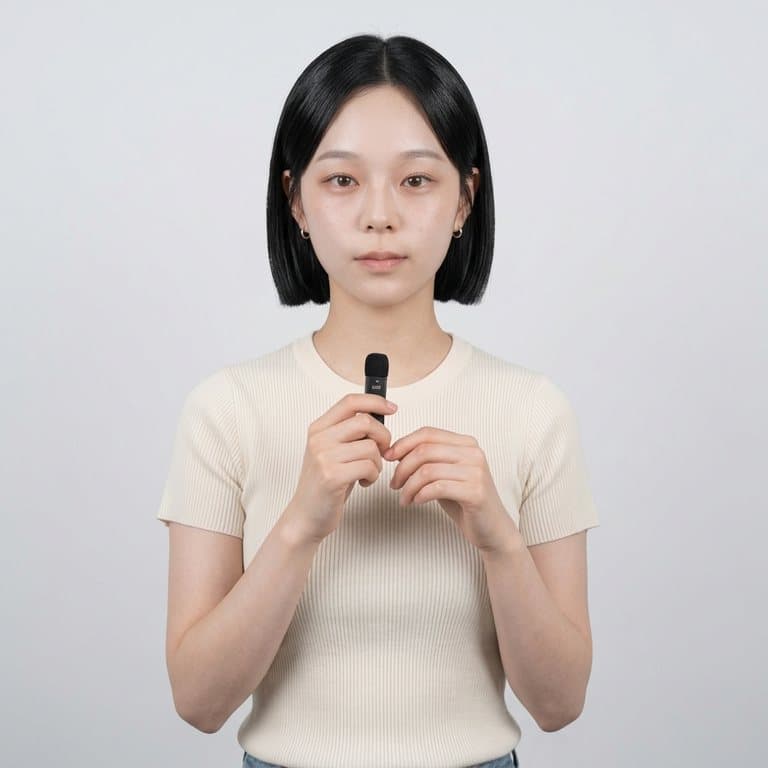
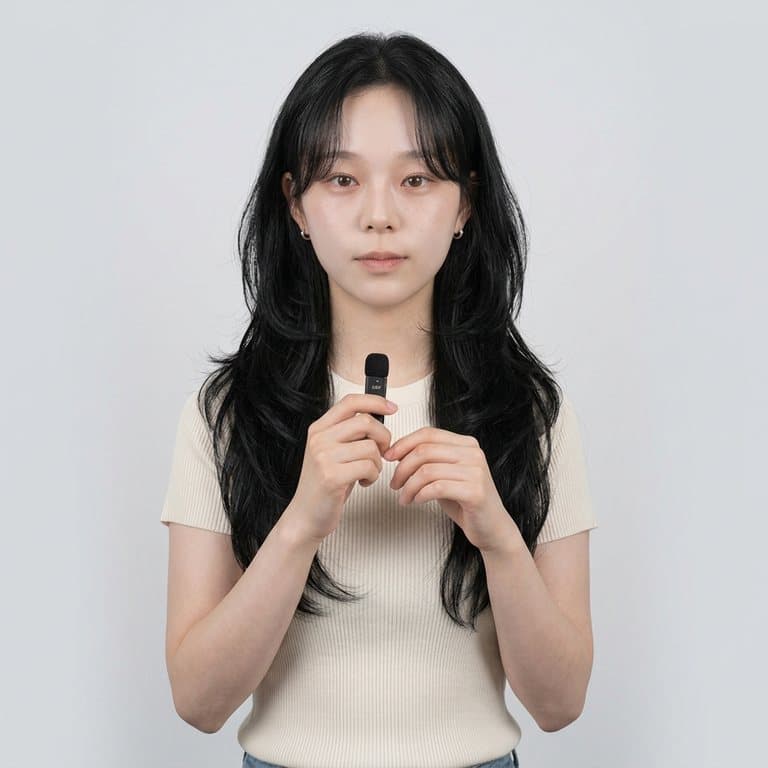
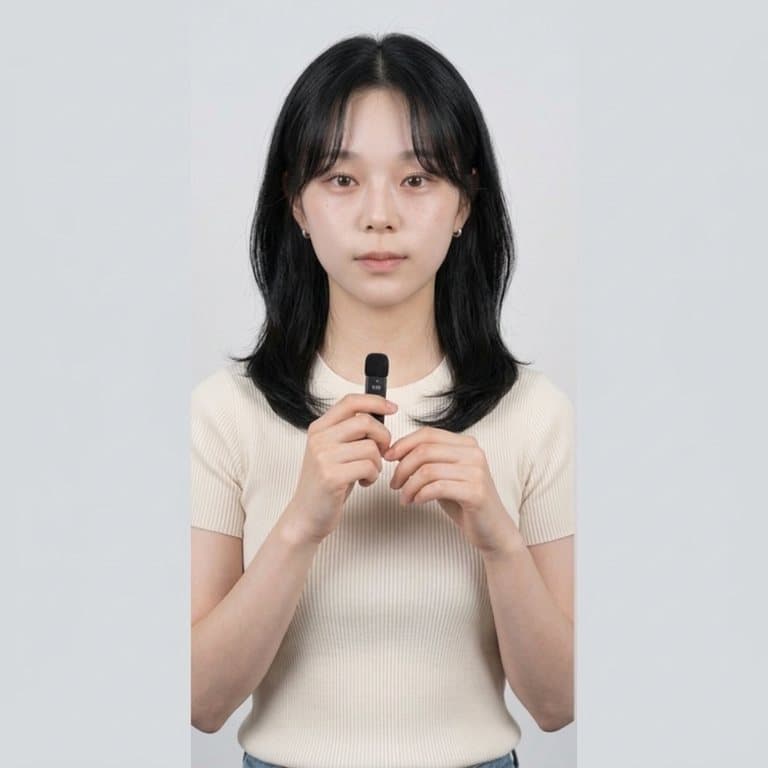
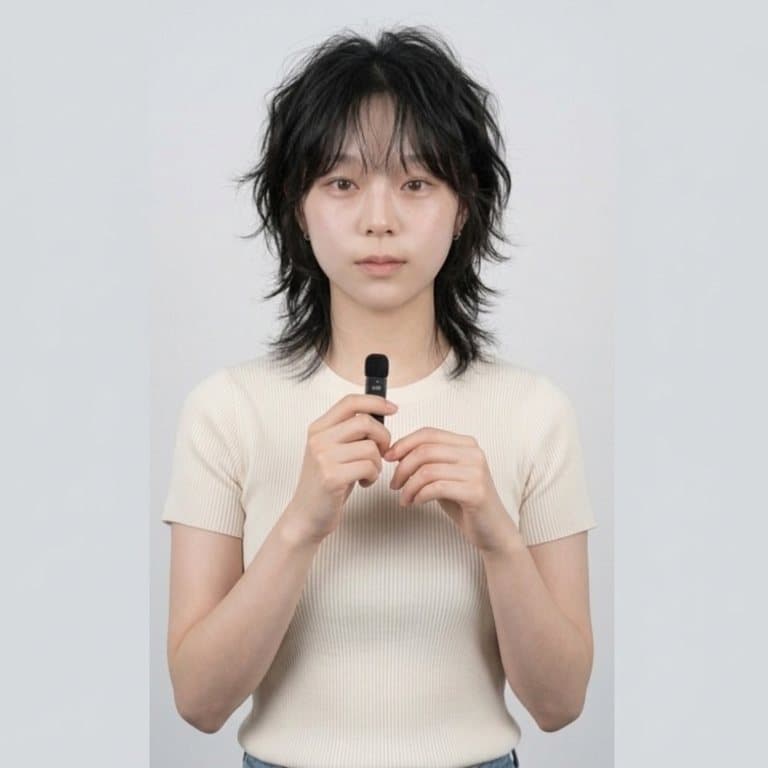
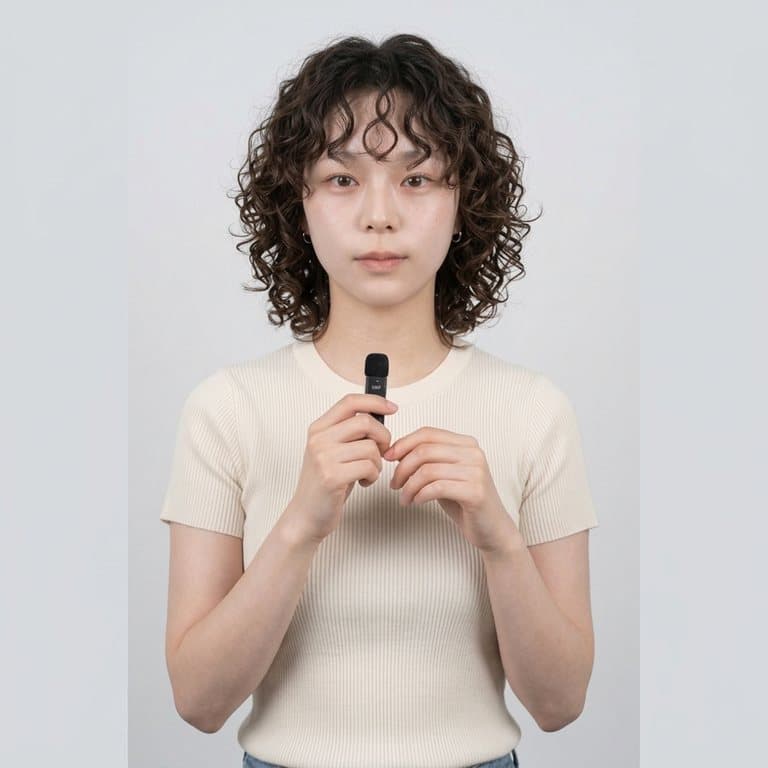
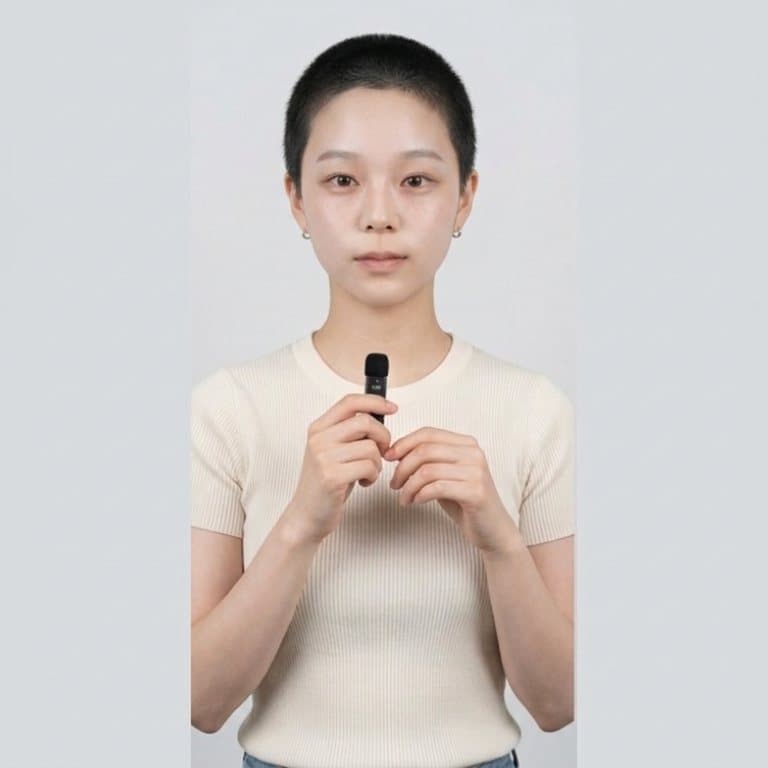
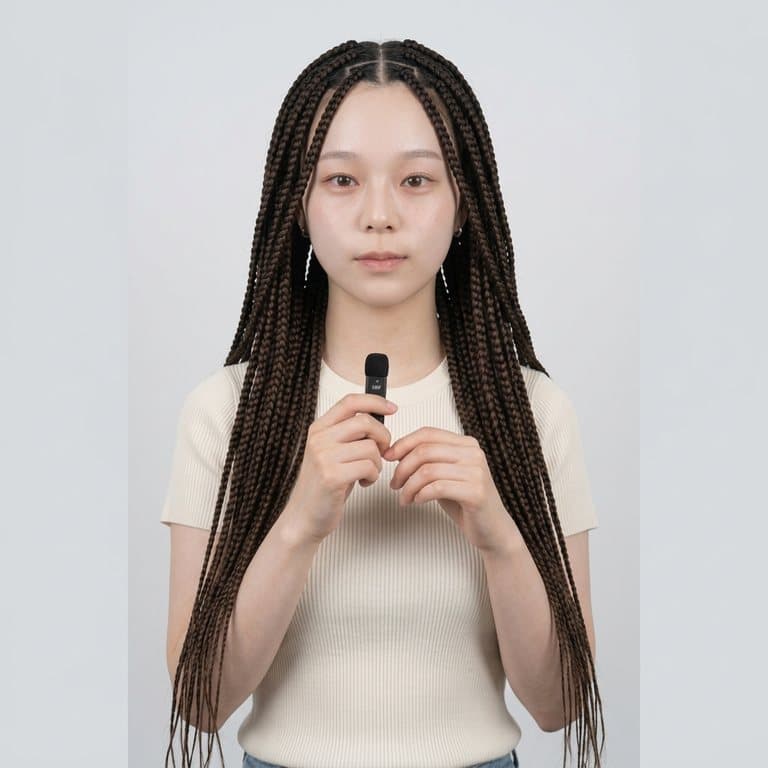
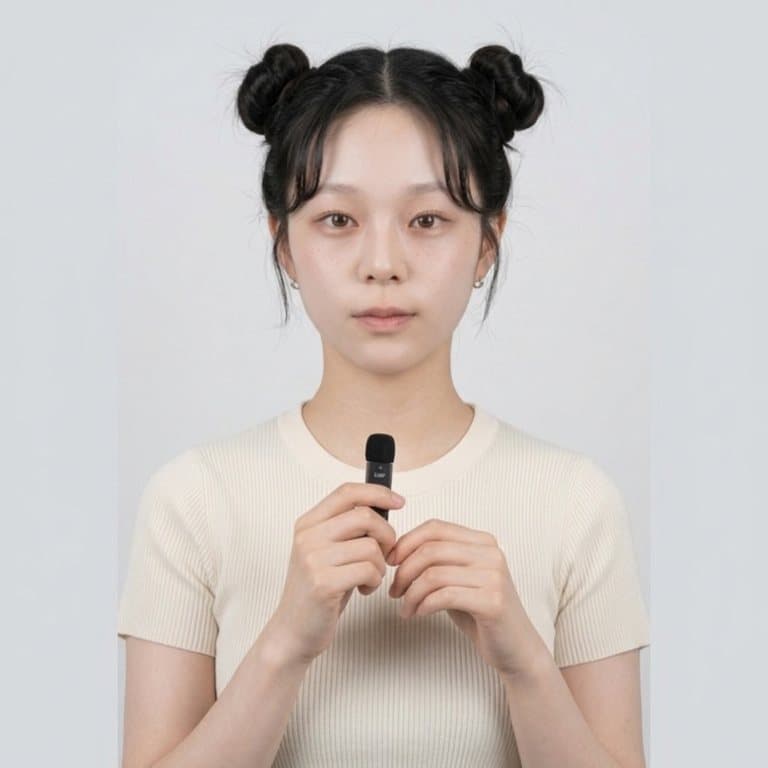
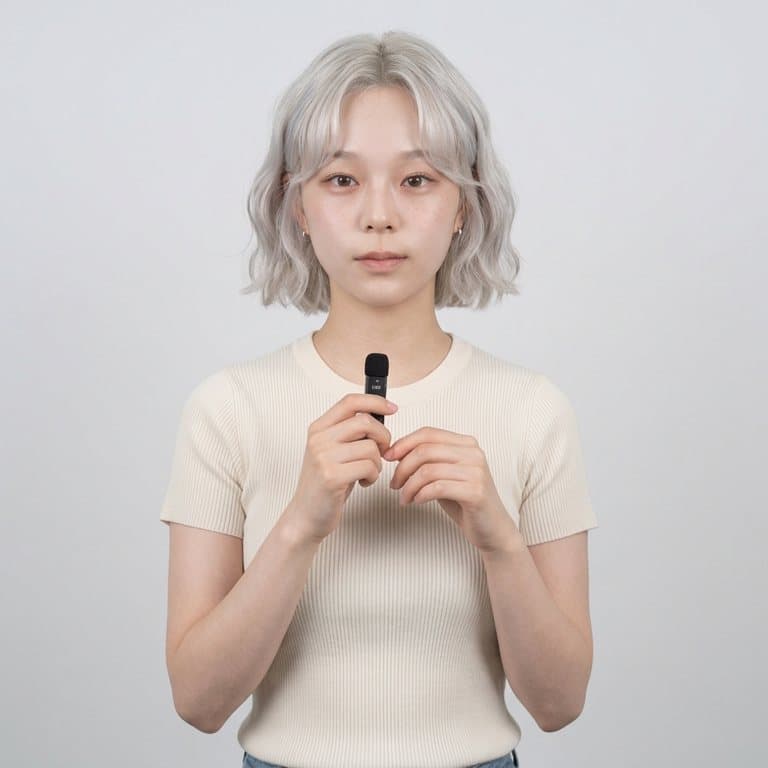
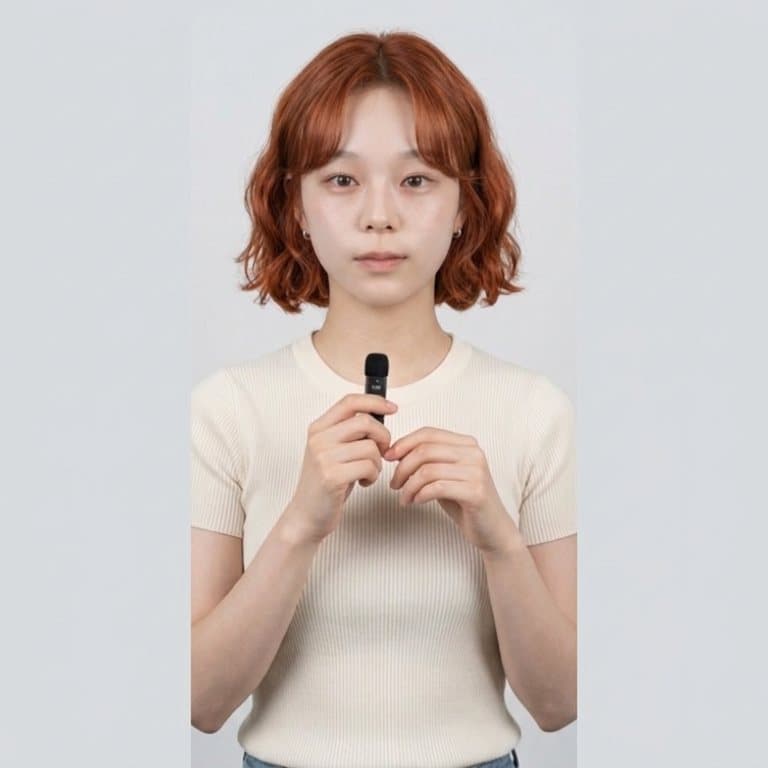
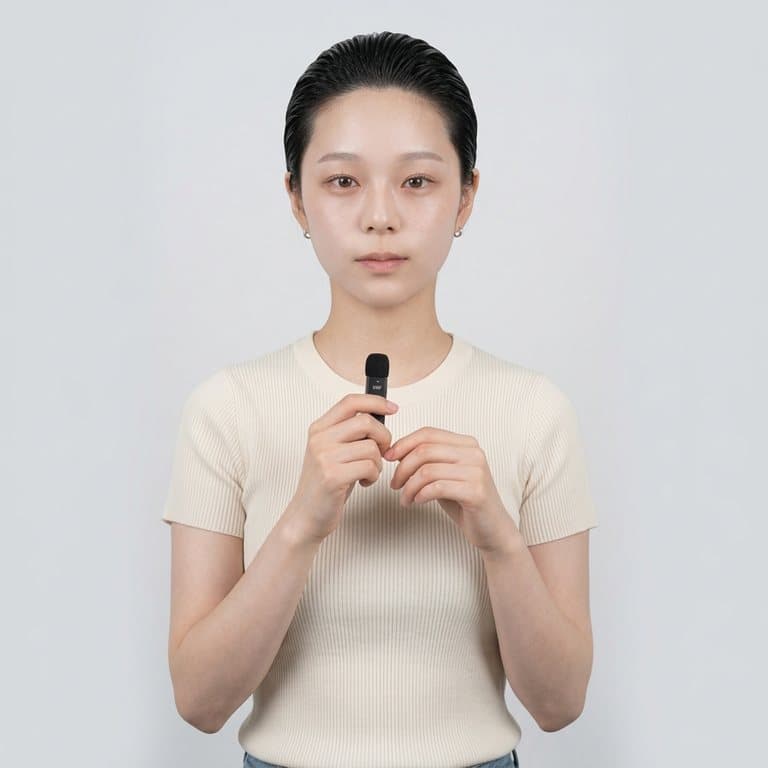
What is an AI hairstyle changer?
An AI hairstyle changer edits your photo so you can see a different haircut or hair color on your own face. Live AR hair filters lay a flat wig over your head; an AI editor redraws the hair itself, so it follows your hairline, falls naturally around your face and picks up the same light as the rest of the photo. Pop-Cam's version uses Google's Nano Banana 2 image model and is instructed to leave your face, clothing and background untouched.
How to choose a hairstyle for your face shape
Rules of thumb are a starting point, and trying the cut on your own photo is the real test. Common guidance stylists give:
- Round faces: long layers and side-swept curtain bangs add length; very blunt chin-length bobs add width.
- Long faces: bobs, bangs and volume at the sides balance length.
- Square faces: soft layers, waves and wolf cuts soften a strong jaw.
- Oval faces: most cuts work, which makes pixie cuts and buzz cuts worth trying.
Run three or four options on the same selfie and compare them side by side.
Try a hair color before you dye
The Platinum Blonde and Copper Red presets keep your current haircut and change only the shade, which is the cheapest way to find out whether a big color change suits your skin tone. For any other color, type it in the box: “ash brown balayage”, “pastel pink”, “jet black”.
Tips for the most realistic result
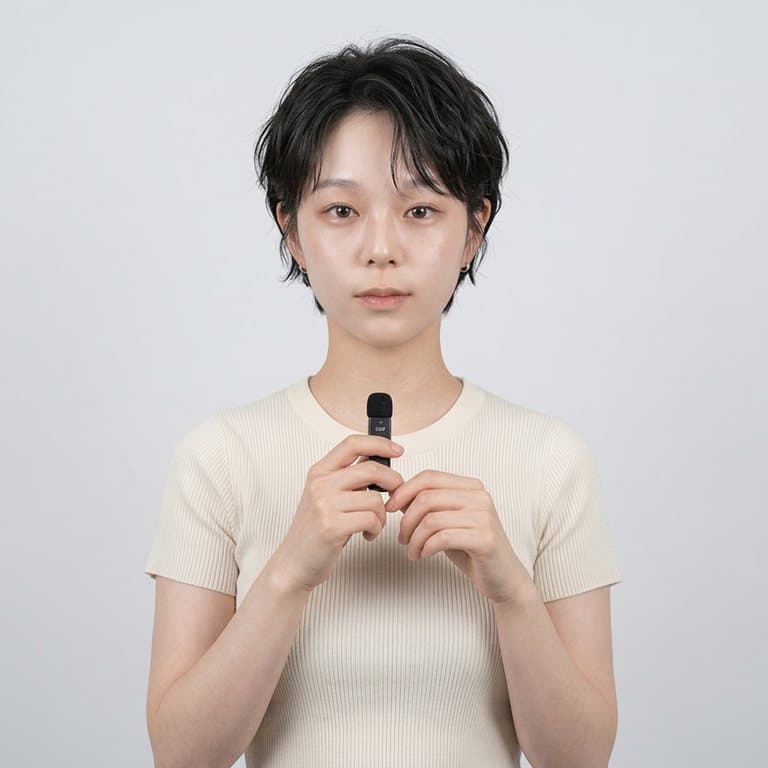
- Face the camera, with your forehead and hairline visible.
- Even, soft light — harsh shadows across the face make new hair look pasted on.
- Hats, hoods and big headphones get in the way; take them off.
- Going shorter works best from a photo where your current hair is tied back.
Free to try
Your first generation is free, no sign-up needed, and a free Pop-Cam account comes with 2 free 💎 (1 per image), no credit card. Need more? 💎 packs start at $6 for 24 generations. Want to try clothes too? Use the AI outfit changer on the same photo.