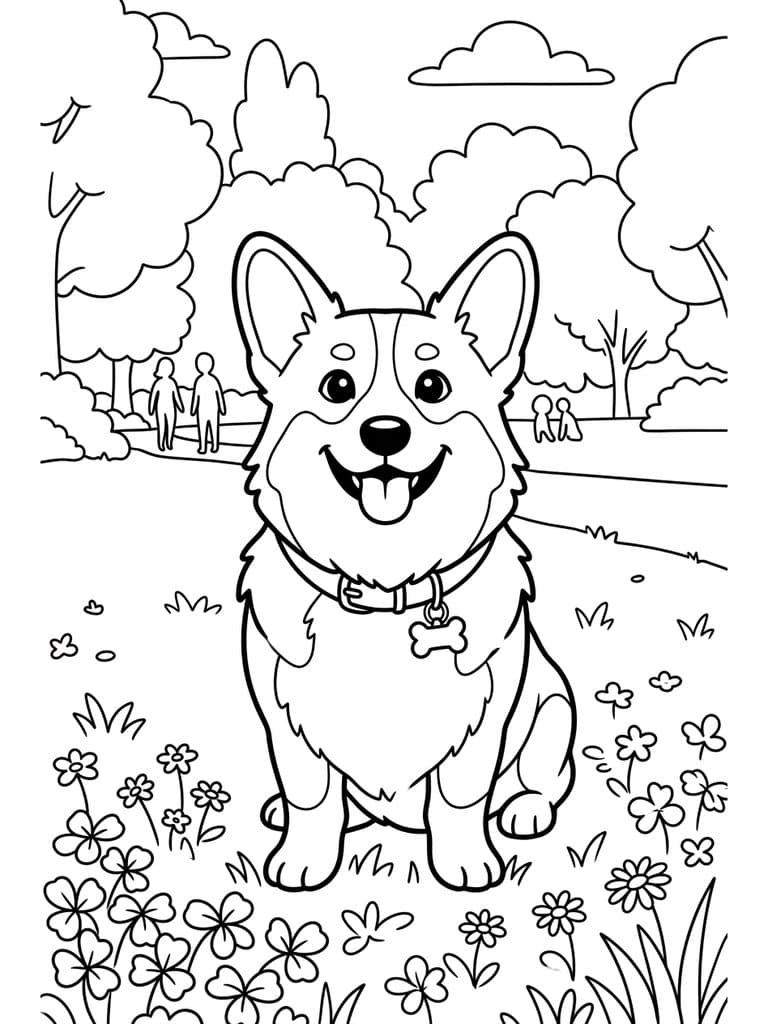
How to turn a photo into a coloring page
The old way is to print a photo and trace it, or fiddle with “sketch” filters that leave gray smudges everywhere. This AI coloring page generator redraws the photo as true line art: closed black outlines, no shading, no fills. It keeps the subject's pose and the features that make them recognizable, and simplifies everything else to the level of detail you pick.
Which style for which age
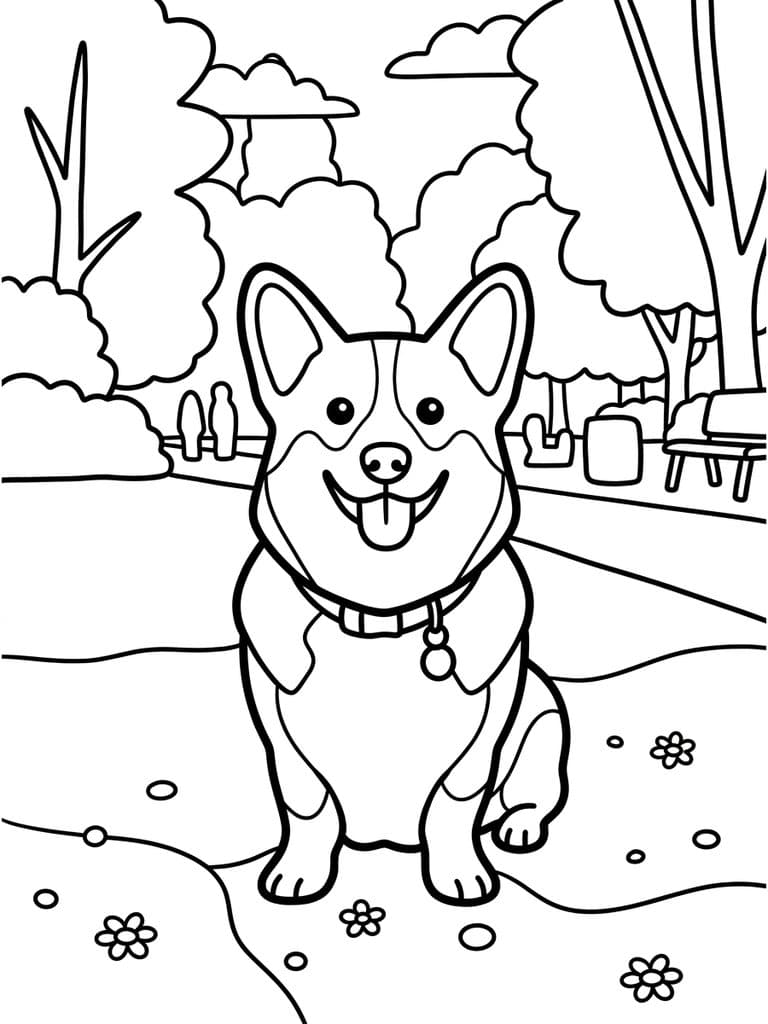
- Kids Simple — ages 2–5: thick lines, big areas, few small parts.
- Cartoon — ages 4–8: a cute redraw that feels like an activity book.
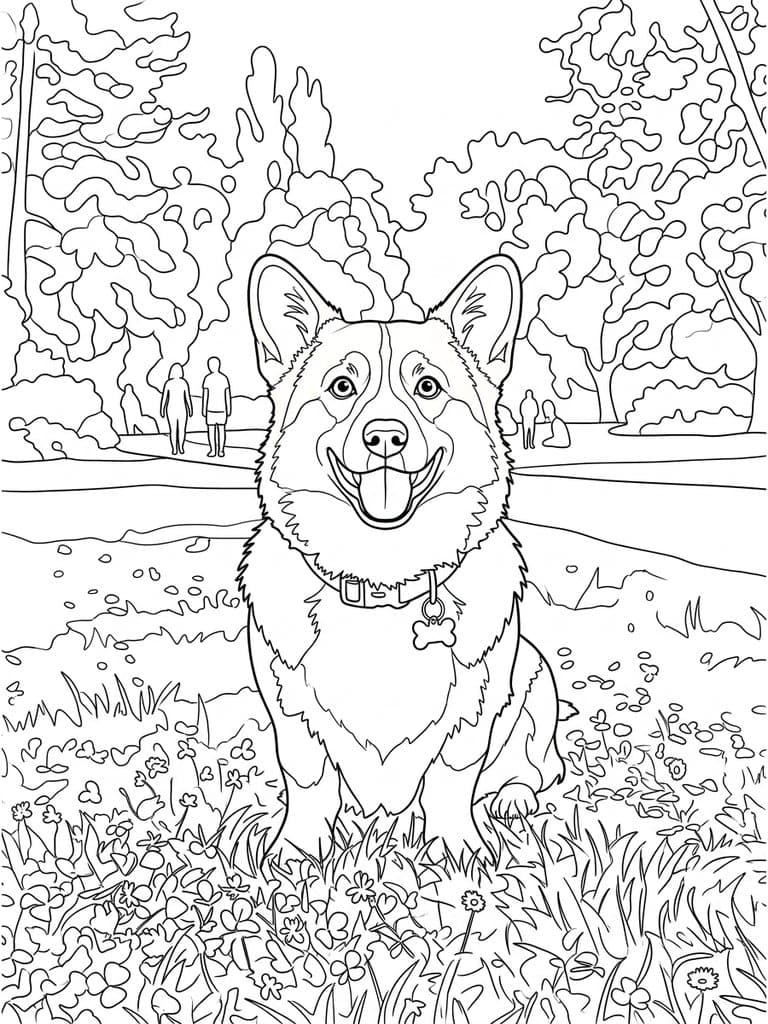
- Classic — ages 6 and up: the photo's real shapes with medium detail.
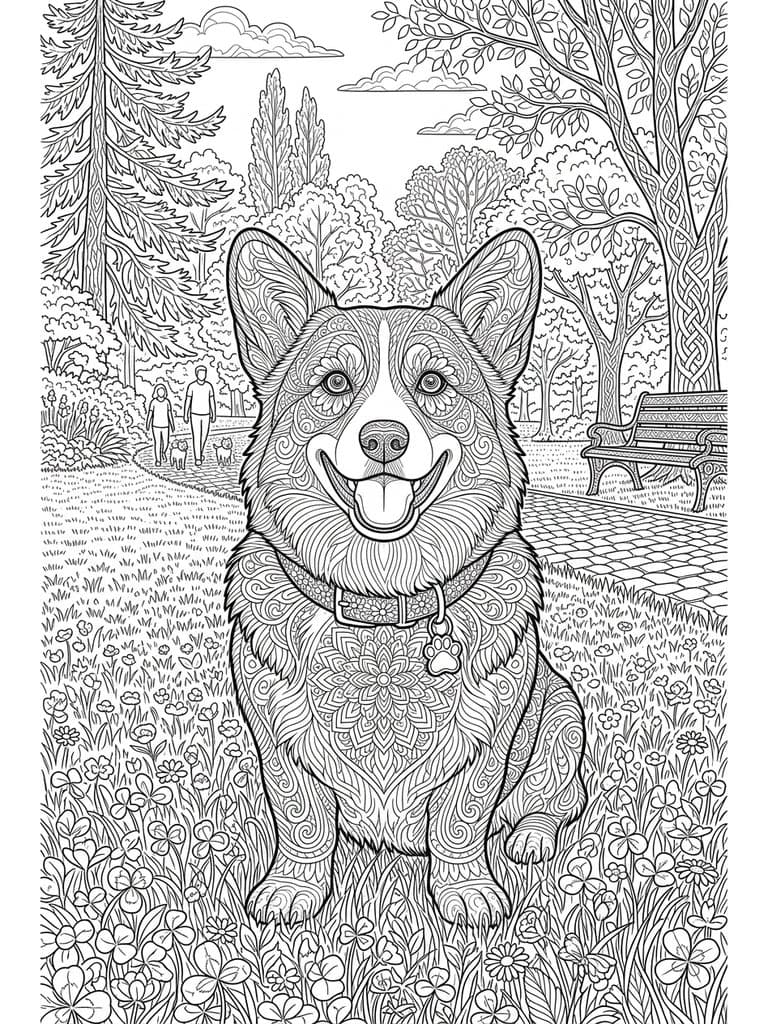
- Detailed — teens and adults: fine lines and texture for a long, relaxing color session.
Ideas for custom coloring pages
- A birthday party activity: one page of the birthday kid per guest.
- A coloring book of the family pet, or a memorial page for one that has passed.
- Classroom pages of a field trip, the school building, or the class pet.
- Holiday pages from last year's photos: the house in snow, the family on the beach.
Free to try
Your first generation is free, no sign-up needed, and a free Pop-Cam account comes with 2 free 💎 (1 per image), no credit card. Need more? 💎 packs start at $6 for 24 generations. Like turning photos into characters? Try the chibi maker or the sticker generator.