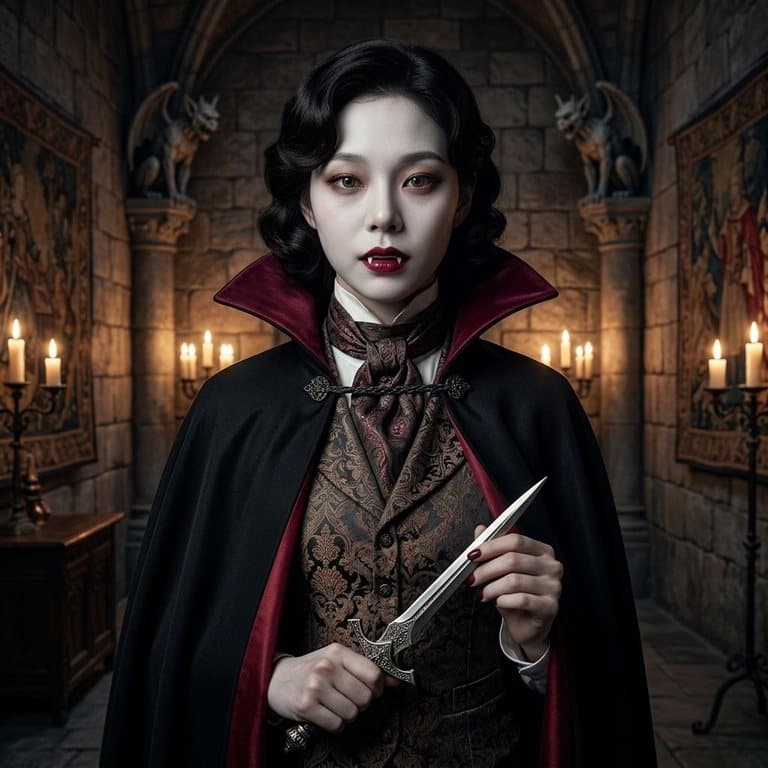
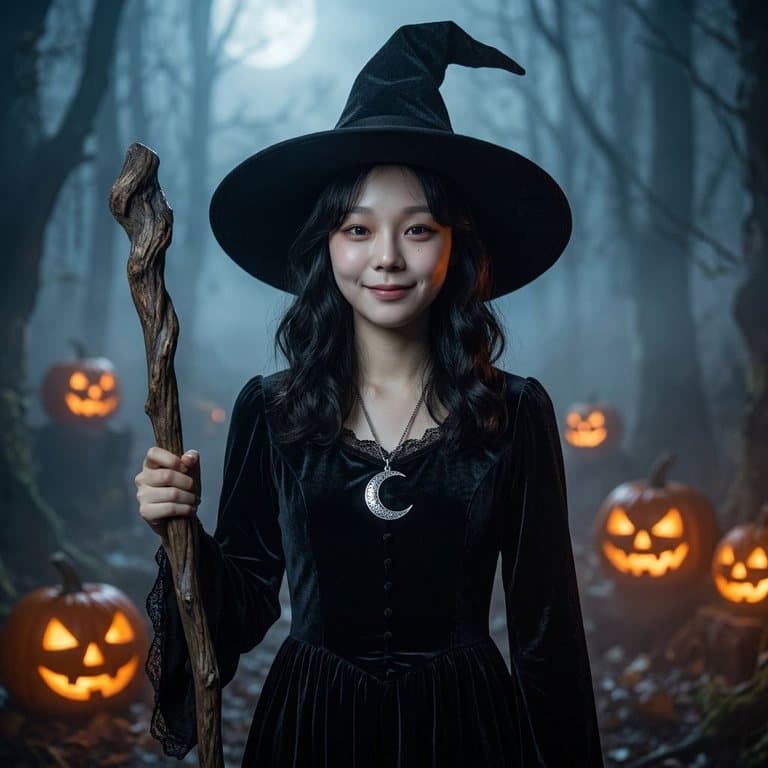
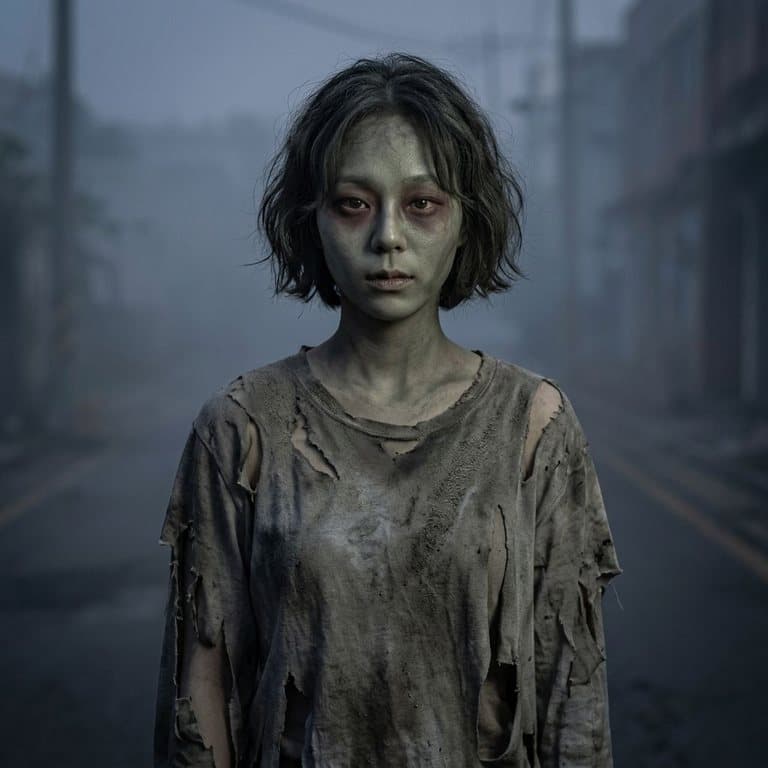
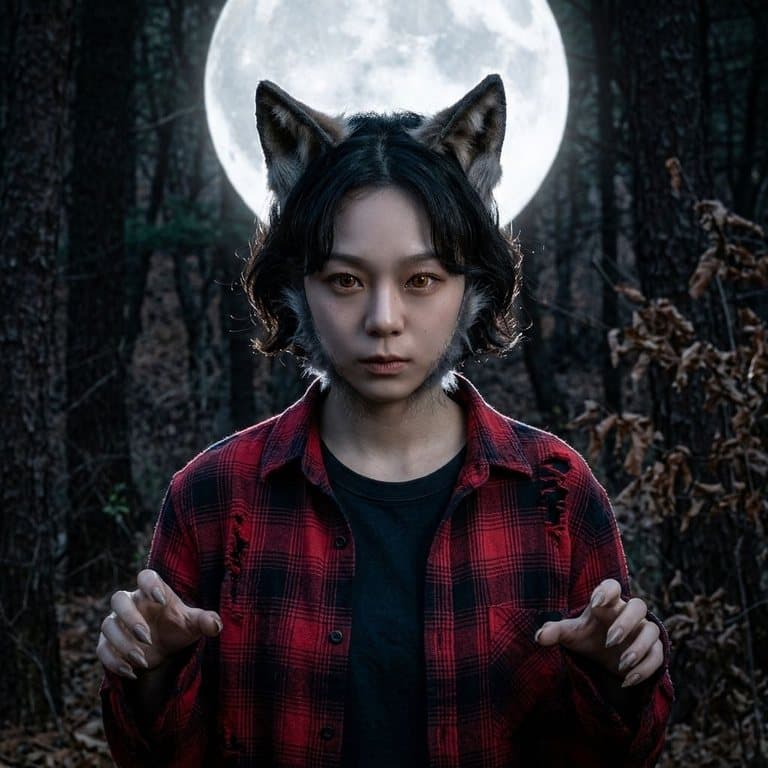
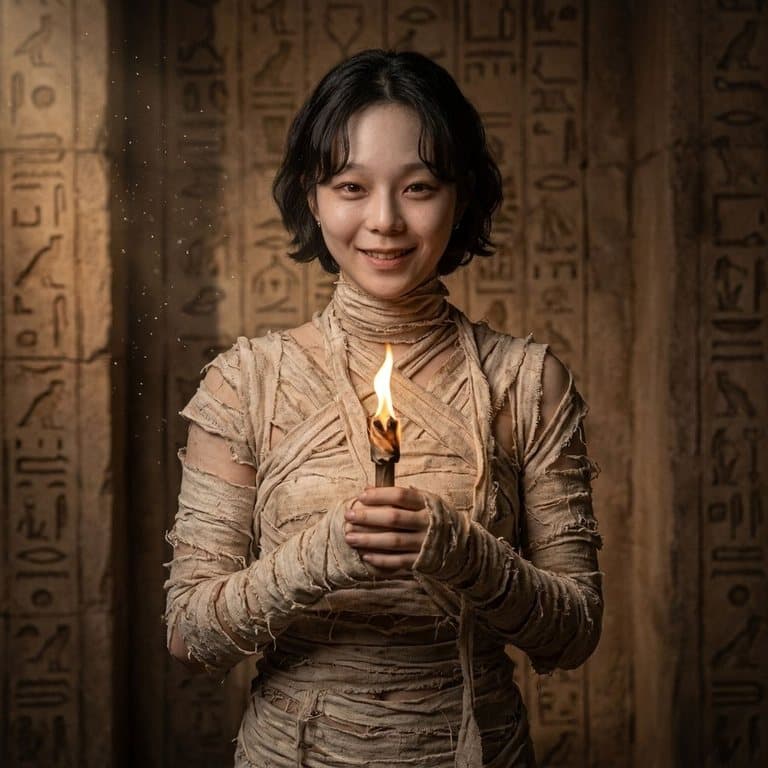
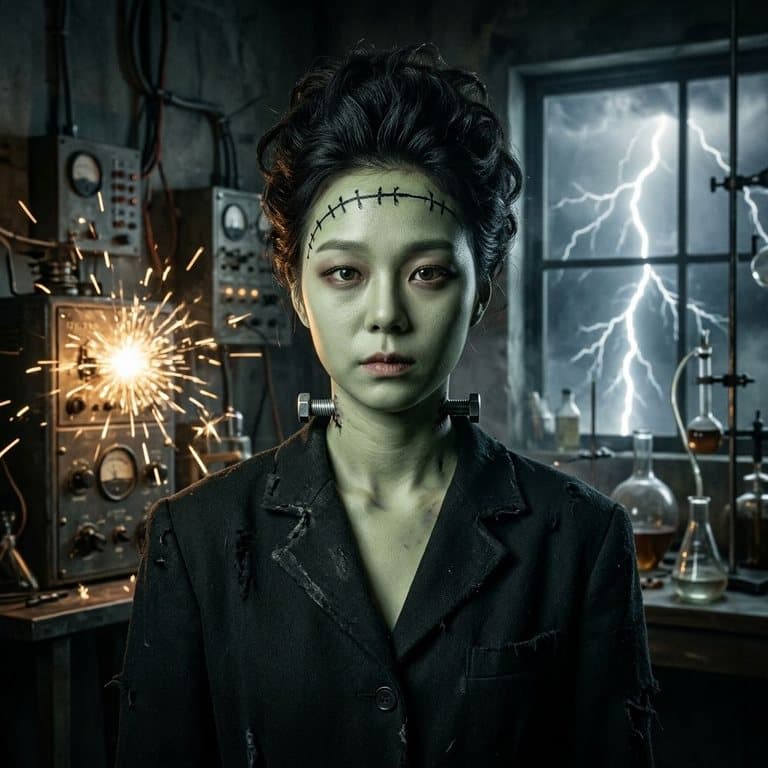
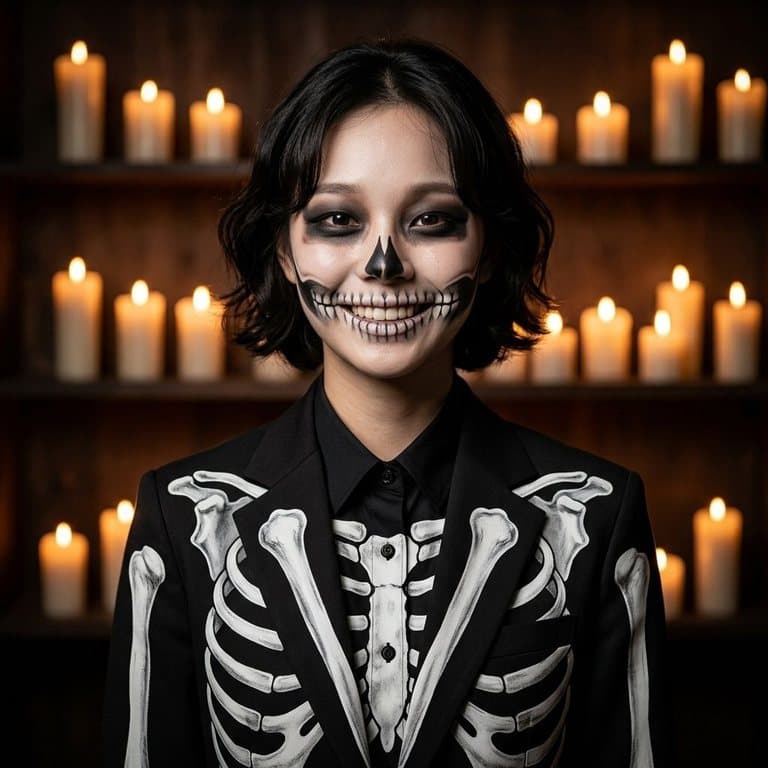
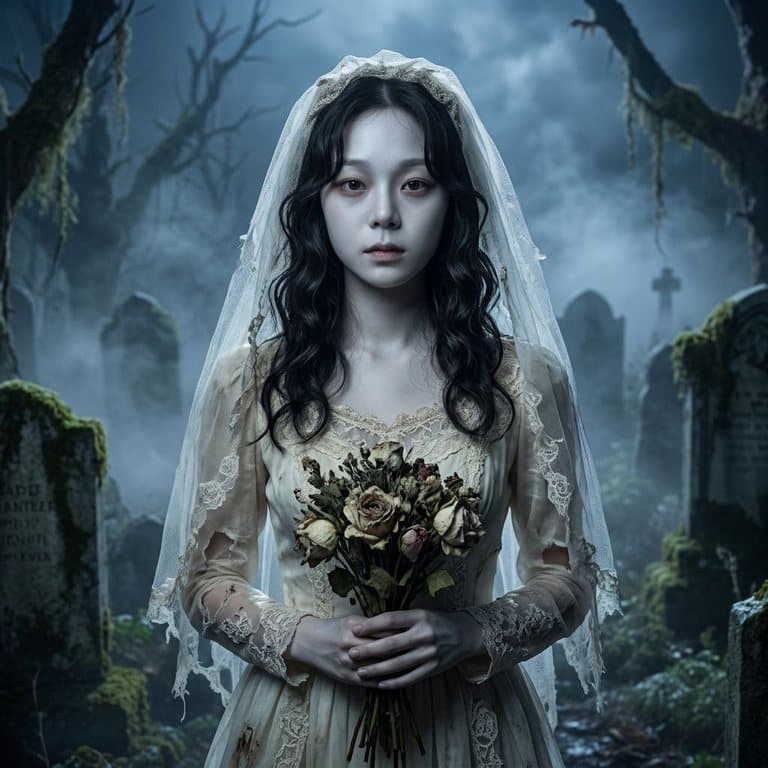
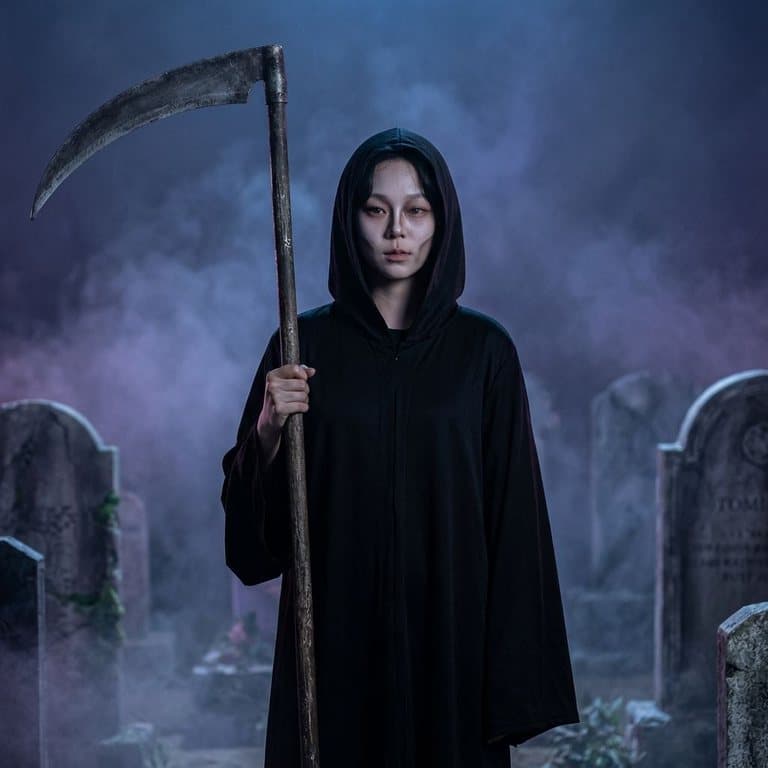
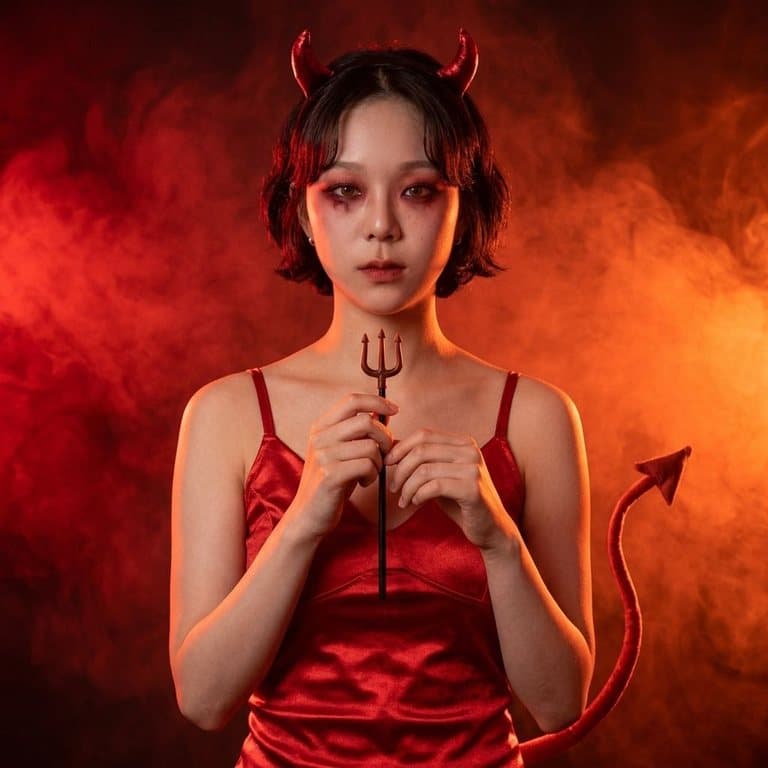
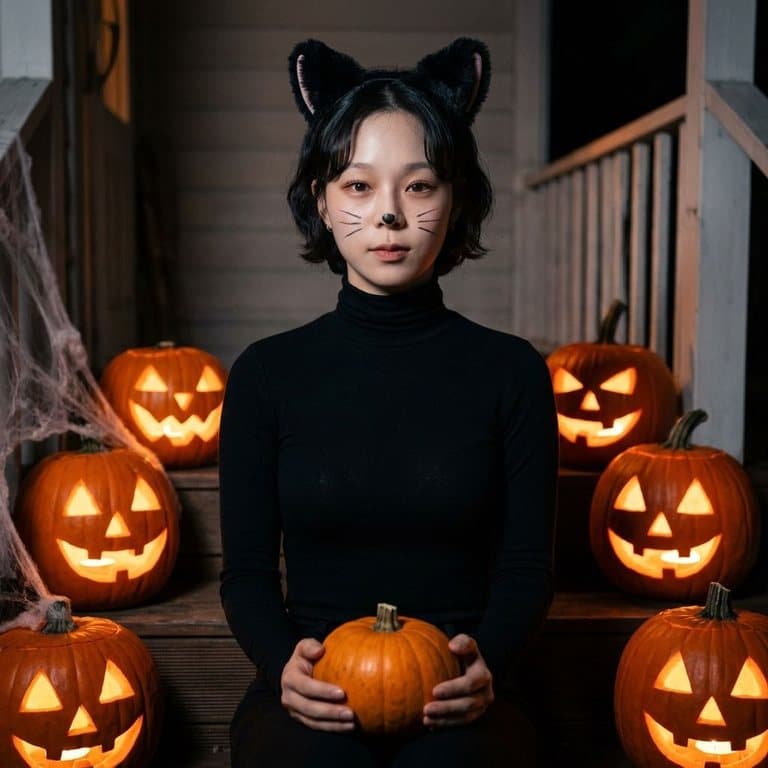
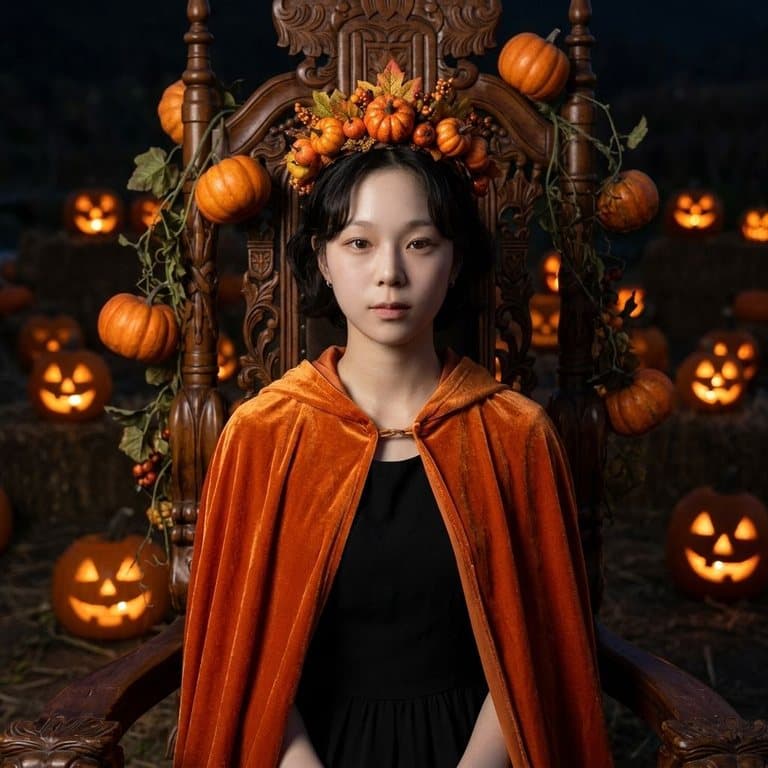
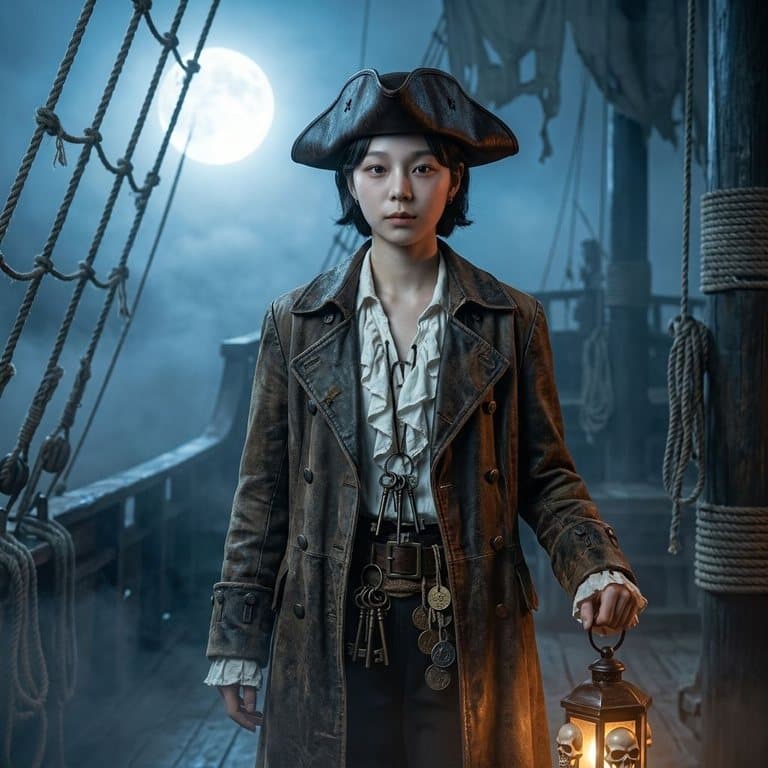
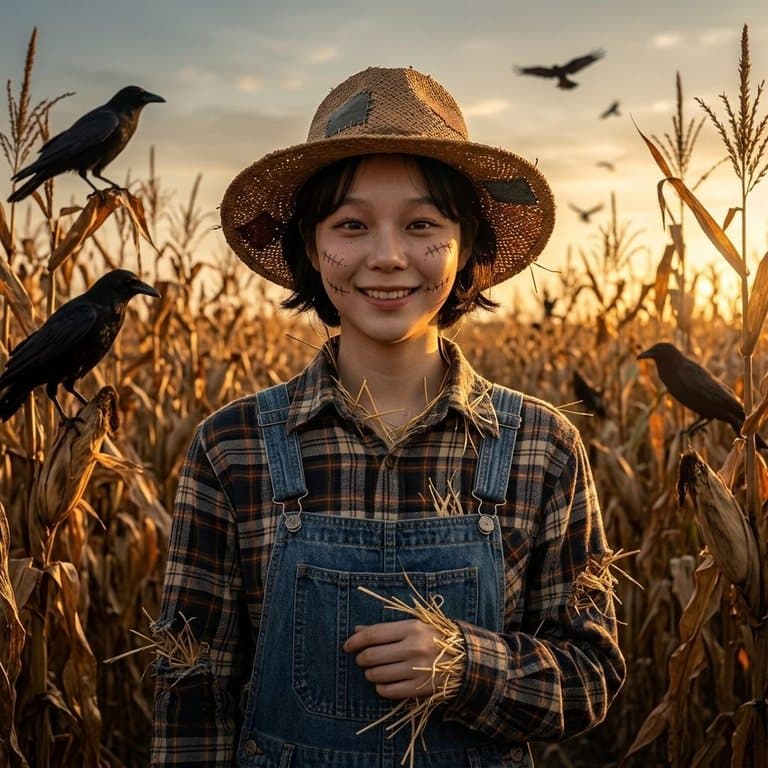
How the AI Halloween costume generator works
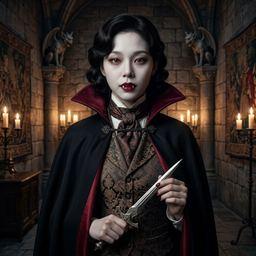
You give the AI one photo of yourself; it gives you back a new photo of you in costume, with hair, makeup, outfit, setting and lighting to match. Pop-Cam uses Google's Nano Banana 2 image model, which can change everything around a person while holding on to who they are. The prompt is strict about that: face paint can go on, a mask can't, and you have to stay recognizable.
Use it to pick this year's costume
Can't decide between a witch and a vampire? Make both and see which one suits you before you spend money on a costume or an afternoon on makeup. The results also make a good reference for a makeup artist, or for recreating the look yourself.
Tips for the best result
- Use a photo where your face is clear, facing the camera and not too small in the frame.
- Daylight or a bright room gives the AI the most detail to keep your face accurate.
- One person per photo: the generator makes a single-person costume portrait.
- For your own idea, describe the costume and the setting: “a 1920s ghost flapper in a dusty ballroom”.
More Halloween and costume ideas
Want to keep your own background and only swap the clothes? The AI outfit changer has a Costume & Fantasy group too. And when November comes, the AI Thanksgiving photos tool puts your whole family around the table.
Free to try
Your first generation is free, no sign-up needed, and a free Pop-Cam account comes with 2 free 💎 (1 per image), no credit card. Need more? 💎 packs start at $6 for 24 generations. See all free AI holiday photo tools.