What is an AI sticker generator?
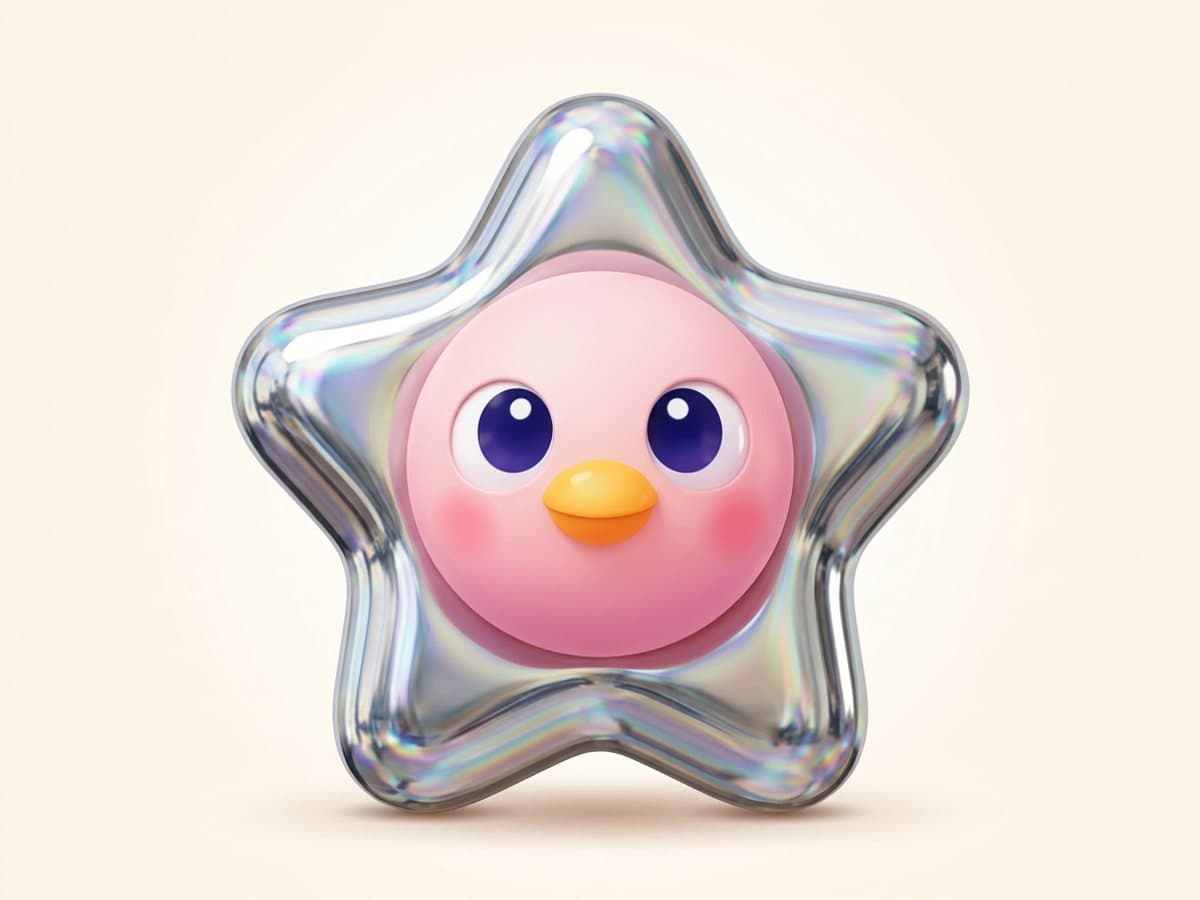
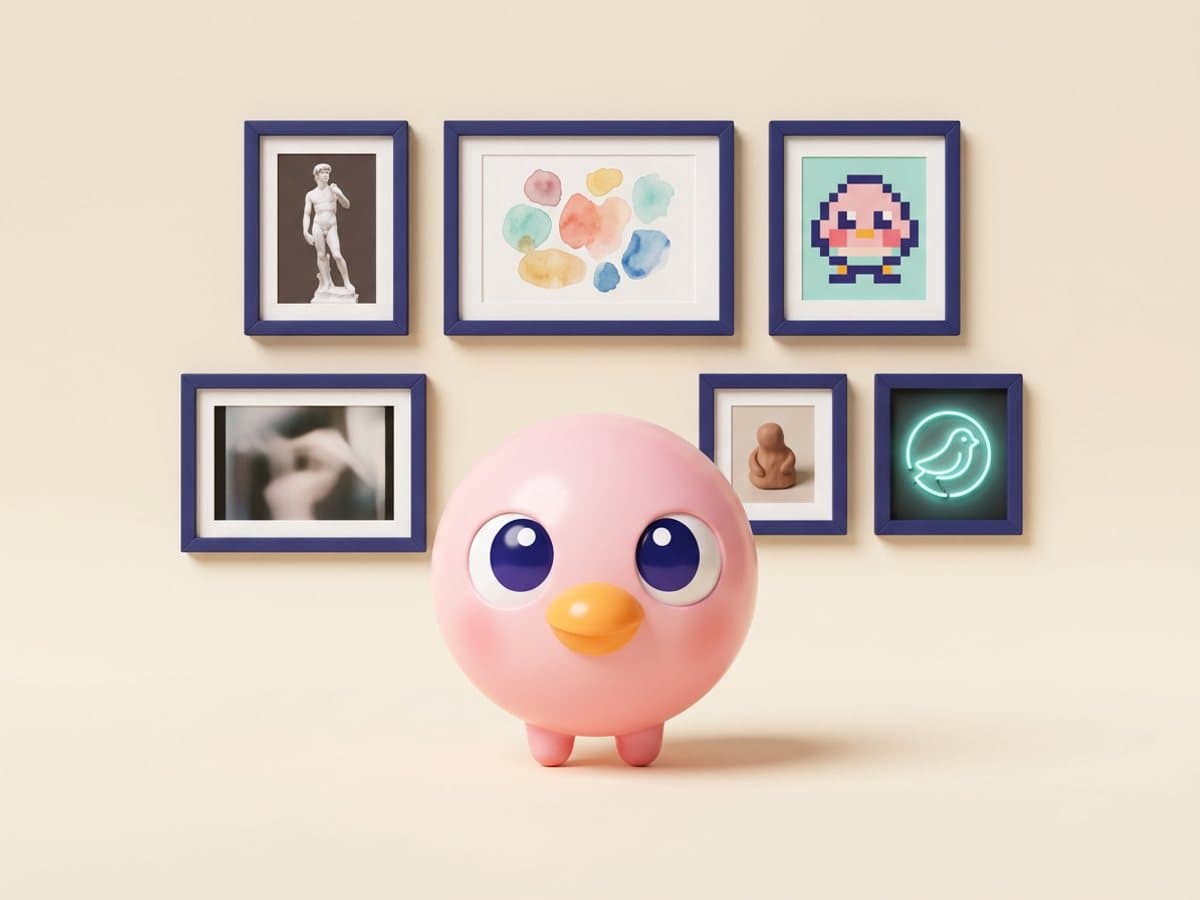
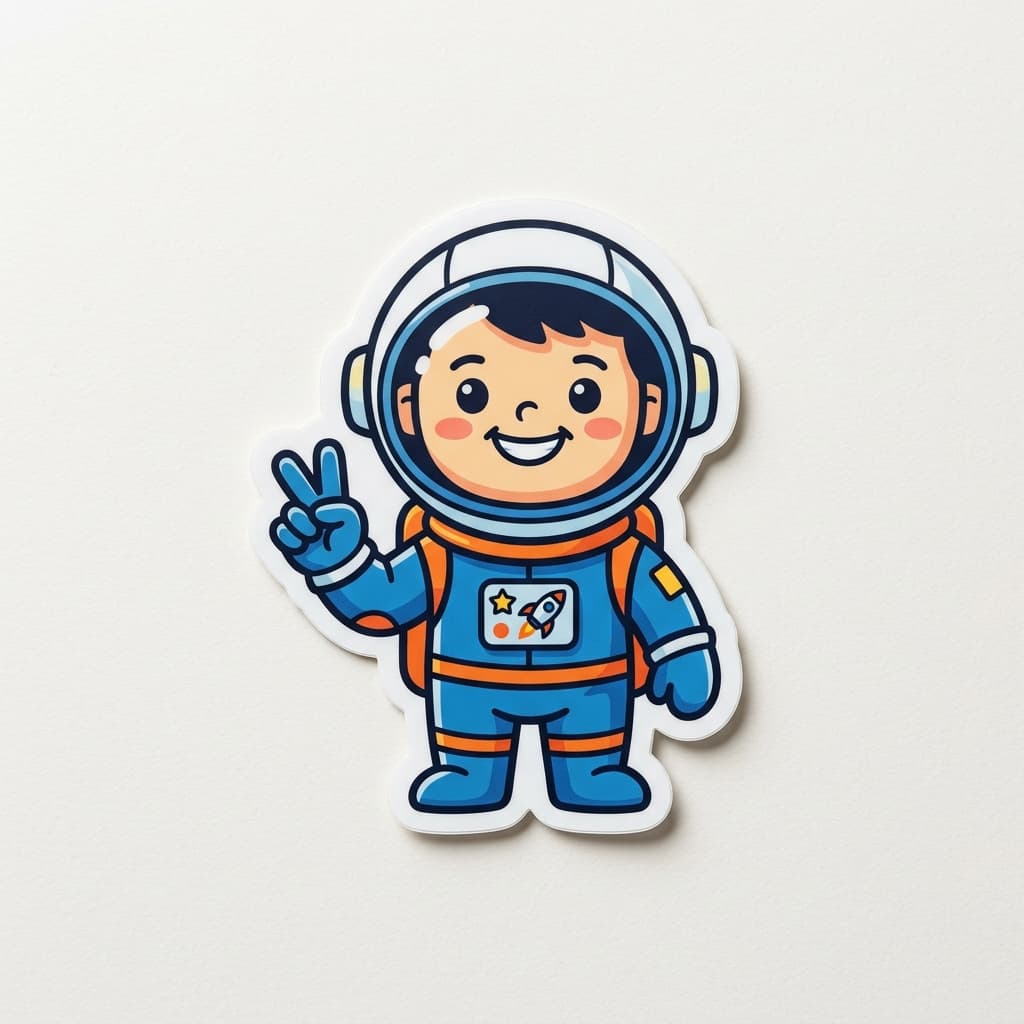
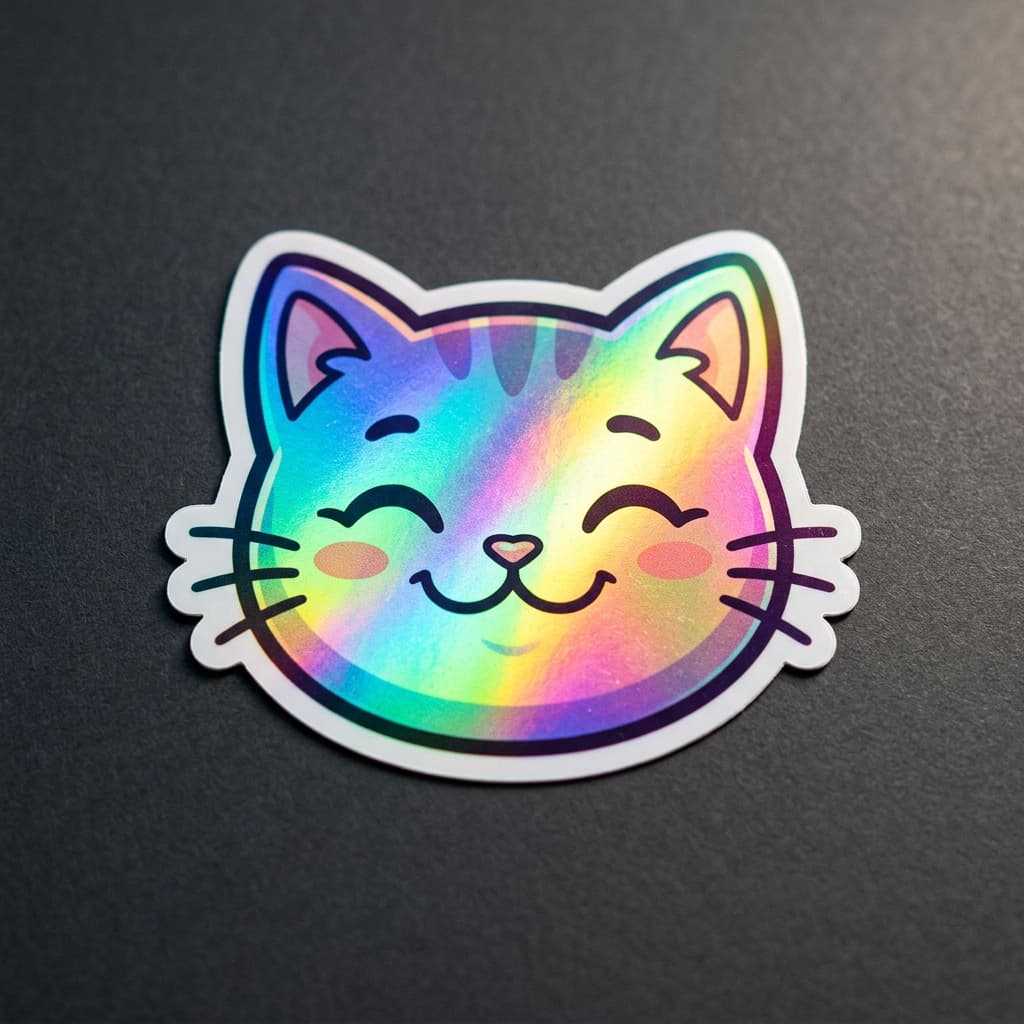
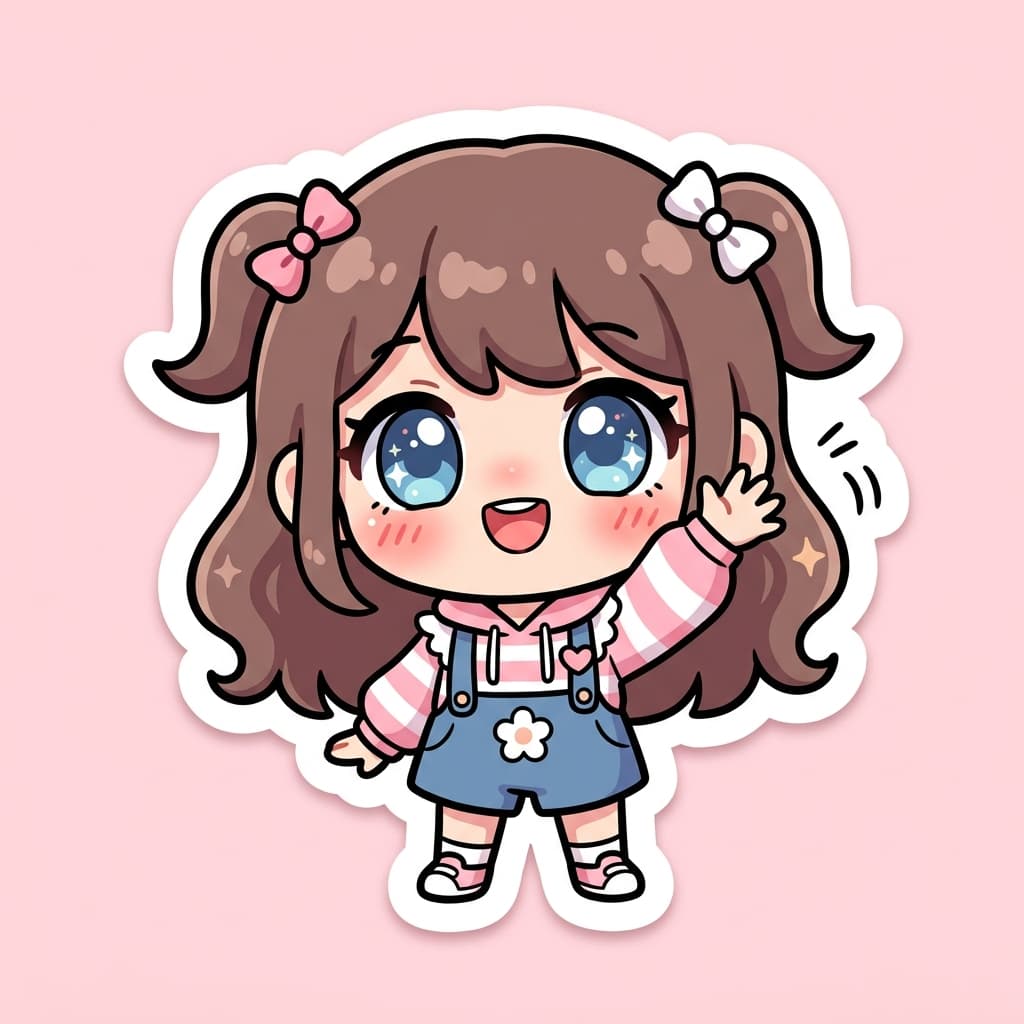
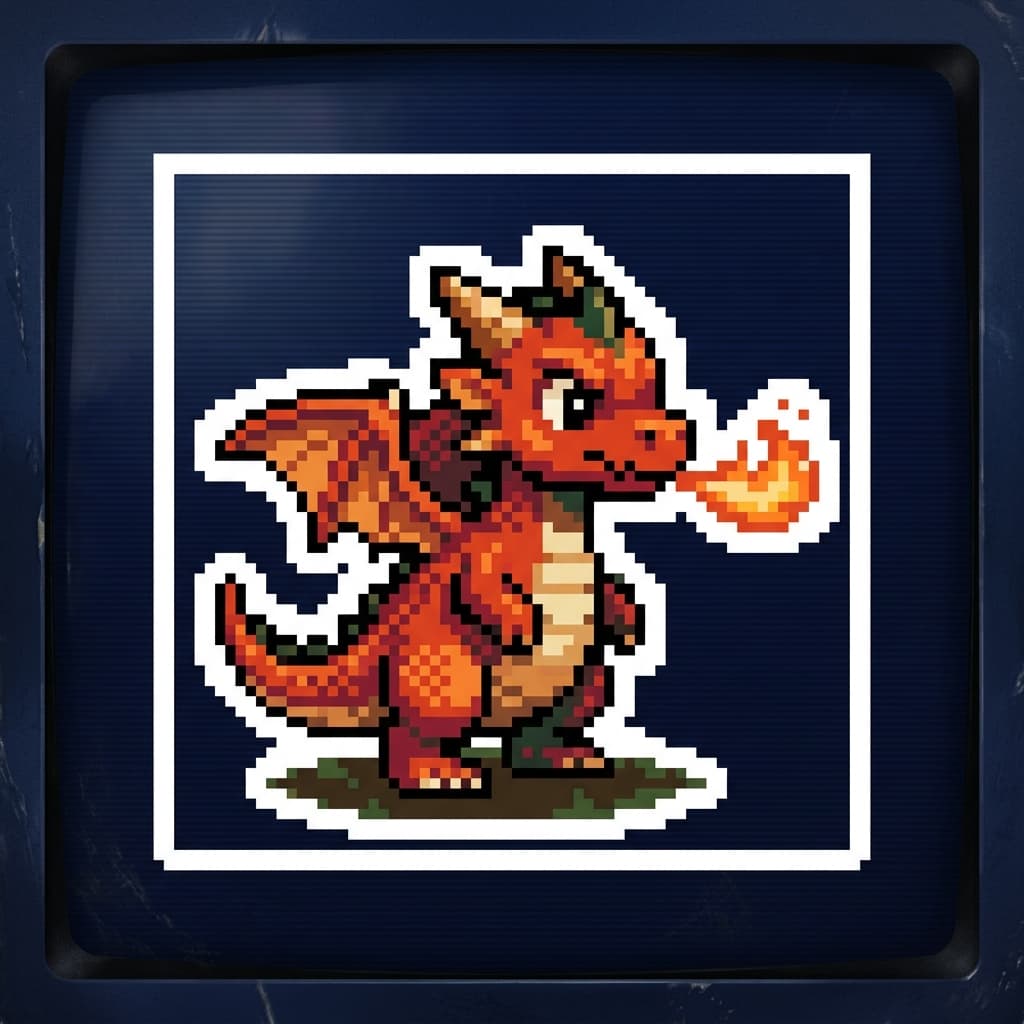
An AI sticker generator is a tool that takes a photo and renders it as a printable sticker design with a die-cut border, stylized artwork, and the staging cues real sticker manufacturers expect. Pop-Cam's free version supports eight sticker aesthetics: die-cut vinyl, holographic foil, chibi cartoon, anime, 16-bit pixel art, 90s vintage retro, bubble glossy 3D dome, and neon glow outline. Every output is engineered to look like a real die-cut sticker shot — not a transparent-background cutout — so you can drop the PNG straight into a StickerMule, Sticker Giant, or Redbubble order.
Why turn a photo into a sticker?
Custom sticker design used to mean Procreate skill or a commissioned illustrator. AI sticker generators collapse that into 20 seconds and zero dollars. The use cases people actually reach for:
- Etsy and small-shop sticker packs you can prototype in an evening.
- Twitch and Kick sub-badges, channel emotes, and merch sticker sheets.
- Personal Telegram and WhatsApp sticker packs from friend selfies.
- Birthday and wedding favors with chibi or holographic versions of the guest of honor.
- Pet stickers for shelter fundraisers, gifts, and bumper-sticker collections.
How AI sticker generation works
The Pop-Cam sticker generator uses a vision-language model that reads your photo, isolates the recognizable subject (face, pose, silhouette), and re-renders it inside the chosen sticker style. The prompt does the heavy lifting — it specifies the die-cut border width, the artwork treatment (cel-shading, halftone, holographic gradient, pixel sprite), and the staging (paper background, dark backdrop for neon, mint pastel for bubble dome). The result reads as a real sticker shot because the prompt is engineered around real sticker product photography.
How to get the best sticker
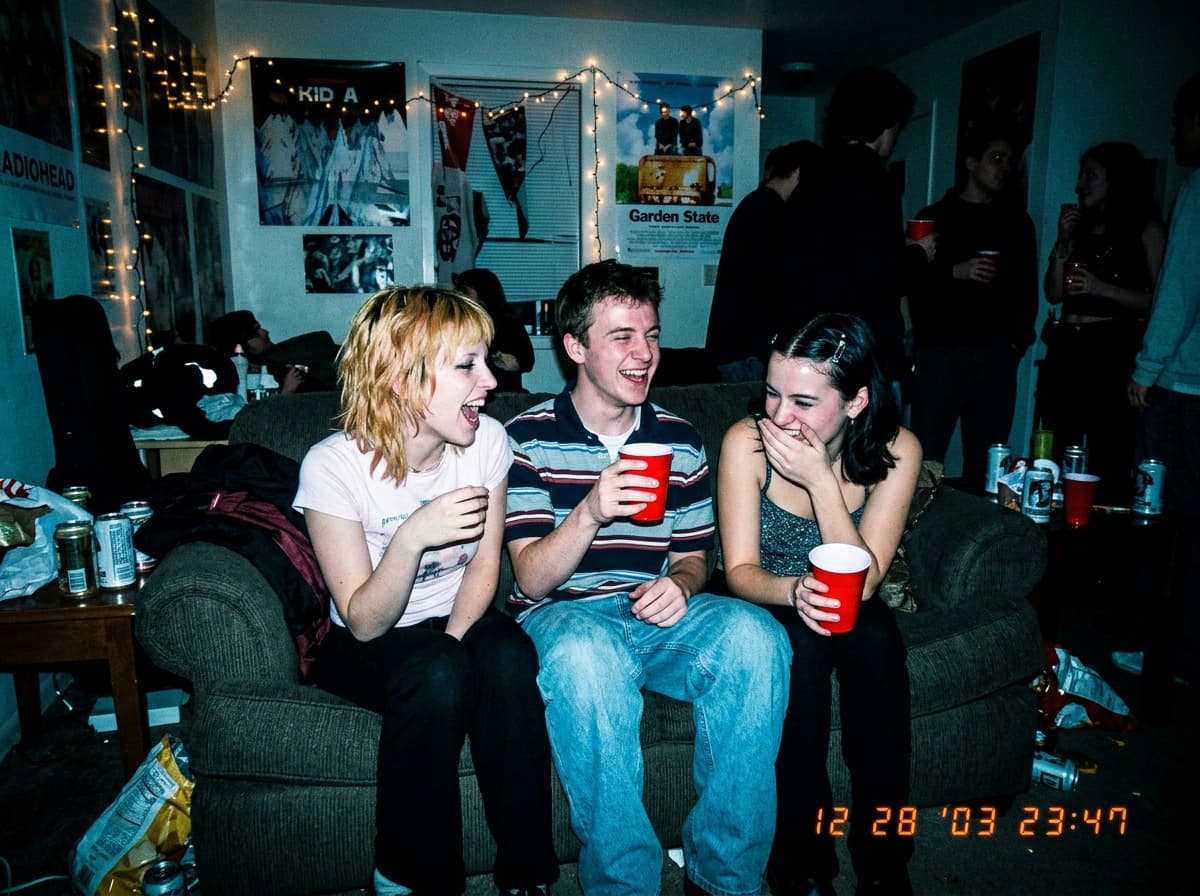
- Use a clear photo with a clean subject. Front-facing portraits, head-and-shoulders shots, and product flat-lays work best. Cluttered backgrounds can leak into the die-cut.
- Match the style to the subject. Pets and kids → chibi or bubble dome. Streamers and fan art → anime or holographic. Skater/Y2K subjects → vintage retro. Brand/tech → neon glow.
- Build a coherent pack. Pick one style and run 6–10 photos through it for a cohesive sticker sheet that prints together cleanly.
- Iterate cheaply. Run the same photo through 3–4 styles to find the strongest sticker read before placing your print order.
From sticker render to printed sheet
Once the AI returns your sticker design, take the PNG to any sticker print-on-demand service — StickerMule, Sticker Giant, Redbubble, Printful, Printify, Sticker You — and order kiss-cut sheets, individual die-cuts, or holographic upgrades. For unlimited iterations, brand colors, and commercial rights, Pop-Cam 💎 packs start at $6 for 24 generations. The Pop-Cam iOS app brings the same sticker styles to your iPhone for one-tap creation on the go.