What is an AI figurine generator?
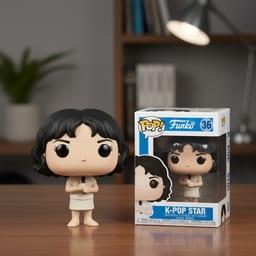
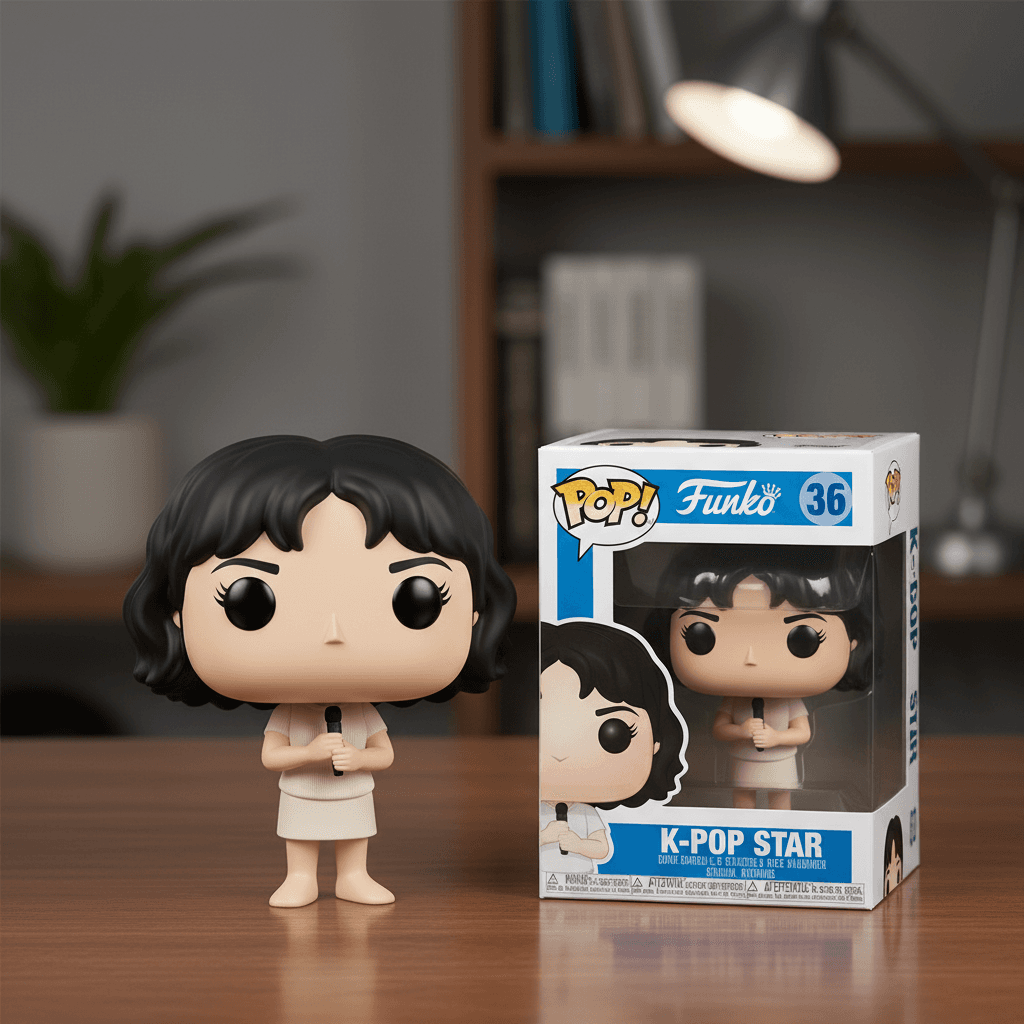
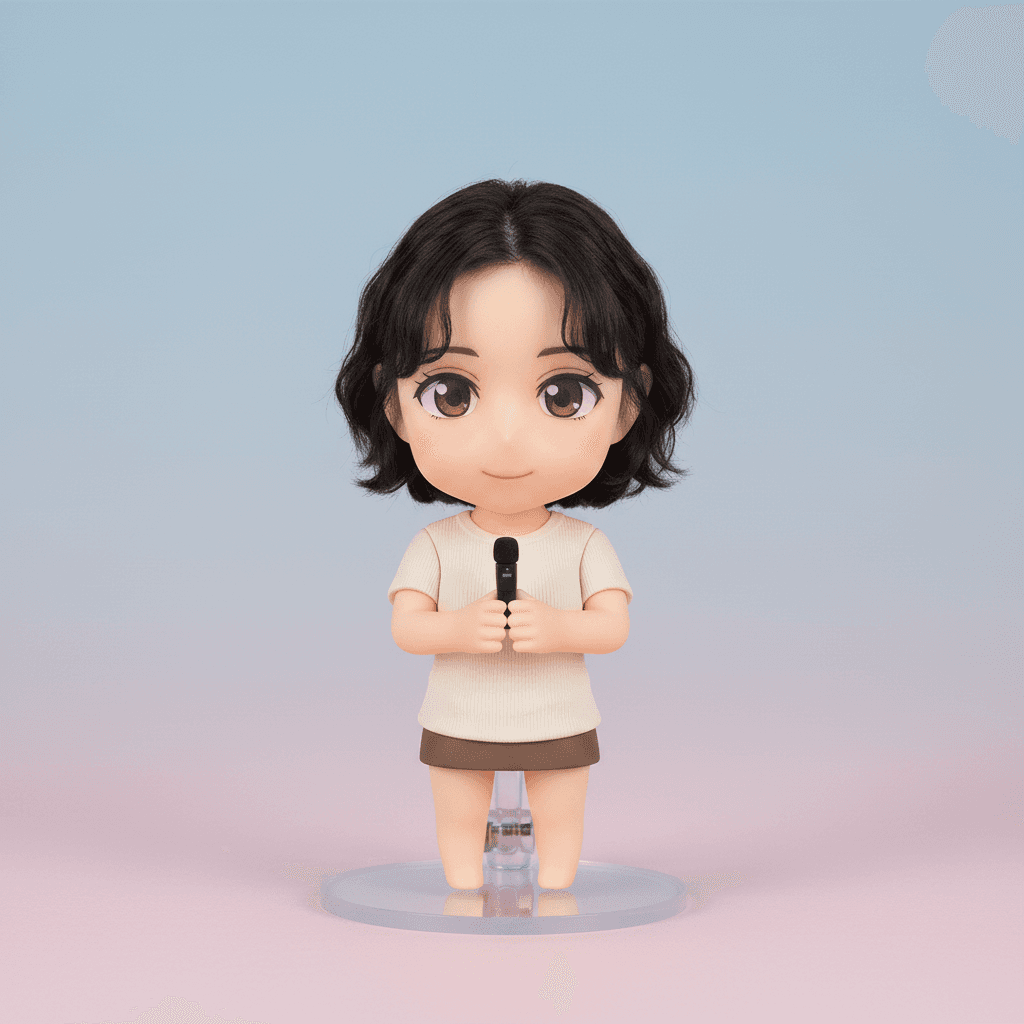
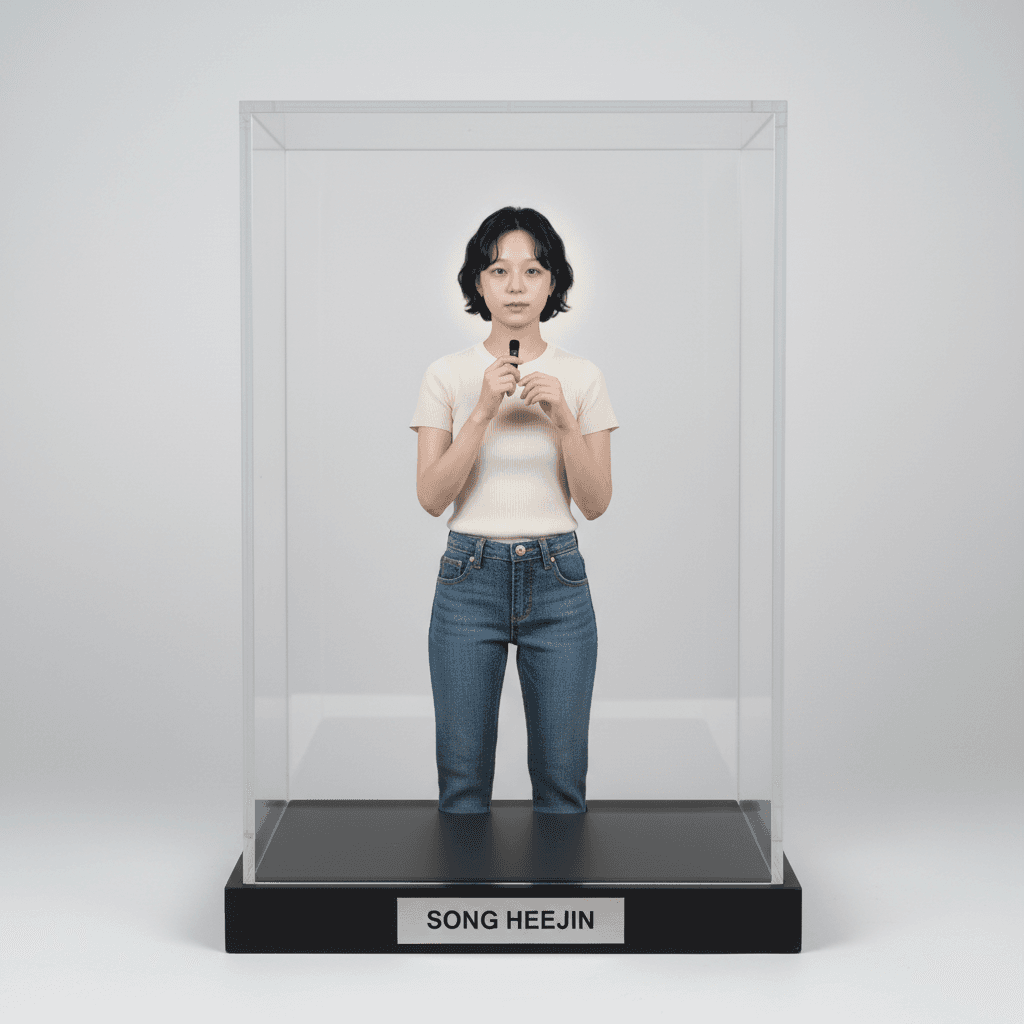
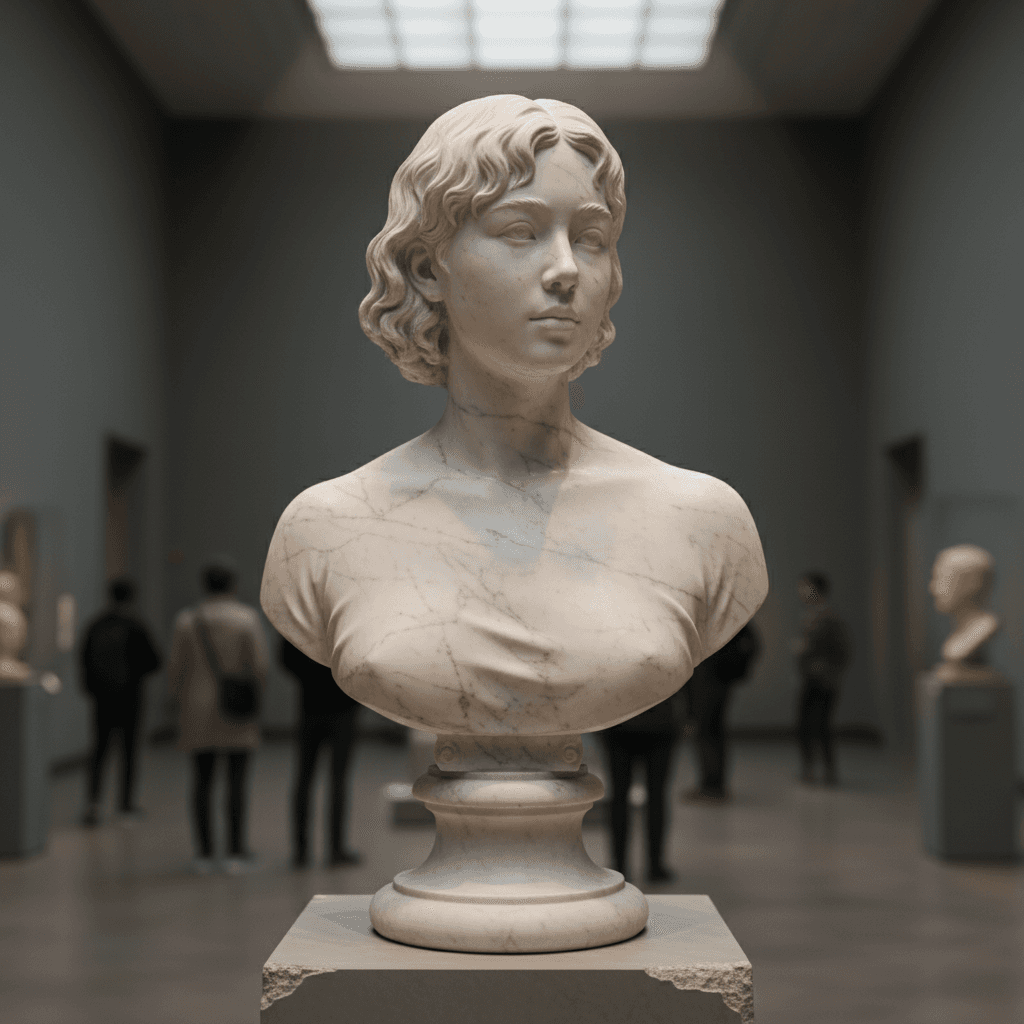
An AI figurine generator is a tool that takes a portrait photo and renders it as a stylized 3D collectible figurine. Pop-Cam's free version supports eight collector aesthetics: Funko Pop vinyl figures, Hot Toys 1/6 scale articulated collectibles, anime Nendoroid chibi figures, modern Pixar 3D characters, hand-sculpted claymation puppets, designer vinyl toys, neoclassical marble museum busts, and LEGO minifigures. Every output looks like a real product photograph — three-point studio lighting, shallow depth of field, glossy finishes, and authentic packaging — not a face-swap filter.
Why turn a photo into a 3D figurine?
Custom figurines used to mean a 6–8 week wait and a $200–$400 bill. AI figurine generators collapse that into 20 seconds and zero dollars. The use cases people actually reach for:
- Birthday, anniversary, and wedding gifts that feel personal but ship instantly.
- Streamer and creator merch — turn yourself into a Hot Toys figure for channel branding.
- Cosplay mood boards before you build the costume.
- Family holiday cards with everyone as Pixar 3D characters.
- Fan art posts of athletes, anime characters, or musicians.
How AI figurine generation works
The Pop-Cam figurine generator uses a vision-language model that reads your photo, extracts the subject's recognizable features (face, pose, clothing), and re-renders them in the chosen collector style. The stylization prompt does the heavy lifting — it specifies the proportion system (chibi for Nendoroid, articulated for Hot Toys, oversized head for Funko), the material (matte vinyl, ABS plastic, polished marble, fingerprinted clay), and the staging (collector box, glass case, blister pack, gallery pedestal). The result feels like a real product photo because the prompt is engineered around real product photography conventions.
How to get the best 3D figurine
- Use a clear, well-lit, front-facing portrait. Selfies and studio portraits work best. Side profiles confuse the chibi proportions.
- Avoid heavy filters. Beauty filters, FaceTune, and aggressive color grading make the AI less recognizable in the figurine.
- Match the style to the subject. Cute, casual, kid-friendly subjects → Funko or Nendoroid. Cinematic, dramatic subjects → Hot Toys or claymation. Formal portraits → marble bust.
- Try multiple styles per photo. Cost is near zero, so generate the same portrait in 3–4 styles and pick the strongest.
From figurine render to printed gift
Once the AI returns your figurine, take the PNG to any print-on-demand service — Printful, Printify, Gelato, Shutterfly — and put it on a mug, t-shirt, sticker pack, framed print, or canvas. For unlimited iterations, brand colors, and commercial rights, Pop-Cam 💎 packs start at $6 for 24 generations. The Pop-Cam iOS app brings the same figurine styles to your iPhone for one-tap creation on the go.