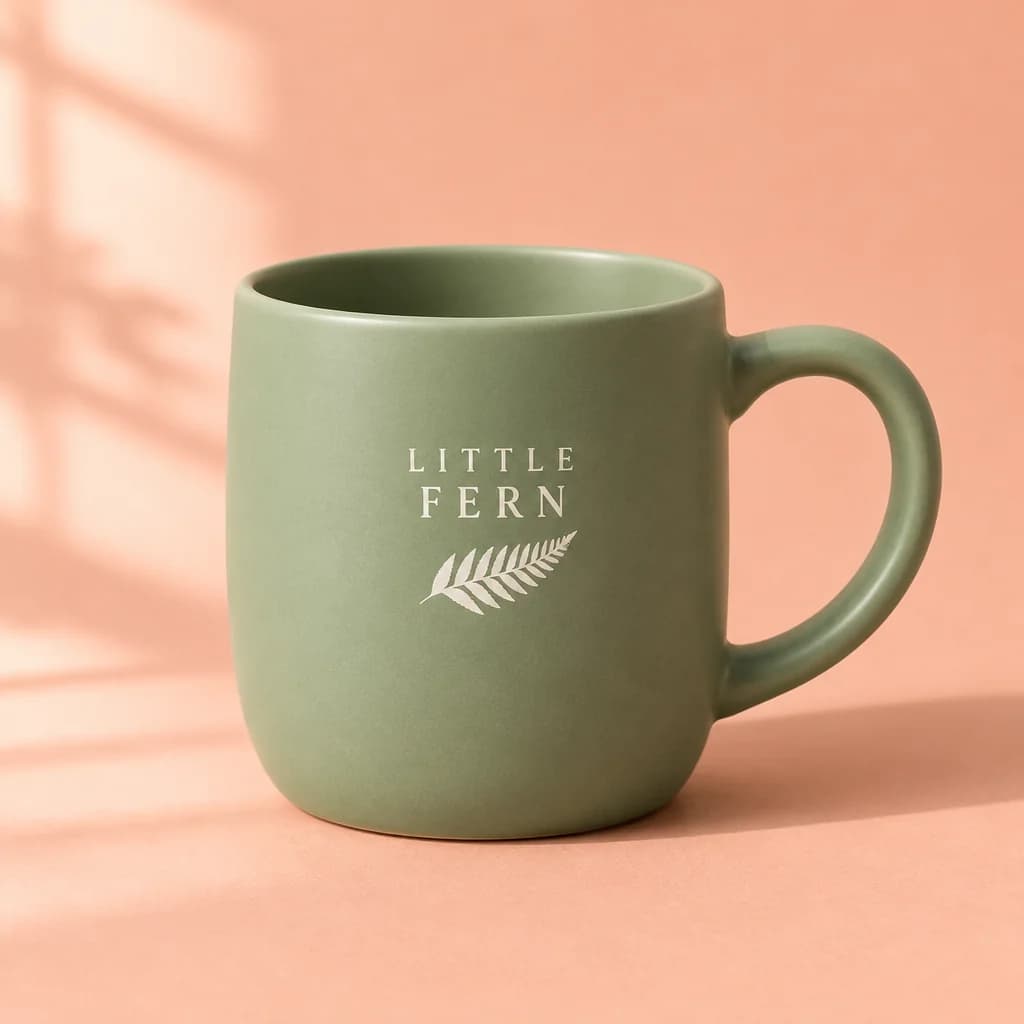
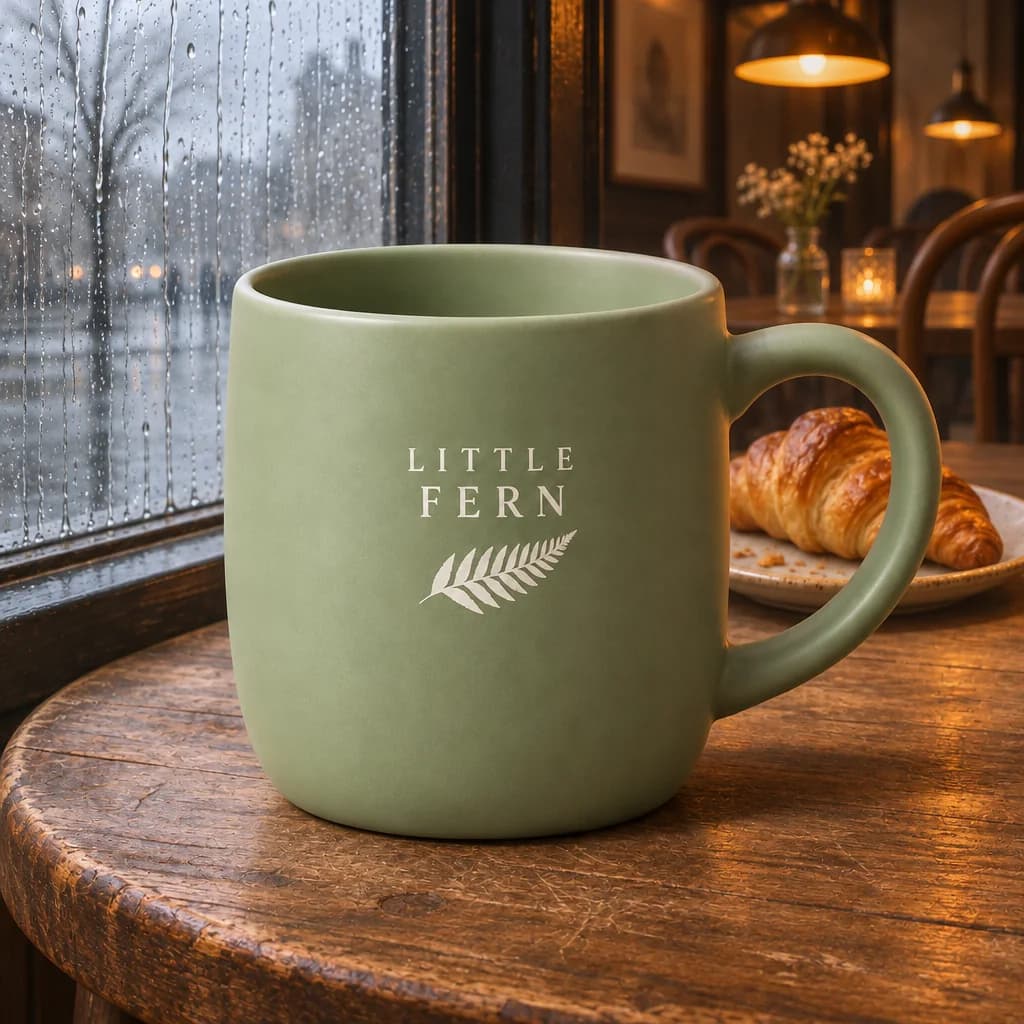
 Edited from the product shot
What is GPT Image 2.6?
GPT Image 2.6 is OpenAI's image model family released on November 4, 2026. In the API it comes as two models: Flare (gpt-image-2.6-flare) and Sunburst (gpt-image-2.6-sunburst). Both make images from text and edit images you give them. OpenAI says the 2.6 versions generate images about 50% faster than before, and that Flare can finish an image in as little as six seconds at low quality.
On this page you can use both without an API key. Each image costs 1 Credit, and a new Pop-cam account starts with 2 Credits.
Flare or Sunburst: which one to use
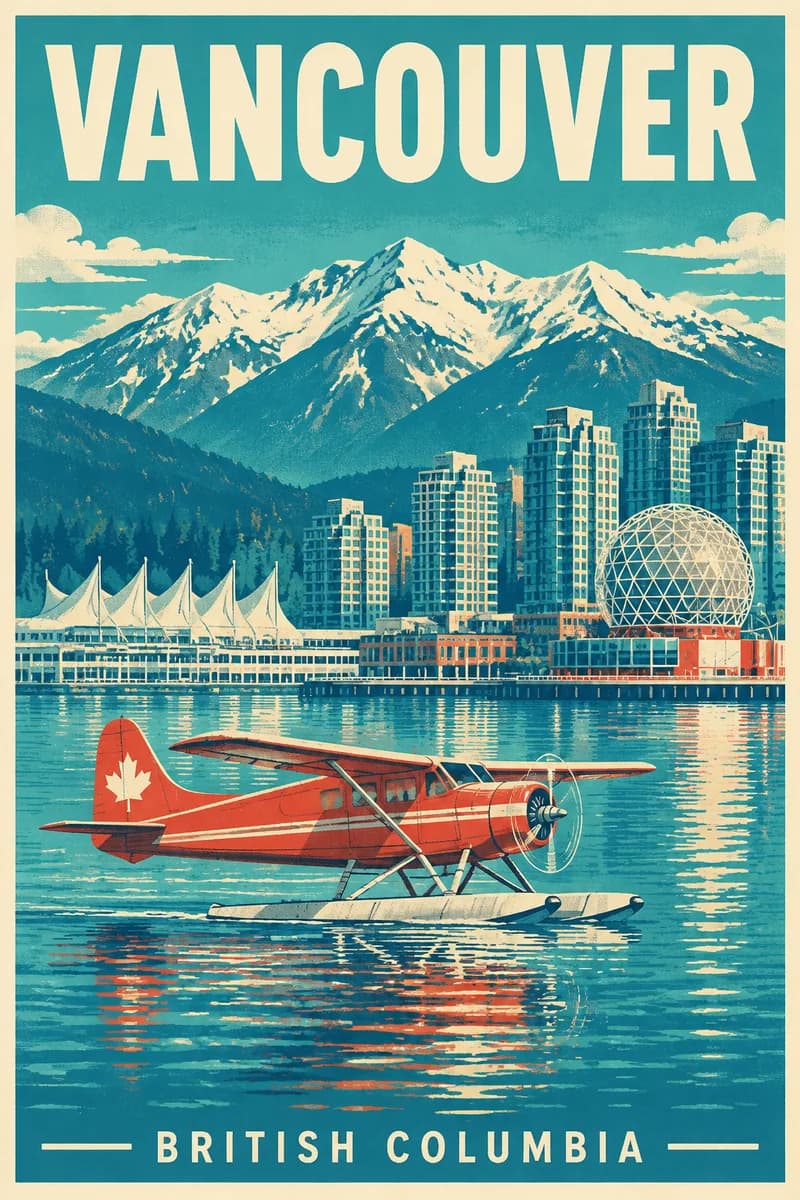
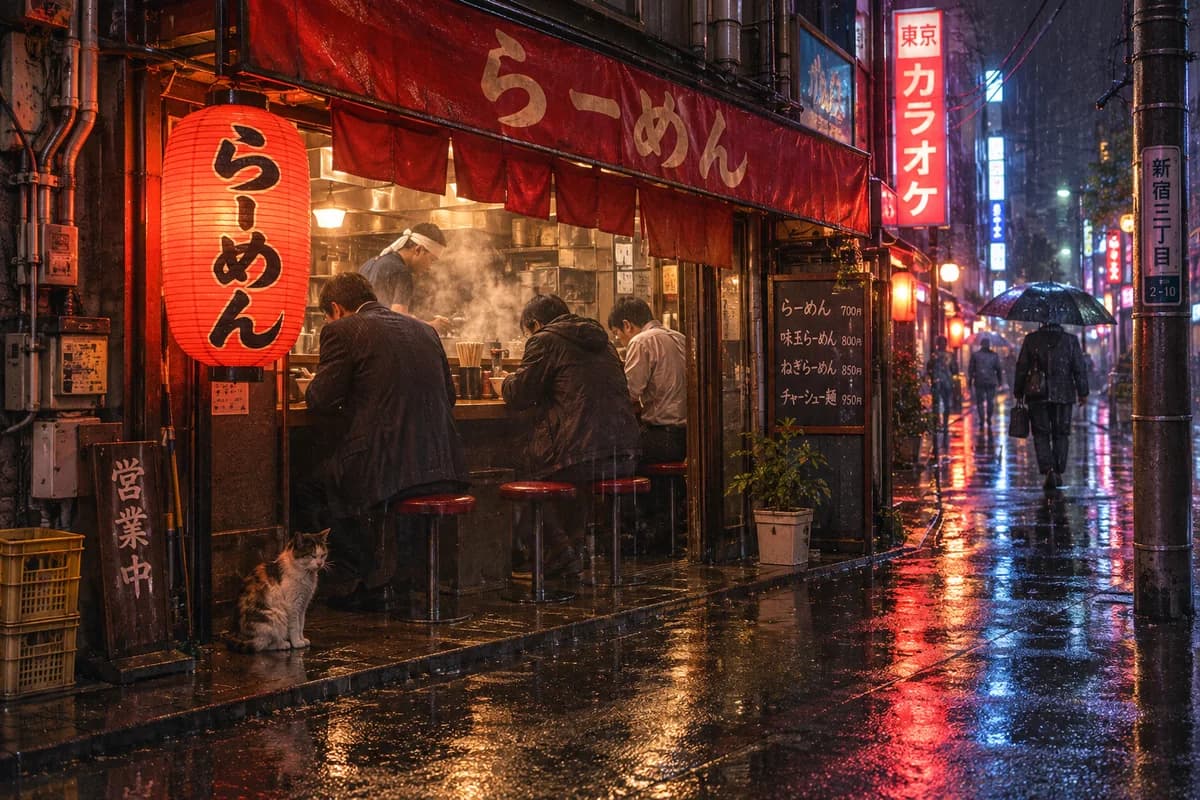
Start with Flare when you are still deciding what you want. It returned our Vancouver poster in 8 seconds at low quality and a detailed street photo in 11 seconds at high quality, so trying several ideas is cheap in time.
Switch to Sunburst for the final version of a busy layout (an infographic, a menu, a poster with several blocks of text) or when you edit a photo and need the subject to stay the same. In our test it moved a product shot of a mug into a café scene and kept the mug's shape, glaze and logo. It took 30 to 40 seconds an image.
Tips for better results
- Put every word that must appear in the image in quotes, spelled exactly.
- Say where things go: "title at the top", "six rows", "logo bottom right".
- Name a palette and a style (screen print, studio photo, flat illustration) instead of "nice colors".
- When you edit, say what must stay the same as well as what should change.
- Use low quality to test a prompt, then generate the one you like at high. Every quality is 1 Credit on Pop-cam.
More ways to make images on Pop-cam
To restyle a photo with presets (cartoons, figurines, Y2K looks), use the Nano Banana photo editor. For notes and documents, the notes to infographic tool lays them out for you.