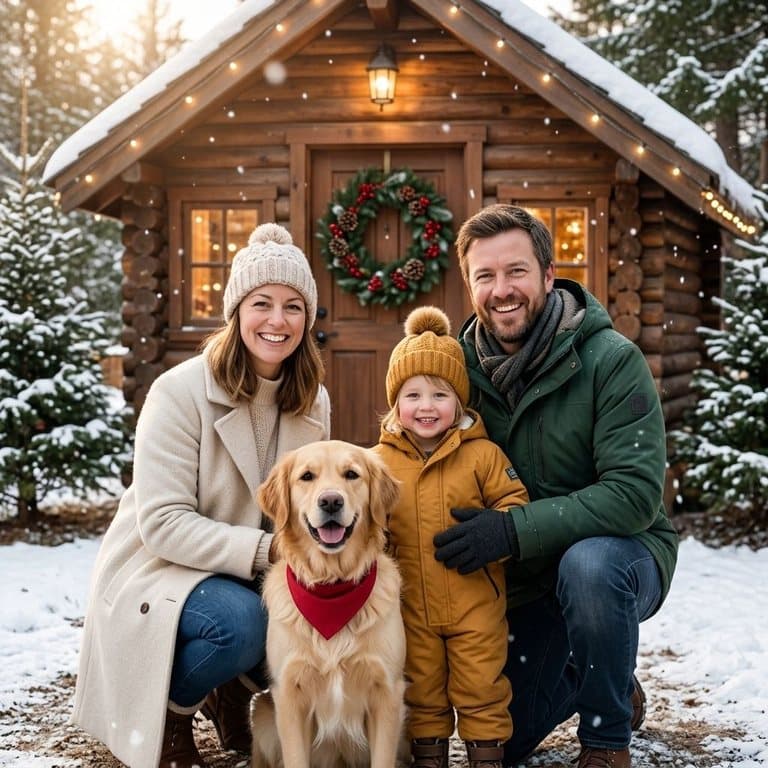
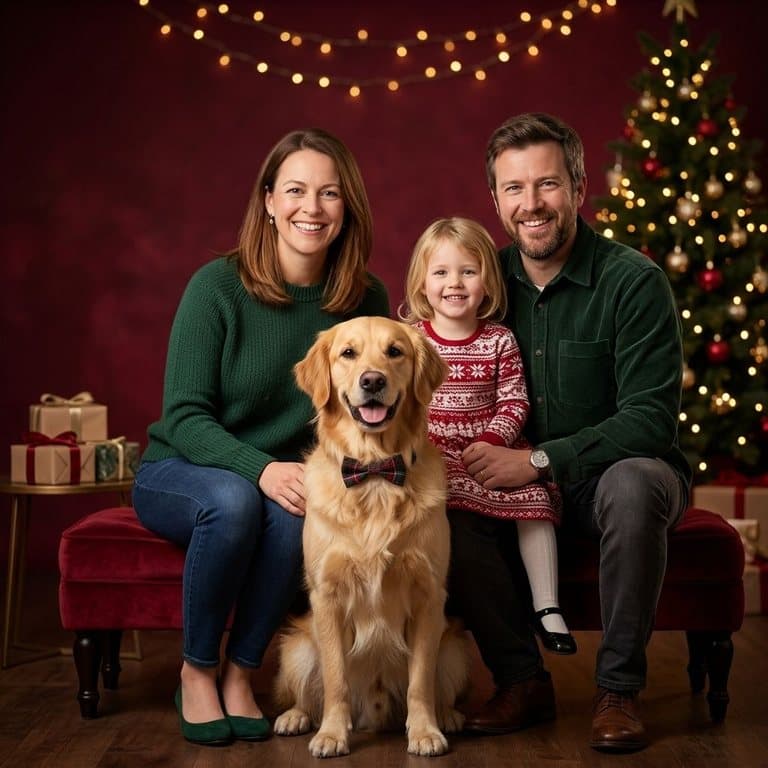
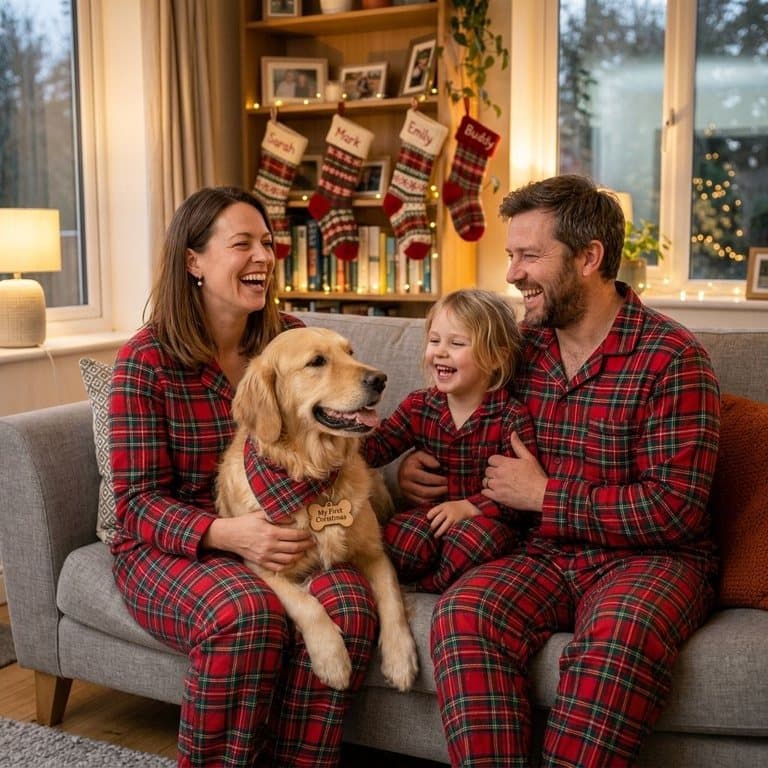
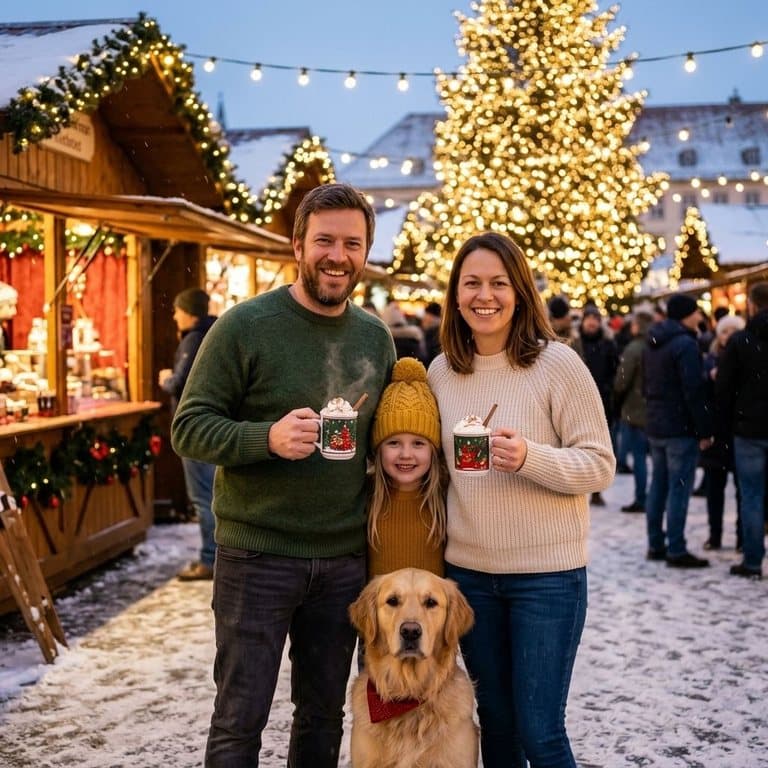
How AI Christmas photos work
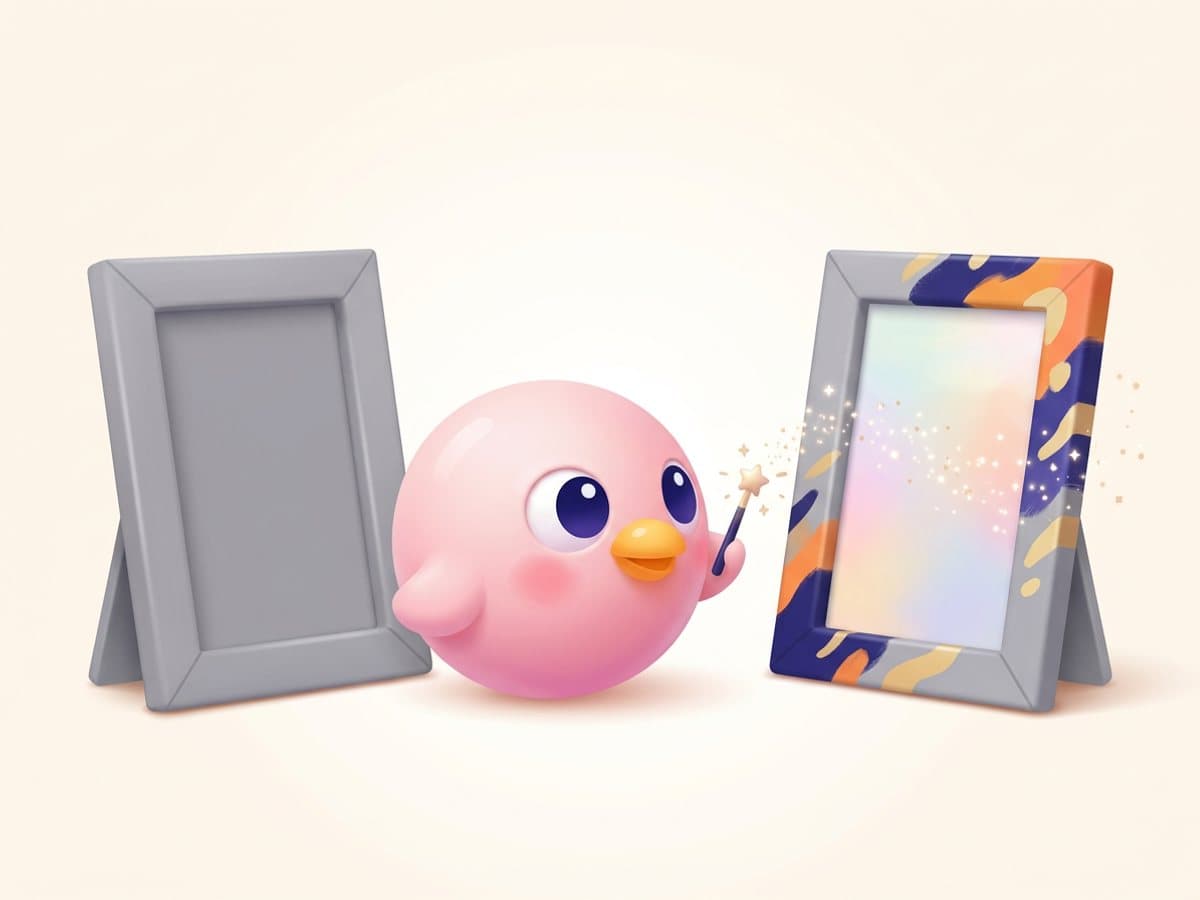
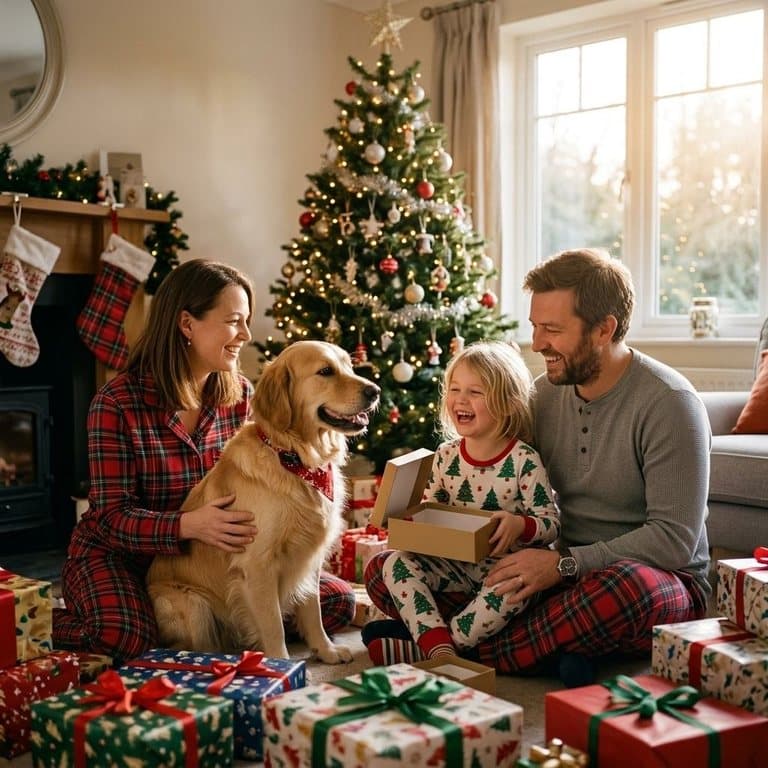
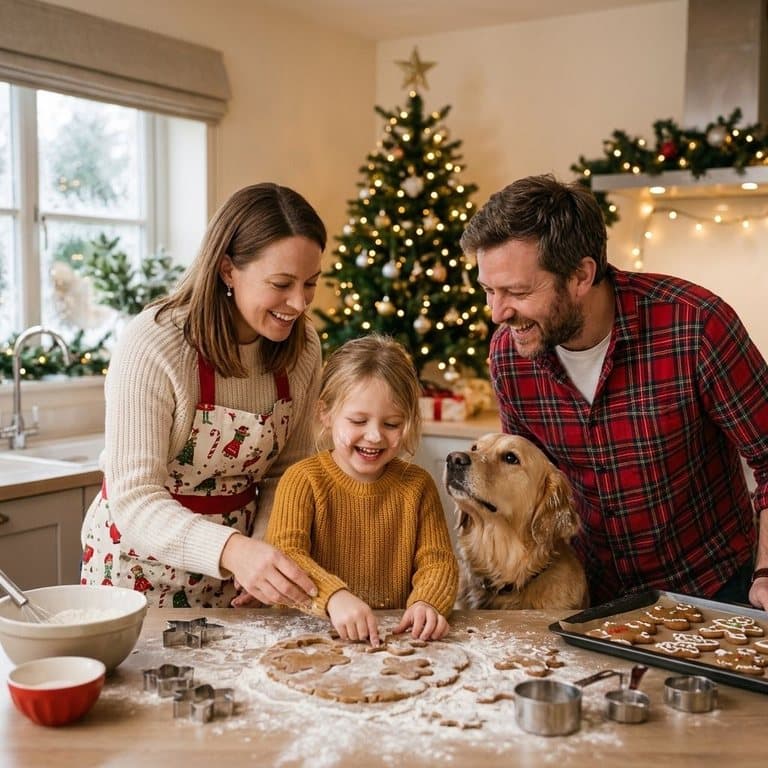
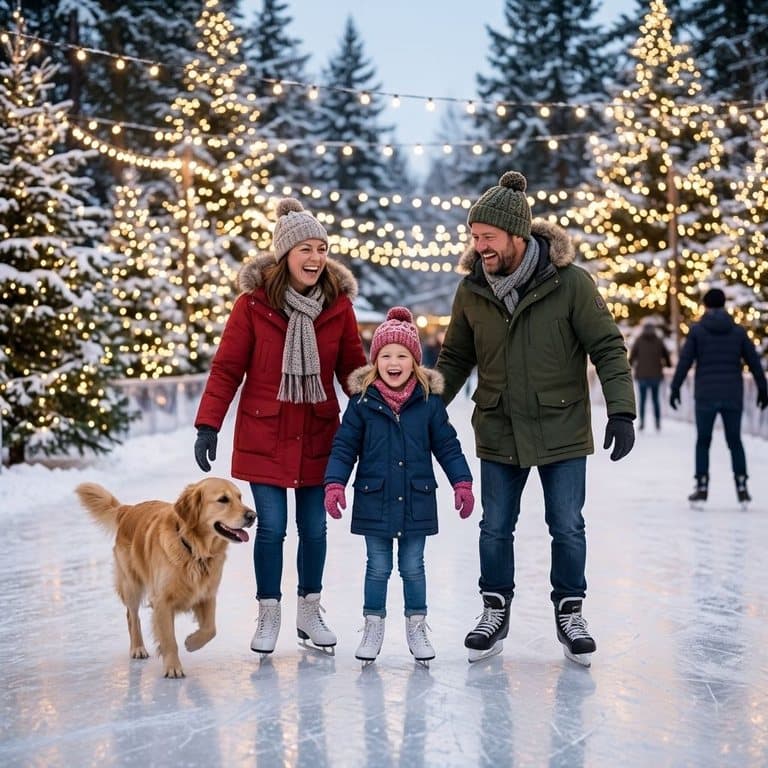
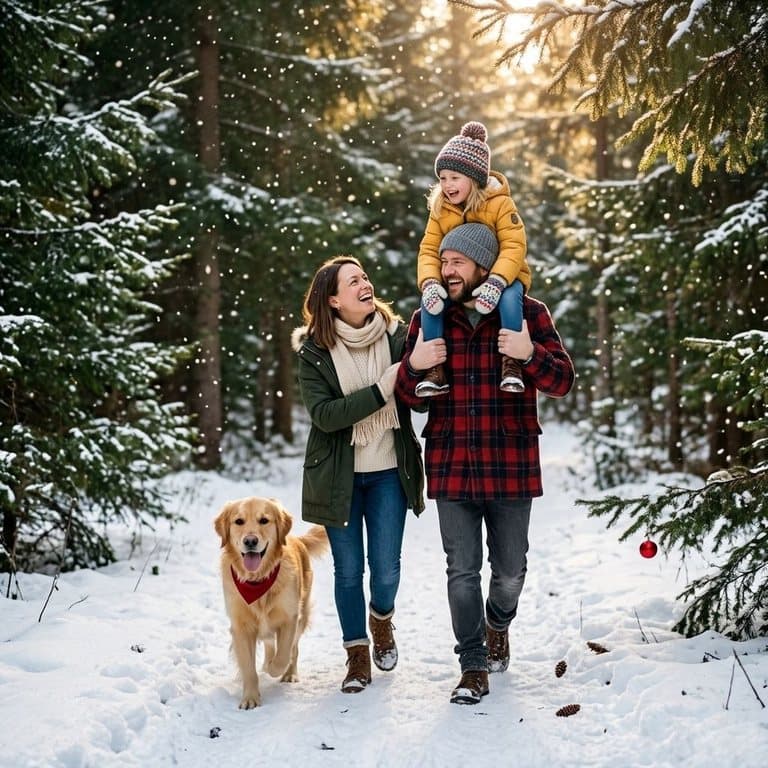
You give the AI one ordinary photo; it gives you back a new photo of the same people in a Christmas setting. Pop-Cam uses Google's Nano Banana 2 image model, which can change outfits, poses, lighting and the whole scene while holding on to who everyone is. The prompt is strict about that: same faces, same number of people and pets, nobody added or removed.
Tips for the best family Christmas photo
- Use a photo where everyone's face is visible and not tiny: a group shot from across a room loses detail.
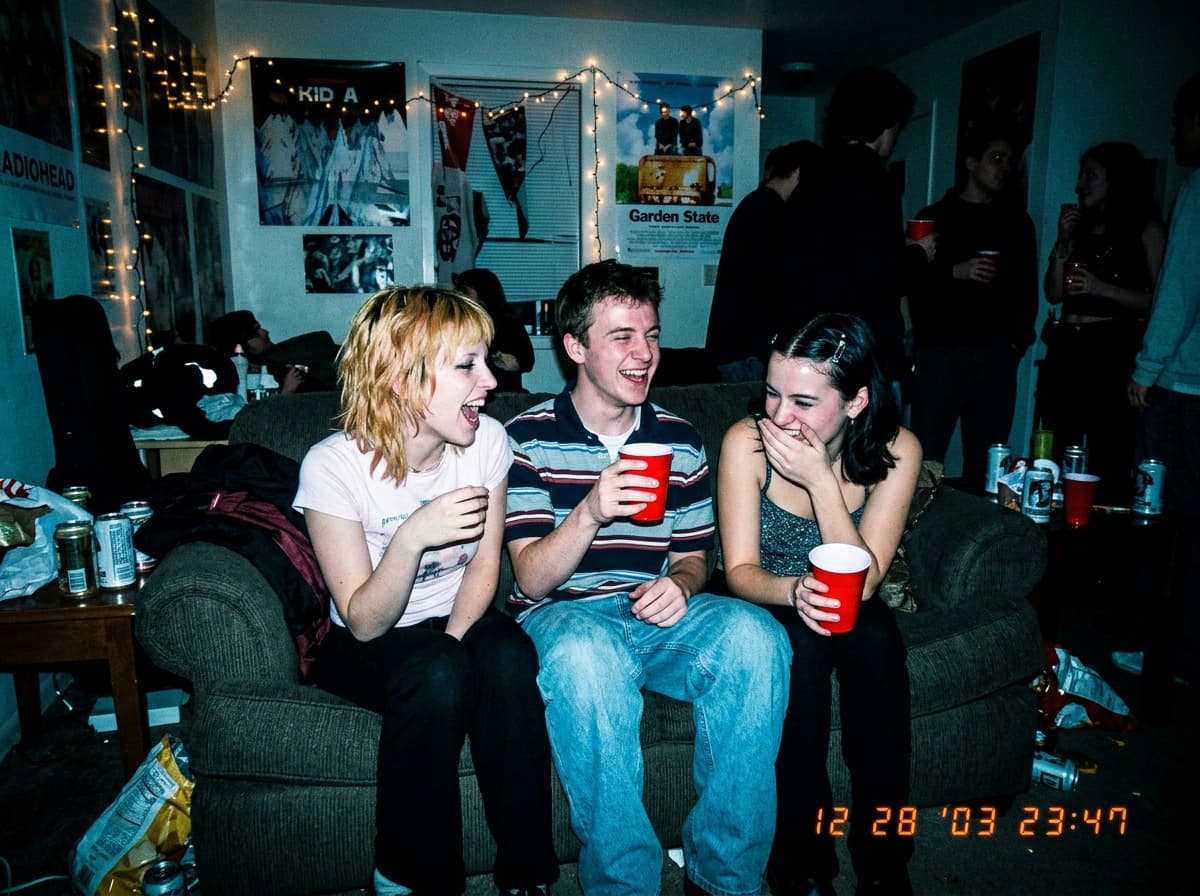
- Daylight photos give the AI the most to work with; dark, grainy party shots give the least.
- Include your pet in the original photo if you want them in the Christmas one.
- For big families, a photo of up to five or six people works best; larger groups get harder to keep exact.
- Try two or three scenes and keep the one where everyone looks most like themselves.
AI Christmas photos or an AI Christmas card?
This tool makes the photo. The AI Christmas card tool designs a finished card around your photo: a card layout, a style such as vintage postcard or storybook, and your own greeting written on it. Many families do both: a Christmas photo for their feed, and a card for the people who still get one in the mail.
Ideas for using your Christmas photos
Put one on the front of your holiday card, use it as your profile picture for December, print it for the grandparents, or post a different scene each day of Advent. For solo holiday portraits and the rest of the year, the AI photoshoot generator does the same thing for one person, with themes from headshots to golden hour.
Free to try
Your first generation is free, no sign-up needed, and a free Pop-Cam account comes with 2 free 💎 (1 per image), no credit card. Need more? 💎 packs start at $6 for 24 generations. See all free AI holiday photo tools.