

How AI old photo restoration works
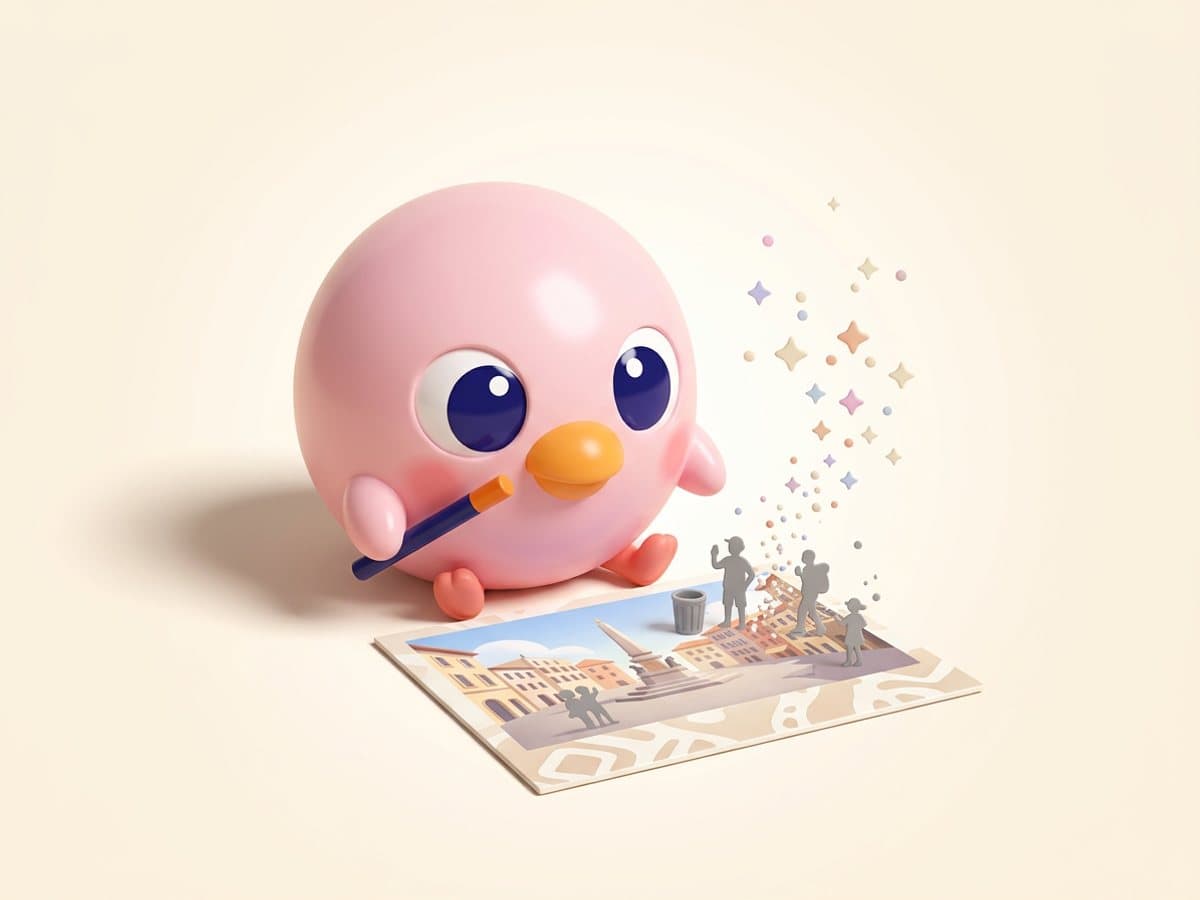
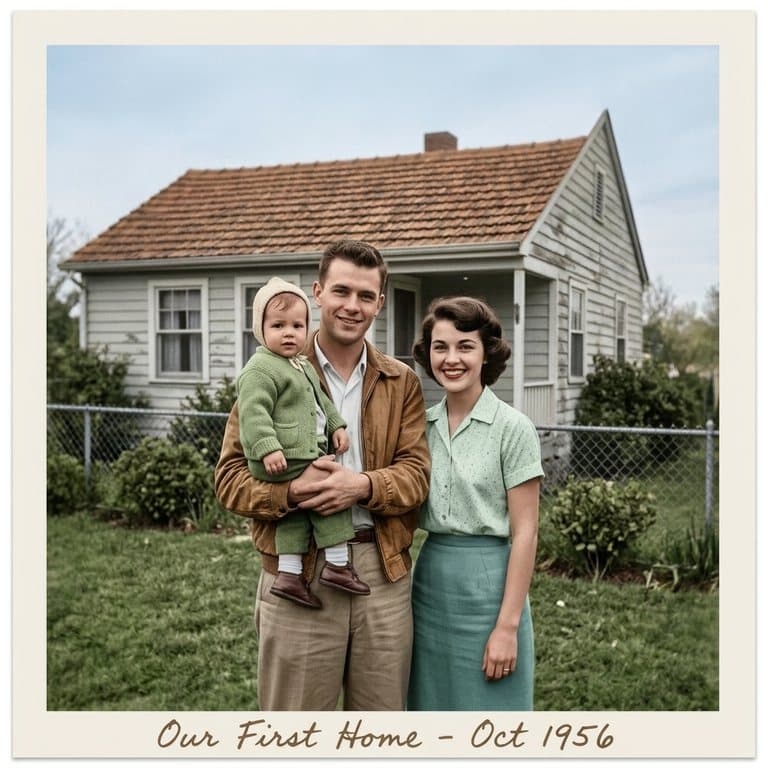
Traditional restoration means hours of clone-stamping in Photoshop, or paying a service per photo. An AI image model (Pop-Cam uses Google's Nano Banana 2) looks at the whole photo at once: it recognizes what a crack or a fold is, what the face underneath should look like, and fills in the damage to match the surrounding grain and lighting. The prompt forbids it from changing who is in the photo, their expressions or the composition — it should look like the same print, just undamaged.
How to scan old photos for the best restoration
- Use a flatbed scanner at 600 dpi if you have one; it captures the most detail.
- With a phone, lay the print flat in indirect daylight, hold the phone parallel, and turn off flash.
- Take photos out of glossy albums or frames first — plastic sleeves add glare.
- Crop to the print itself so the AI isn't restoring the tablecloth.
Should you colorize a black-and-white photo?
Colorizing makes an old photo feel recent and personal, which is why it works so well for memorials and gifts. But AI color is an educated guess: it can't know your grandmother's dress was navy. If you know the real colors, type them in the note box (“the car was red, her dress was dark blue”), and keep a restored black-and-white version alongside the colorized one.
Free to try
Your first generation is free, no sign-up needed, and a free Pop-Cam account comes with 2 free 💎 (1 per image), no credit card. Need more? 💎 packs start at $6 for 24 generations. See all free AI photo editor tools.