


How AI text removal works
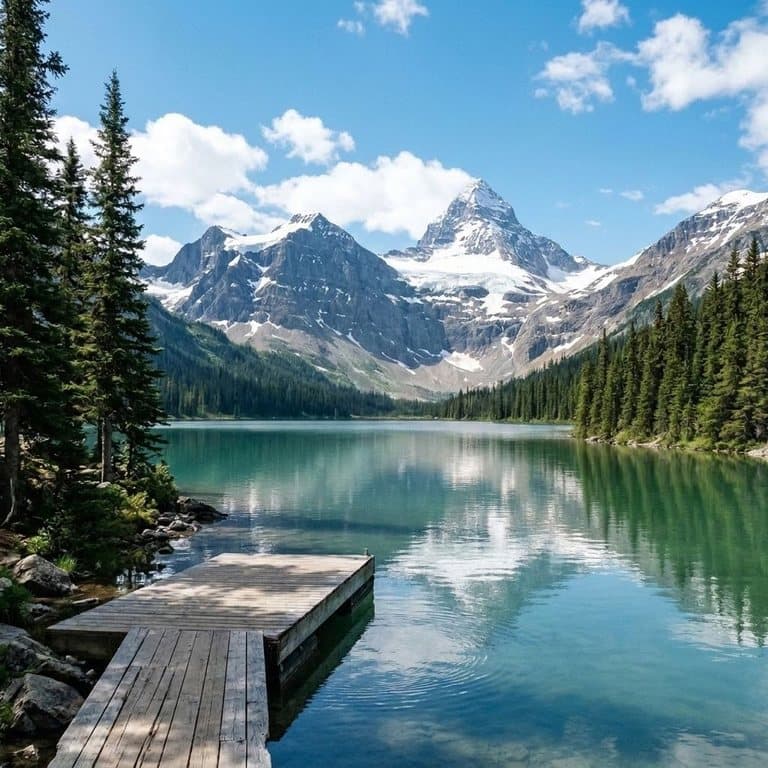
Older text removers blur or smear whatever is under the letters. An AI model can do better because it understands the picture: it knows the white shapes across the middle are a caption, and that behind them is a lake and a line of pine trees. Pop-Cam uses Google's Nano Banana 2 image model to remove only what you choose and paint in what would have been there, while leaving every other part of the image alone.
Tips for removing text cleanly
- Upload the largest version of the image you have; small, heavily compressed images give the AI less to rebuild from.
- If you only want some of the text gone, say which in the note: its color, size or position.
- For text that is part of the scene, like a sign or a T-shirt print, describe it in the note.
- Very large text over a busy background is the hardest case; if a trace remains, run it again on the result.
Watermarks and other people's images
This tool is for images you took or have the right to edit. It is told to leave logos, watermarks and copyright notices alone: removing a photographer's or a stock site's watermark to reuse their work isn't something it helps with. If you need an image without a watermark, license it from its owner.
Free to try
Your first generation is free, no sign-up needed, and a free Pop-Cam account comes with 2 free 💎 (1 per image), no credit card. Need more? 💎 packs start at $6 for 24 generations. To erase people or objects instead of text, use the AI object remover, or see all free AI photo editor tools.