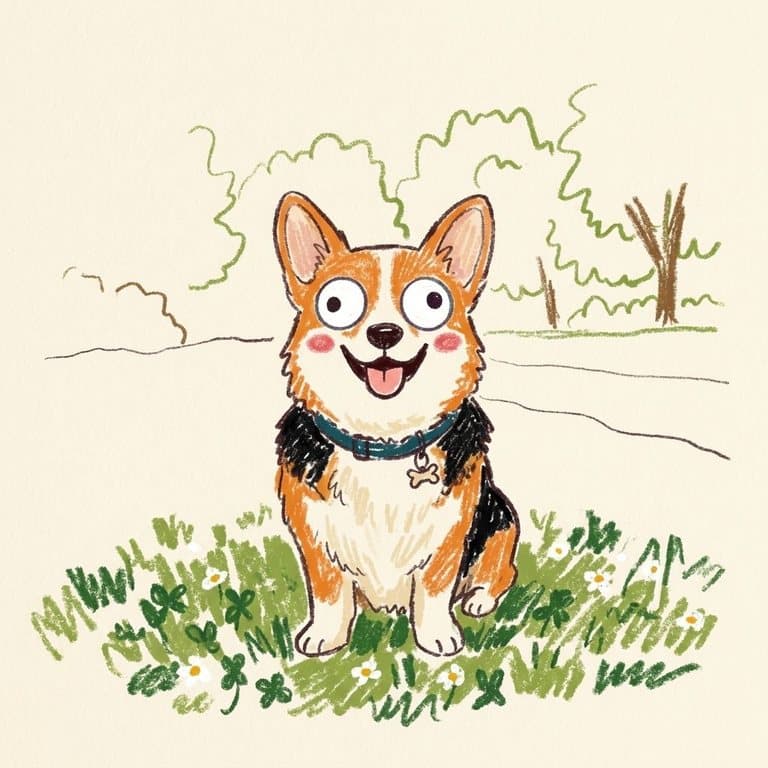
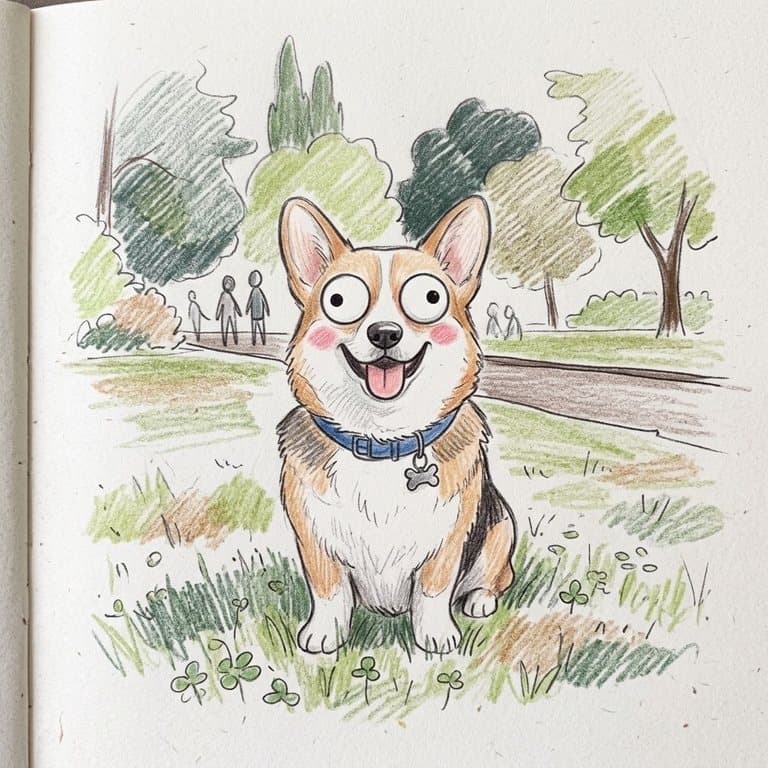
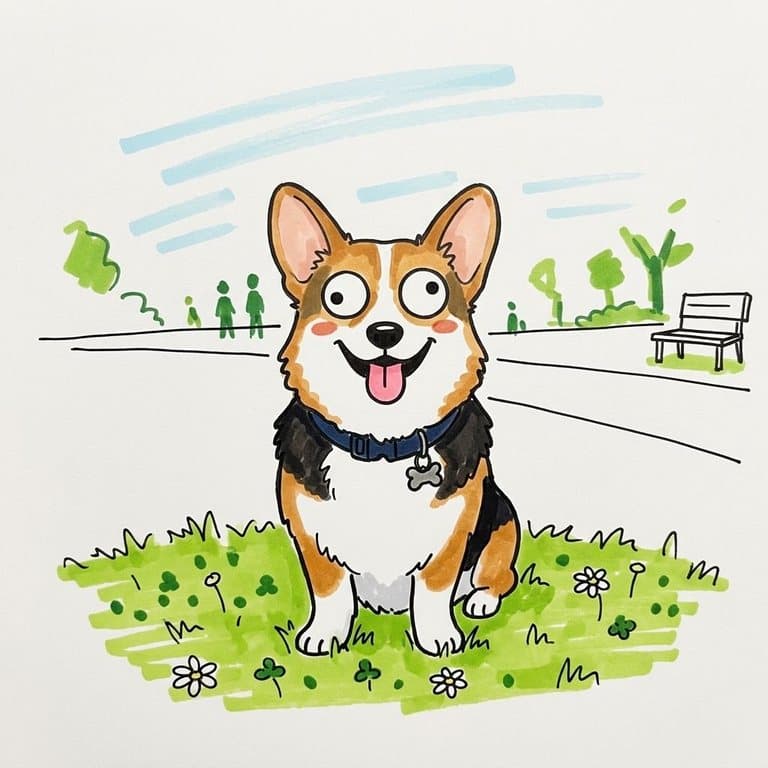
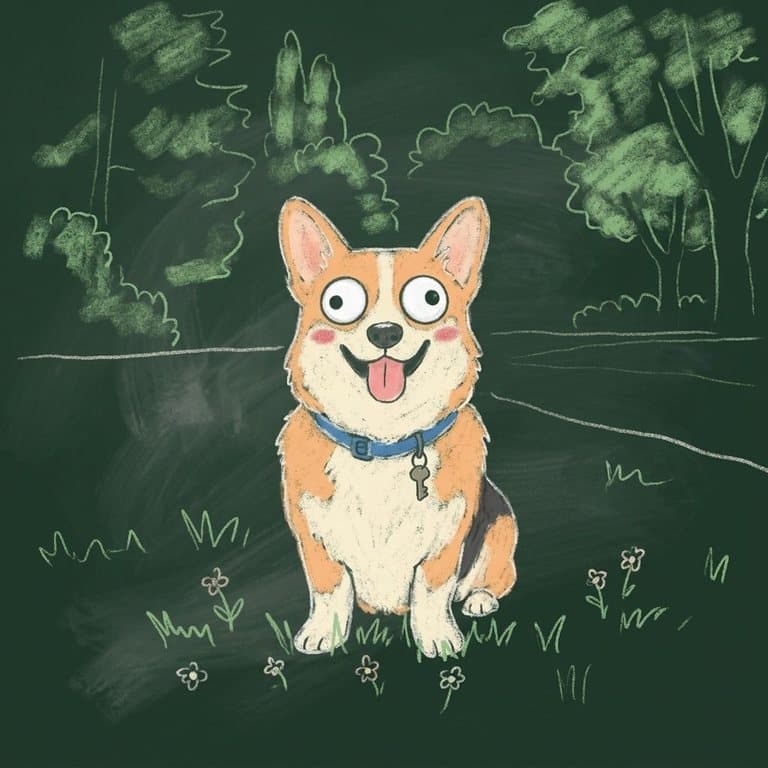
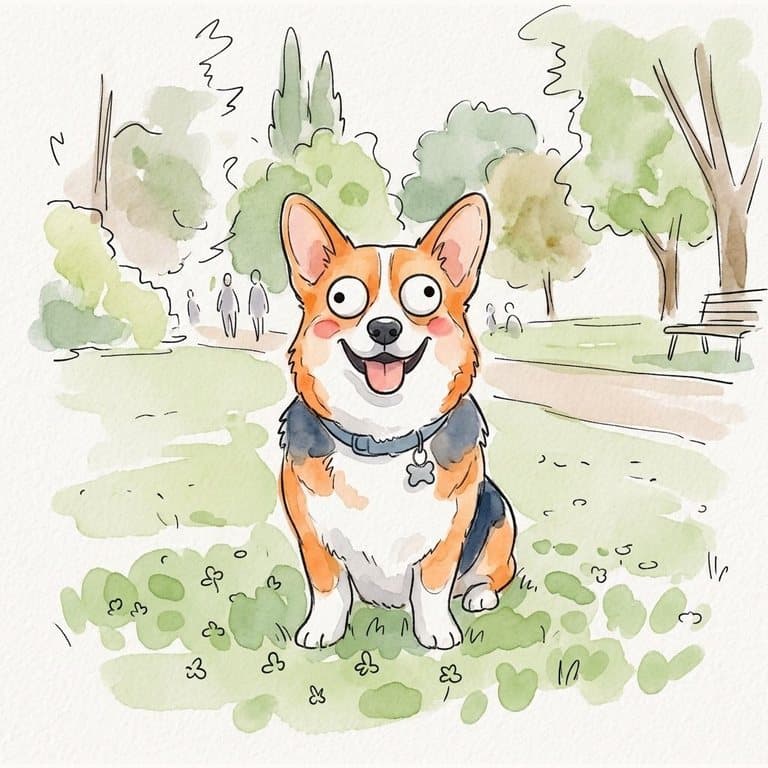
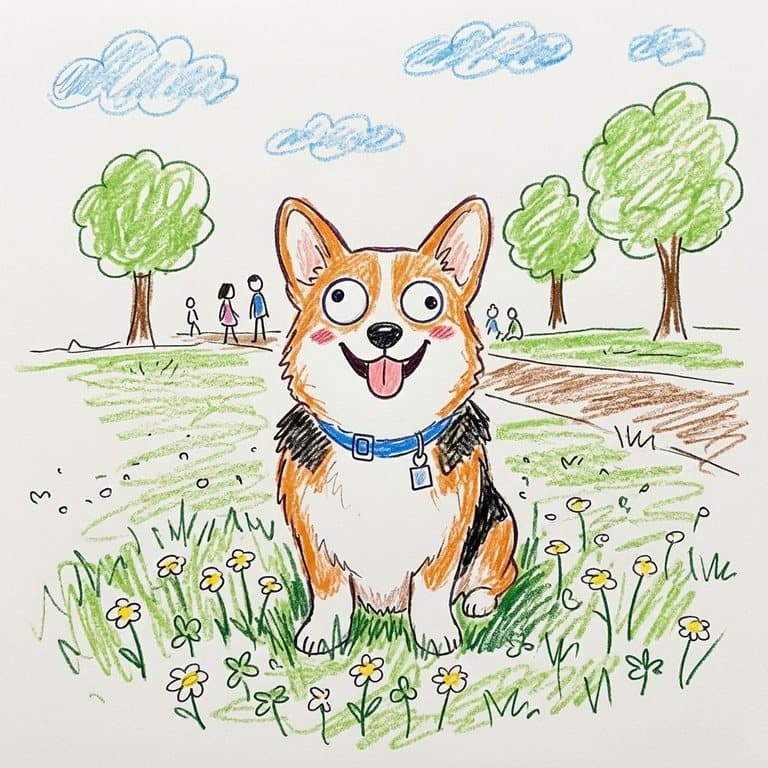
How the googly doodle filter works
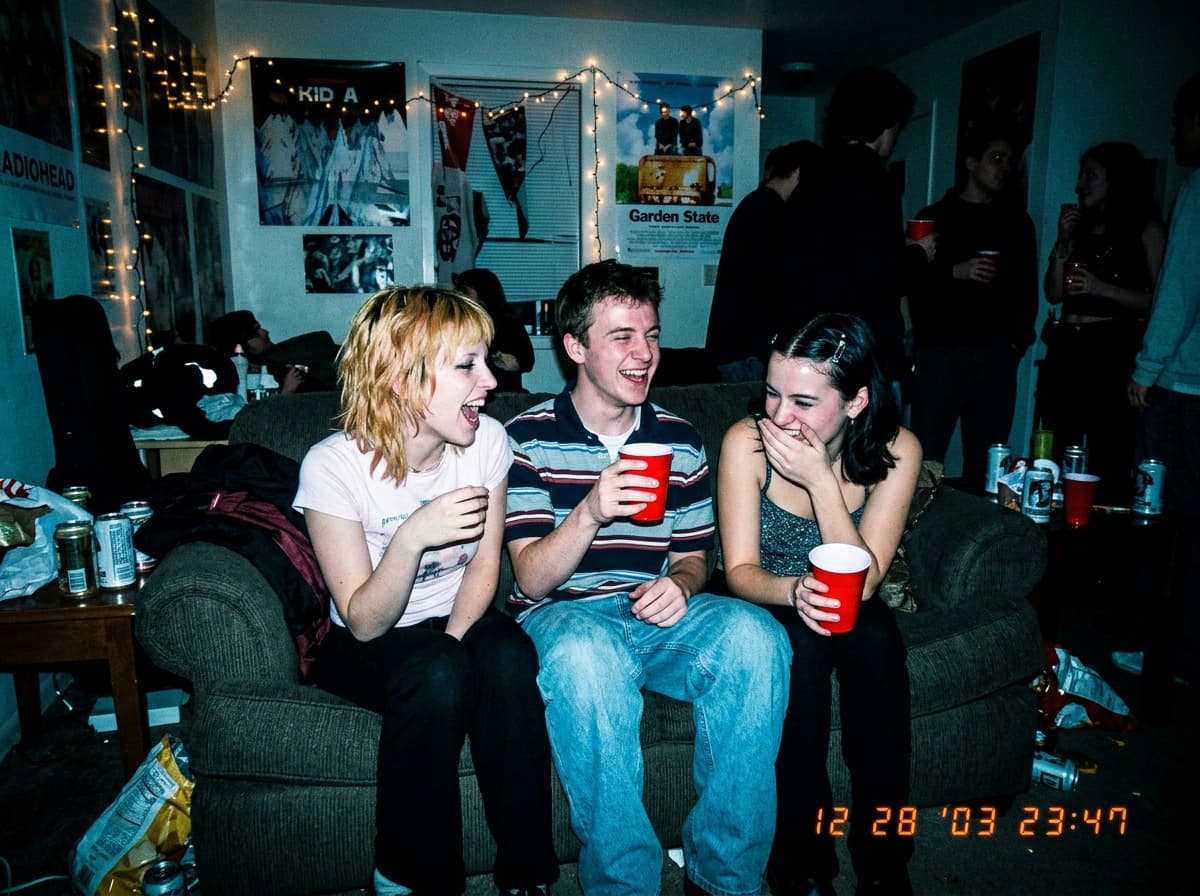
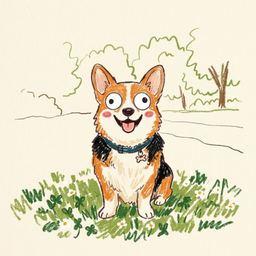
You give the AI one photo; it redraws it as a doodle. Pop-Cam uses Google's Nano Banana 2 image model with a fixed set of drawing rules: round googly eyes and a touch of blush on every face, soft and slightly wobbly shapes, the background reduced to a few marks, and the same pose, colors and props as your photo. The style you pick decides the material, from crayon grain to chalk dust.
Tips for a funnier doodle
- Pick a photo with one clear subject or a small group; faces that are tiny in the frame lose their eyes.
- Funny poses and props make the best doodles: a dog in a bag, a cat in a box, a friend on the phone.
- Try the same photo in two styles; crayon reads cozy, marker reads bold, chalk reads cheeky.
- Use the note box for one extra detail, such as hearts, stars or a party hat.
More ways to draw your photo
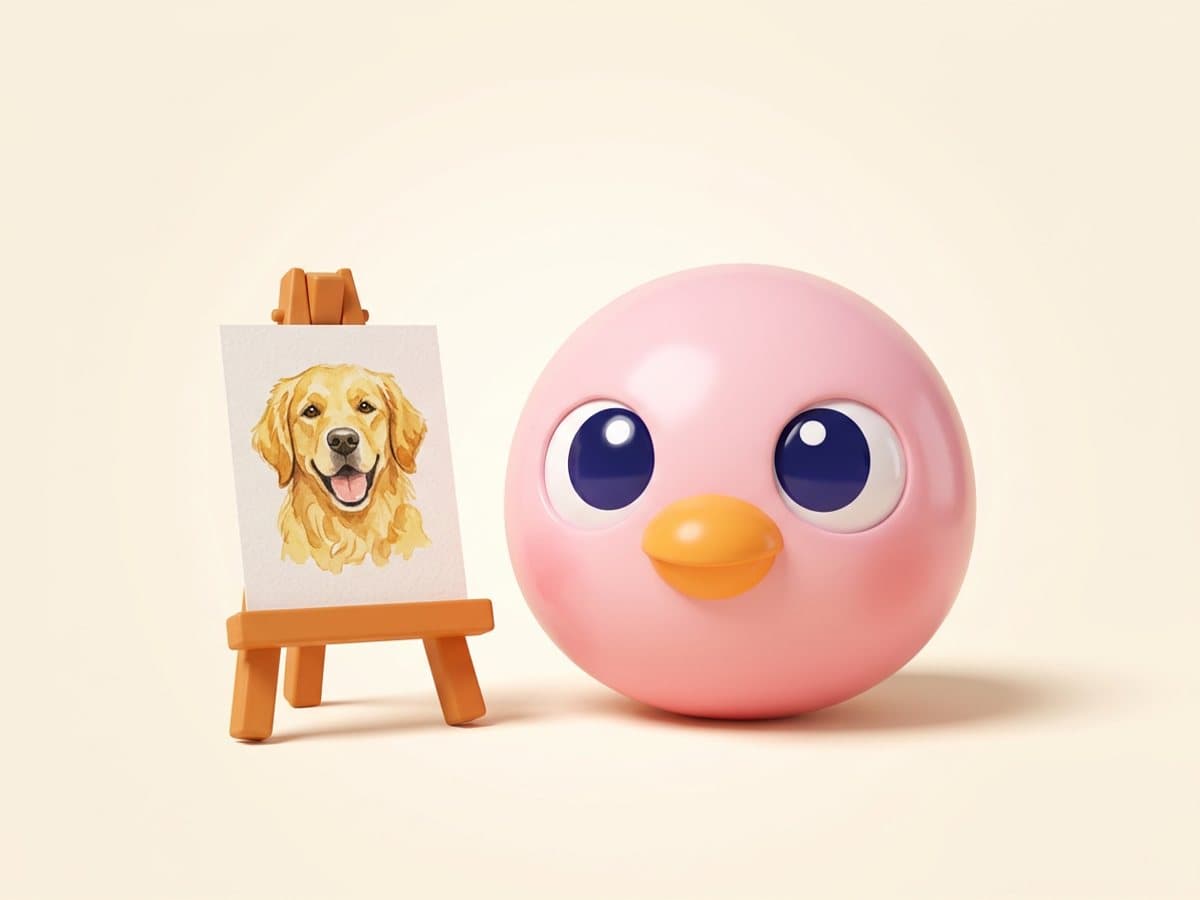
Want a cleaner cartoon of your pet? The dog cartoon and cat drawing pages draw them without the googly eyes. For an outline to color in, try the photo to coloring page tool, or turn the doodle into a sticker.
Free to try
Your first generation is free, no sign-up needed, and a free Pop-Cam account comes with 2 free 💎 (1 per image), no credit card. After that each image costs 1 credit. See all character and sticker tools and the tools for pet owners.