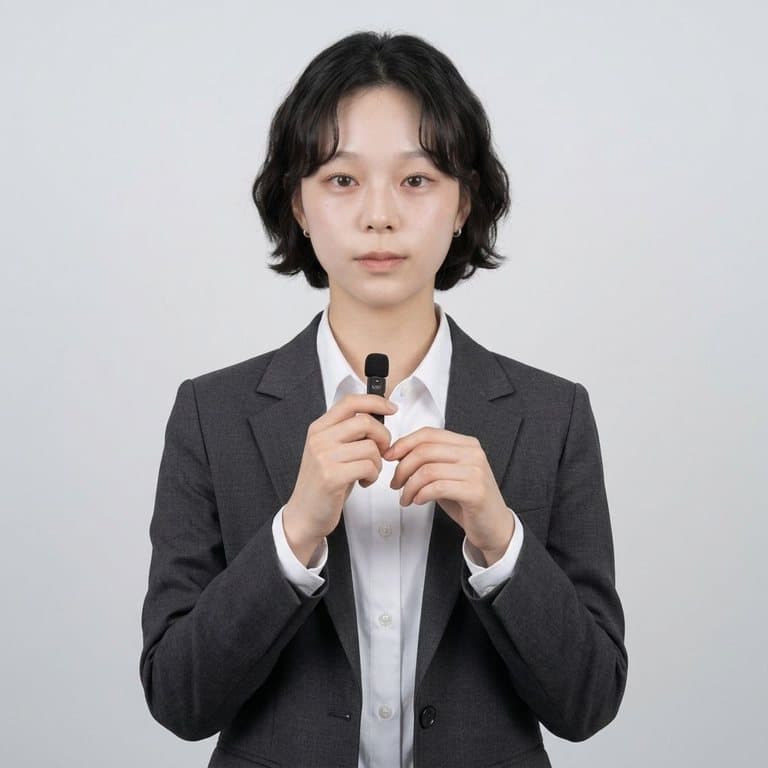
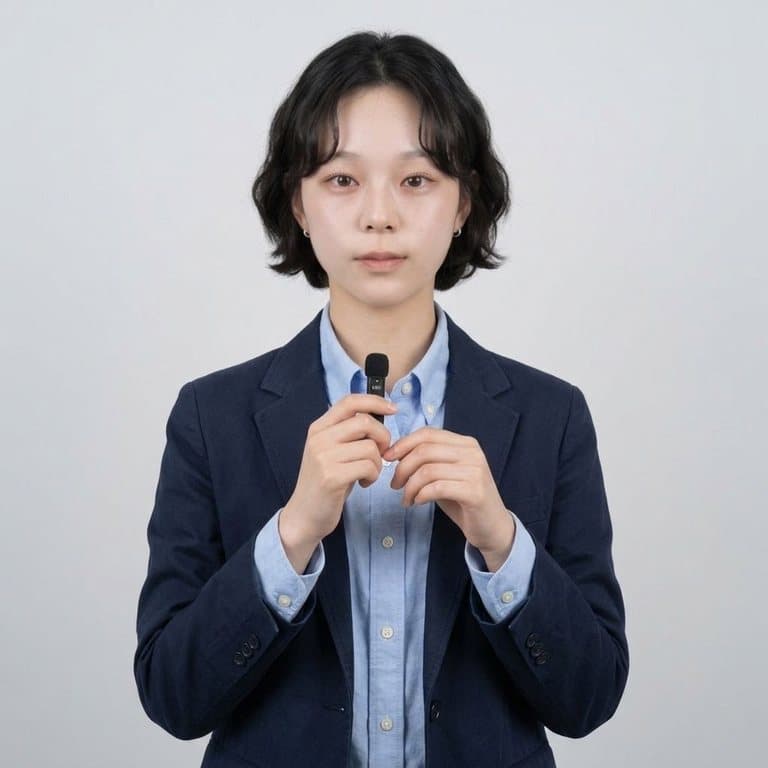
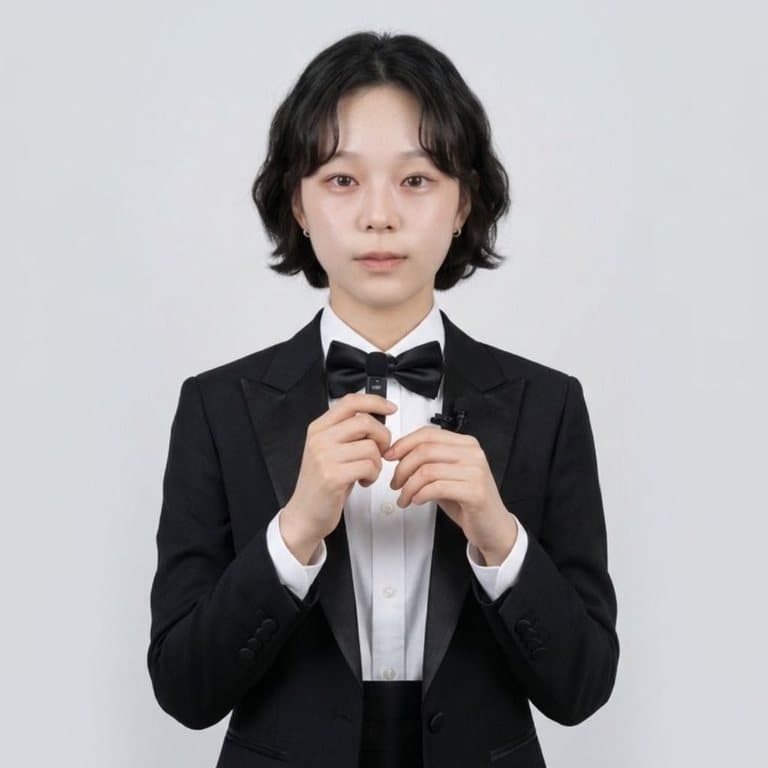
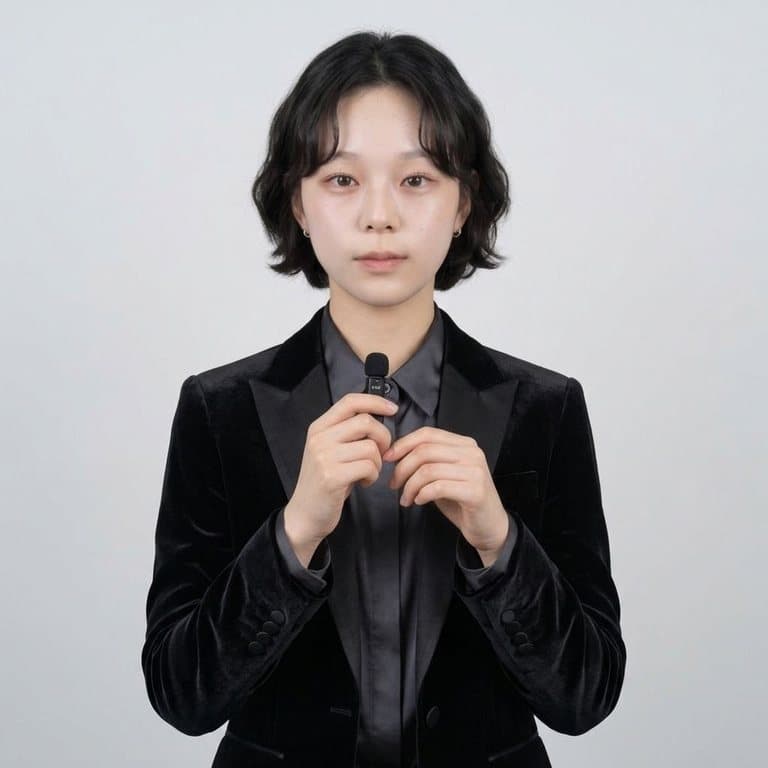
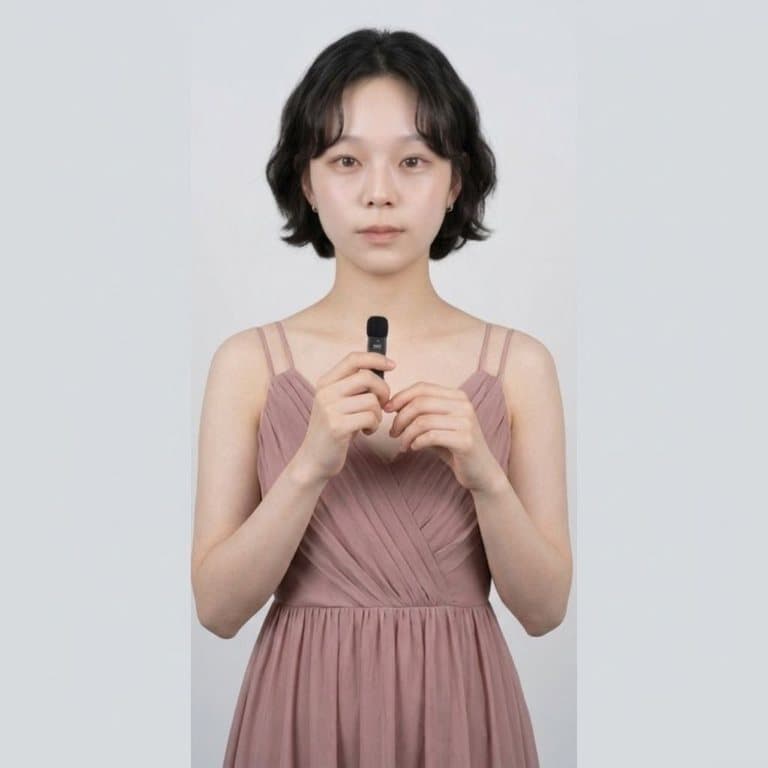
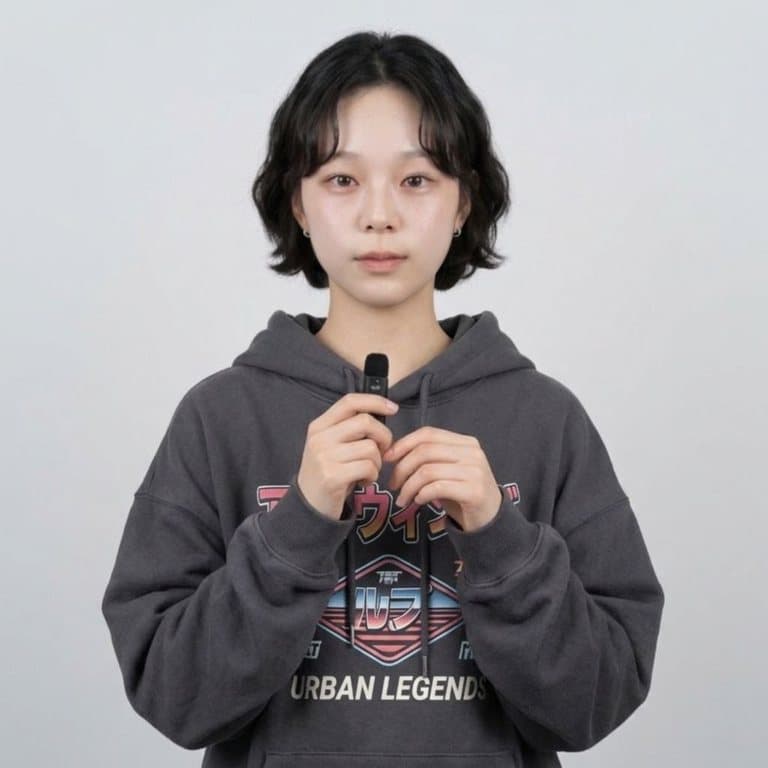
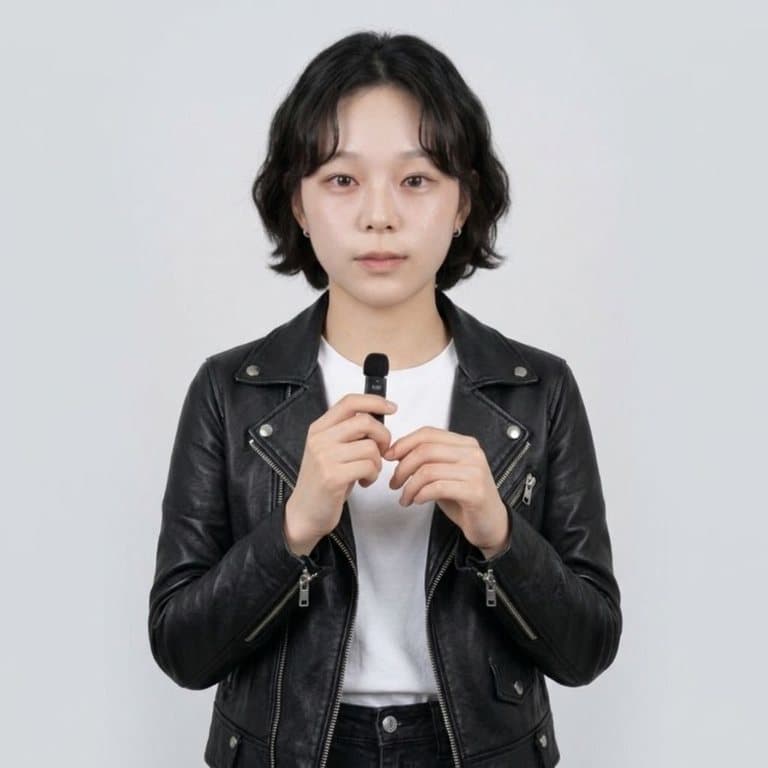
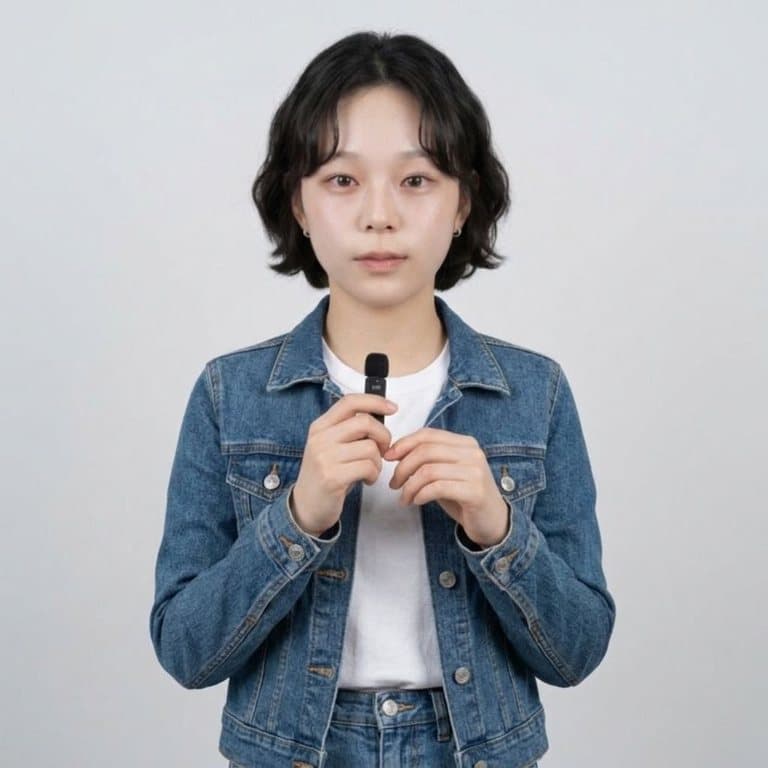
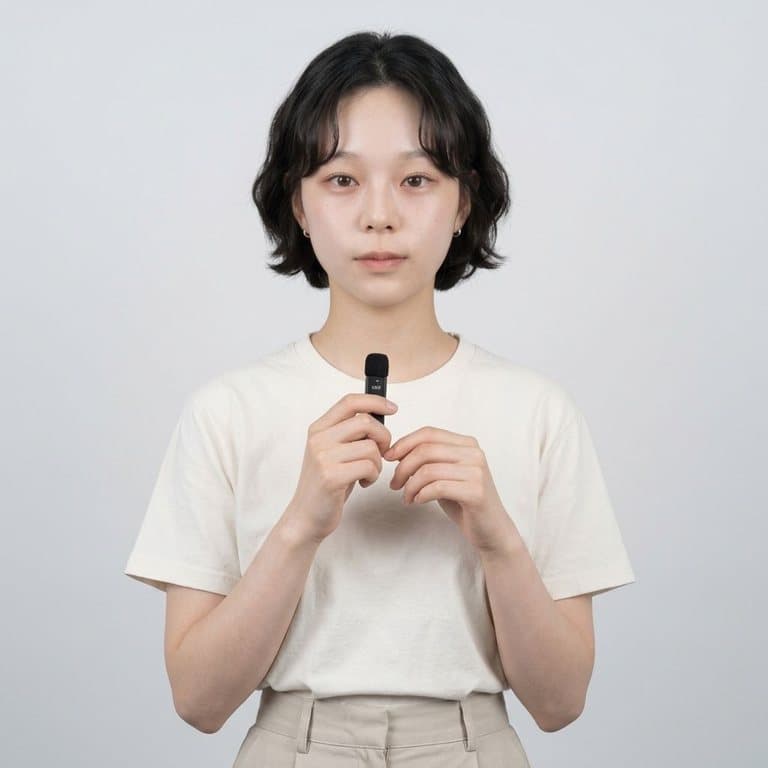
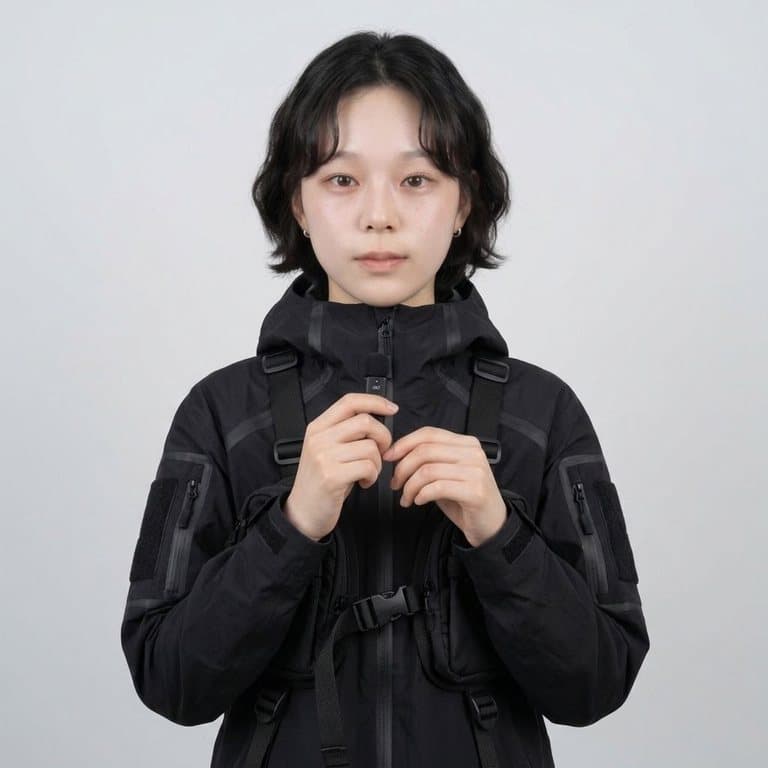
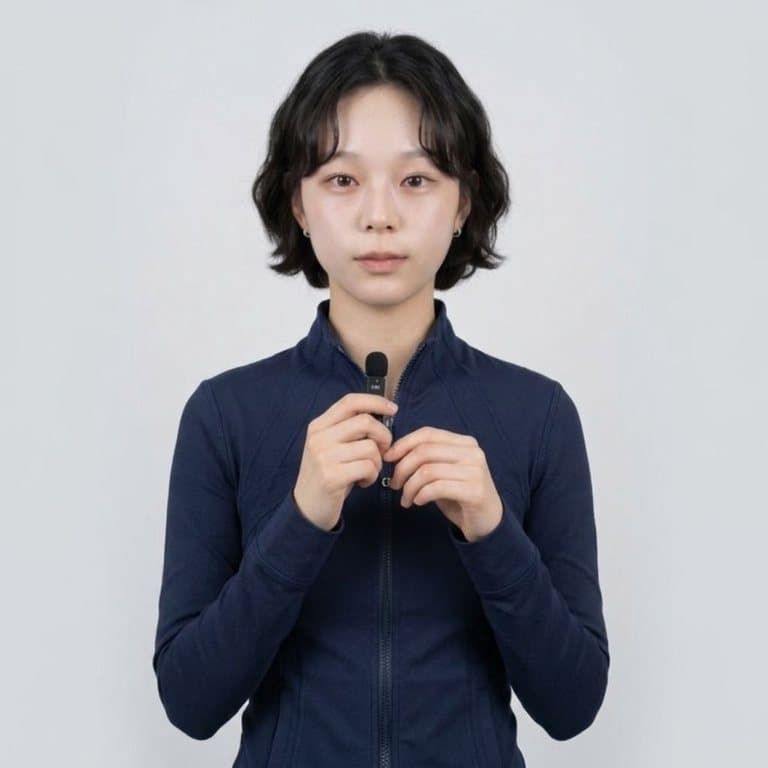
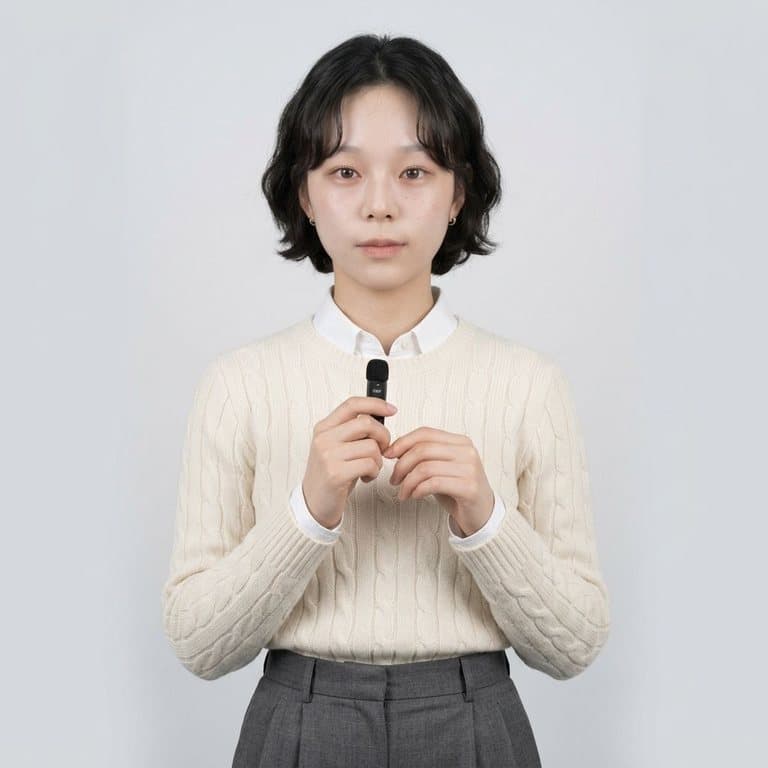
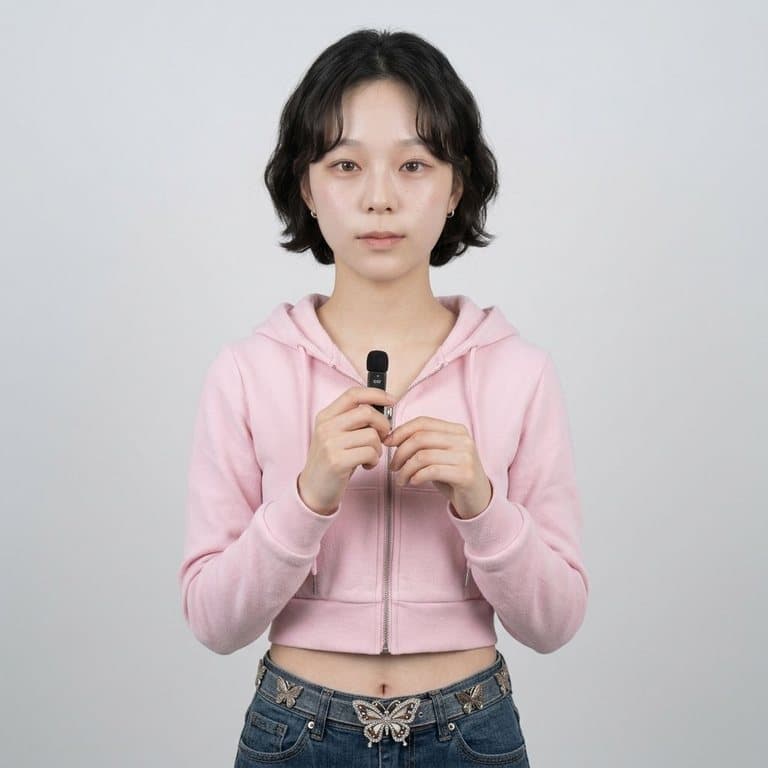
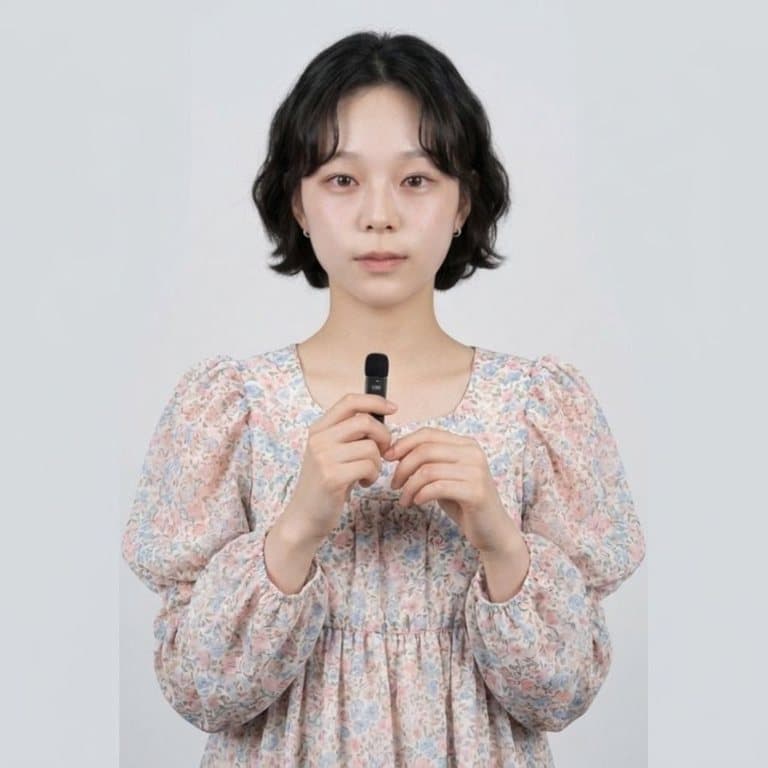
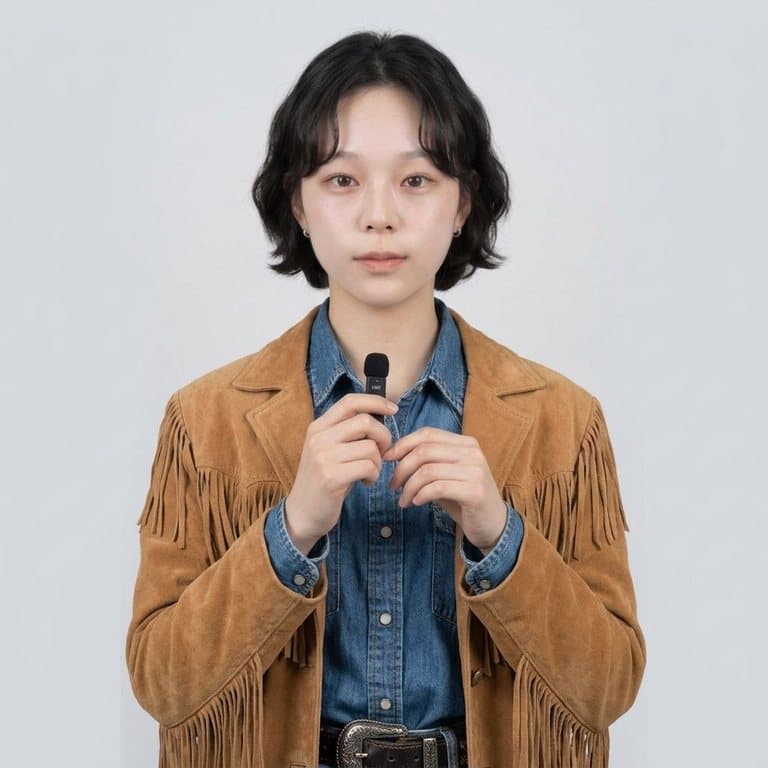
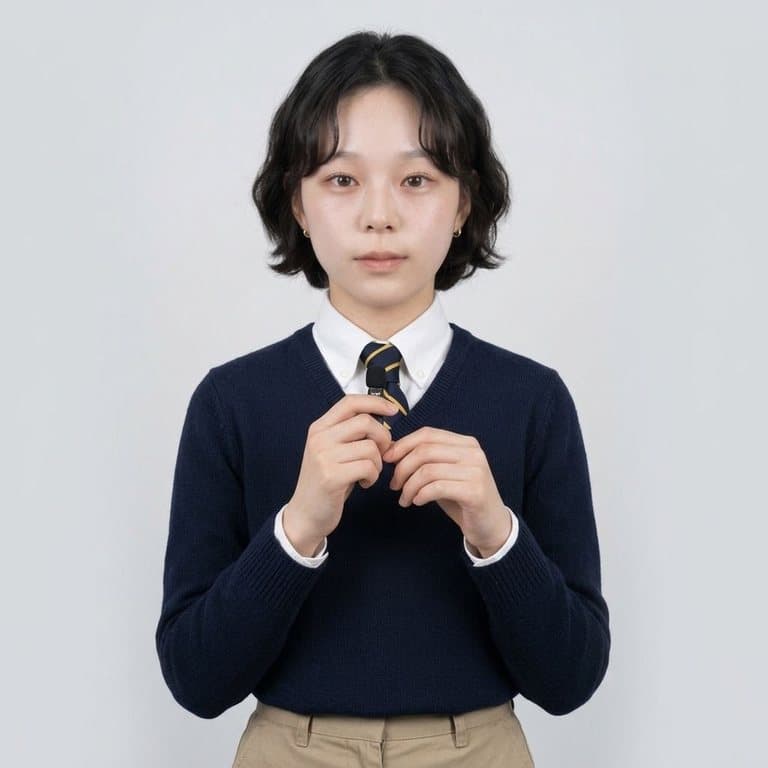
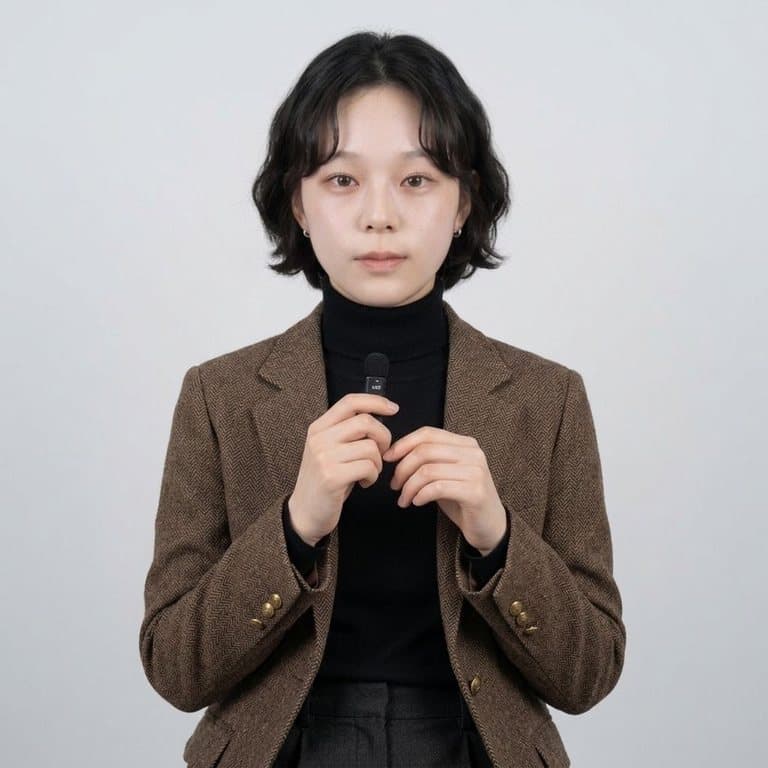
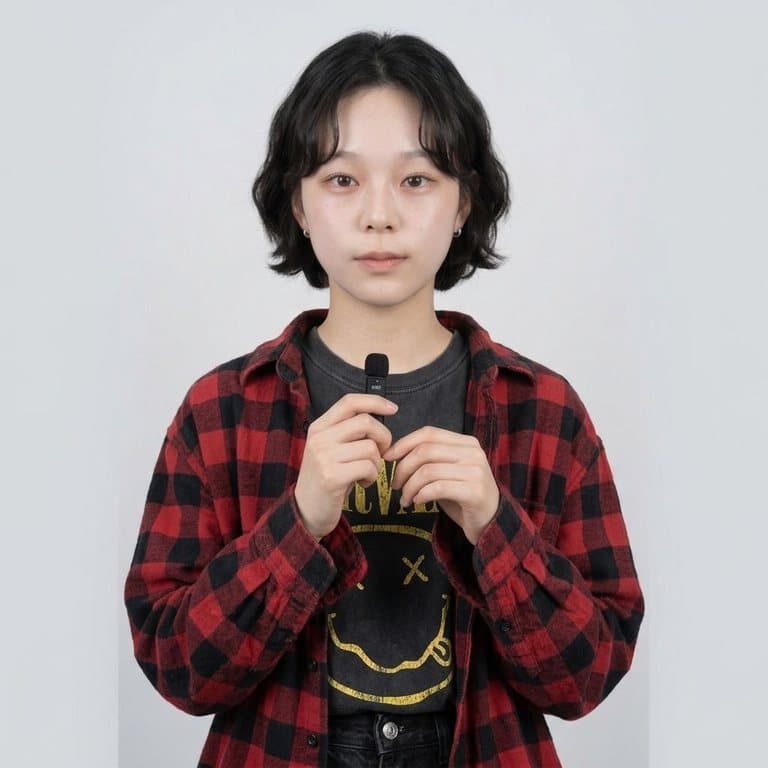
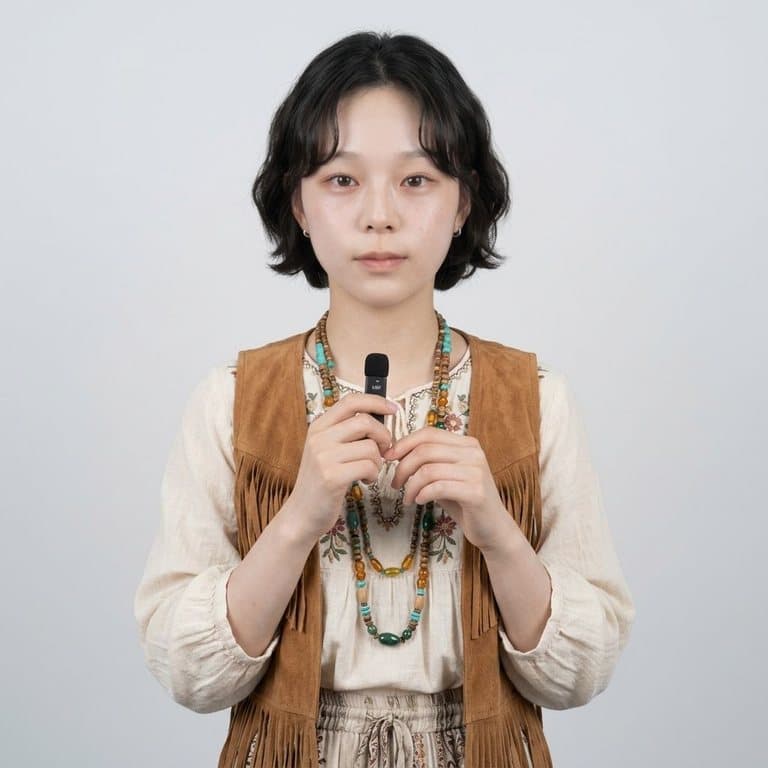
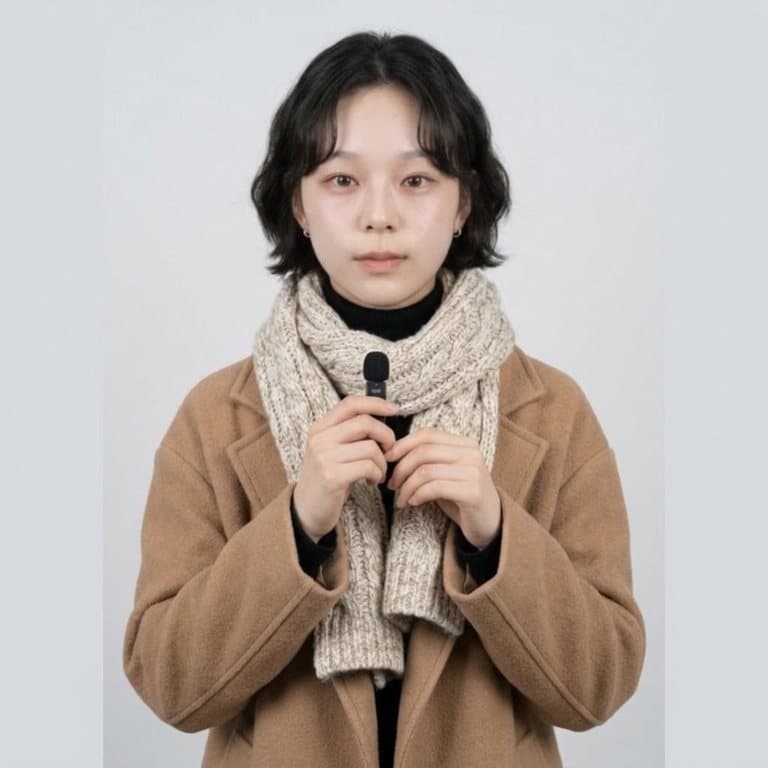
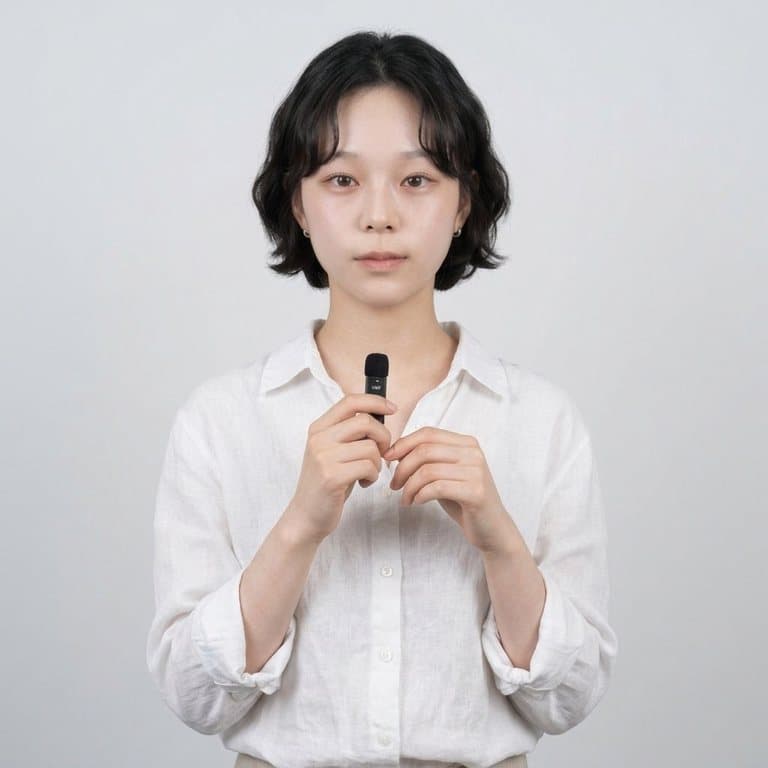
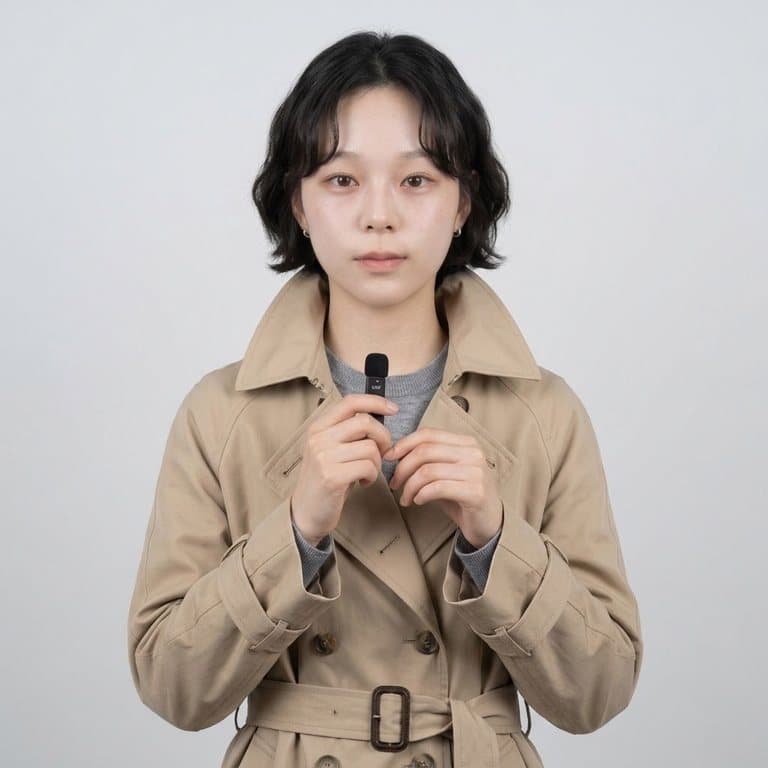
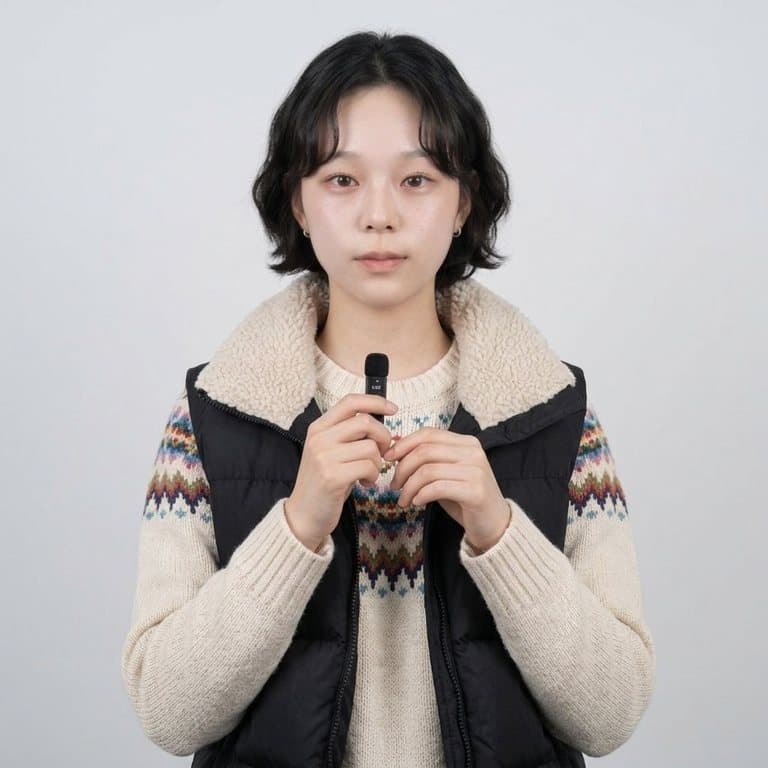
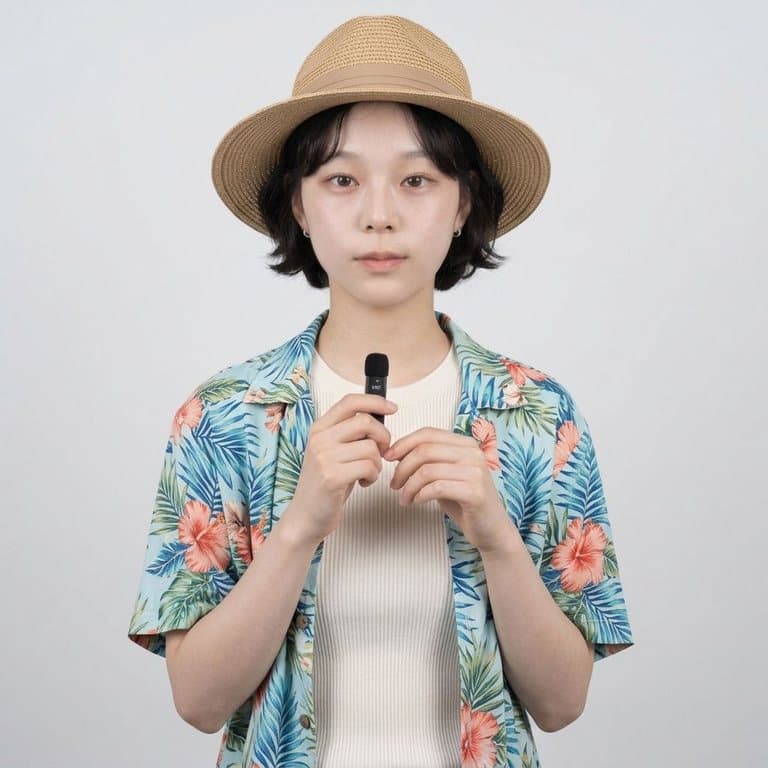
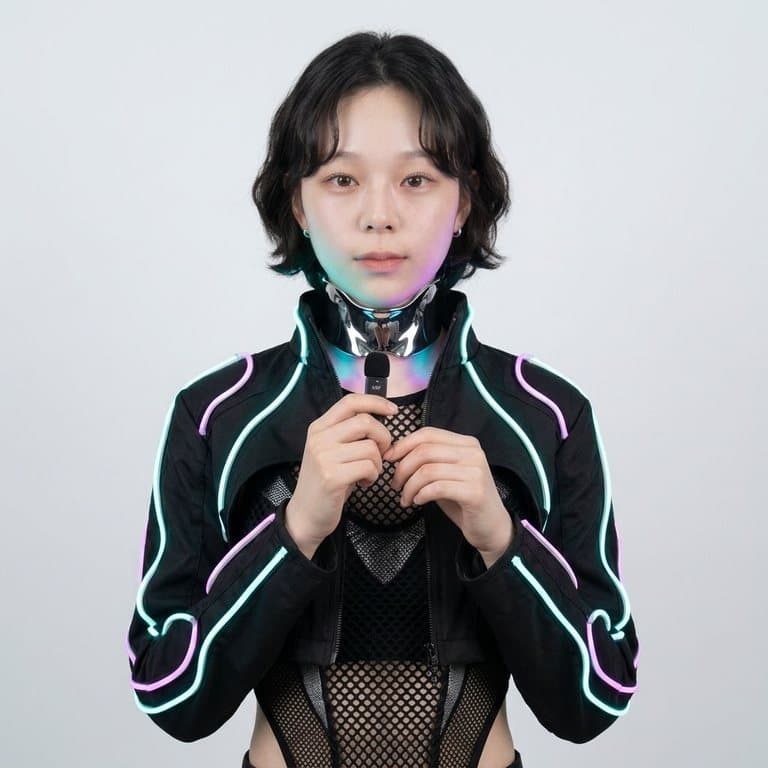
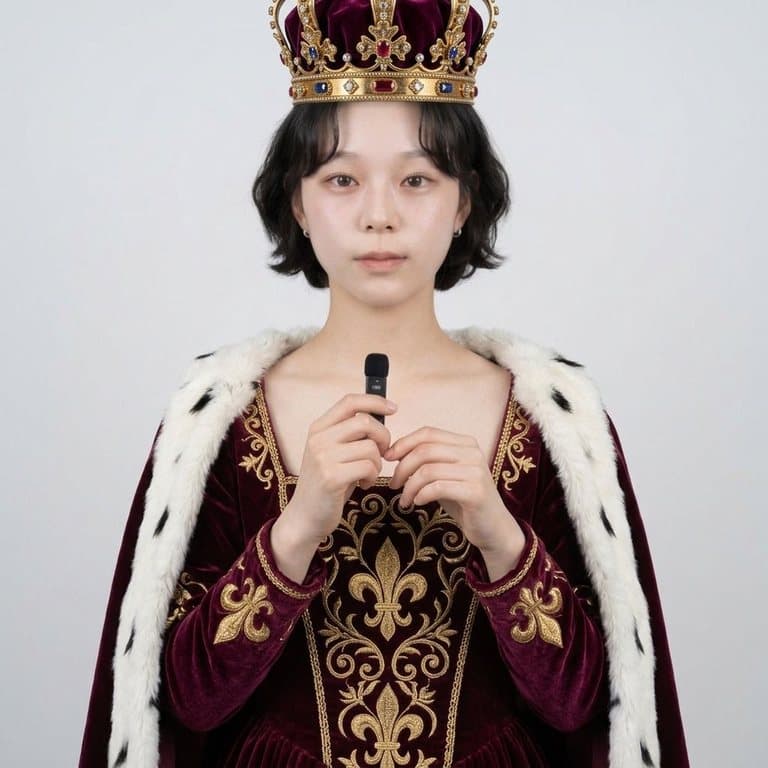
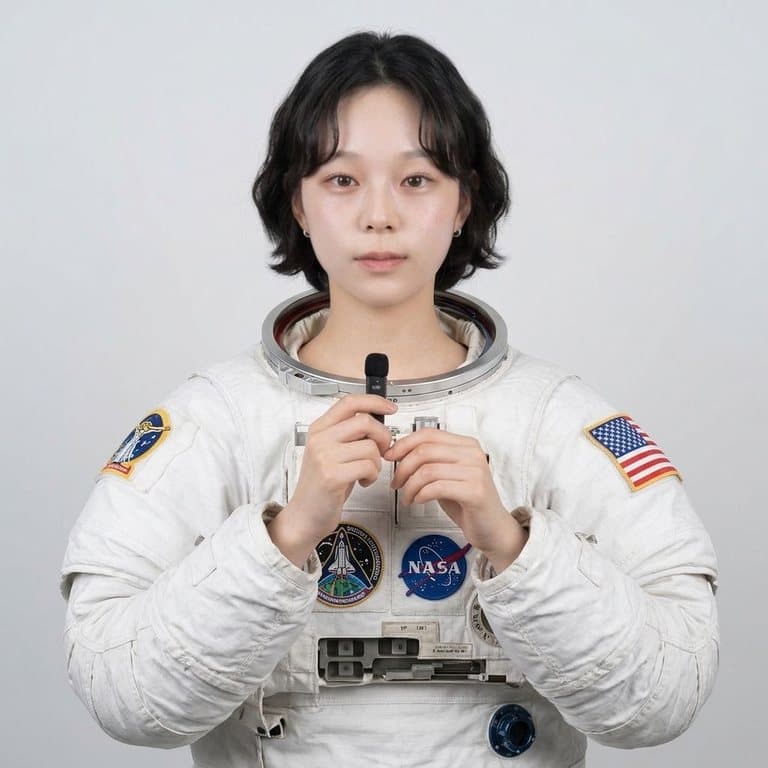
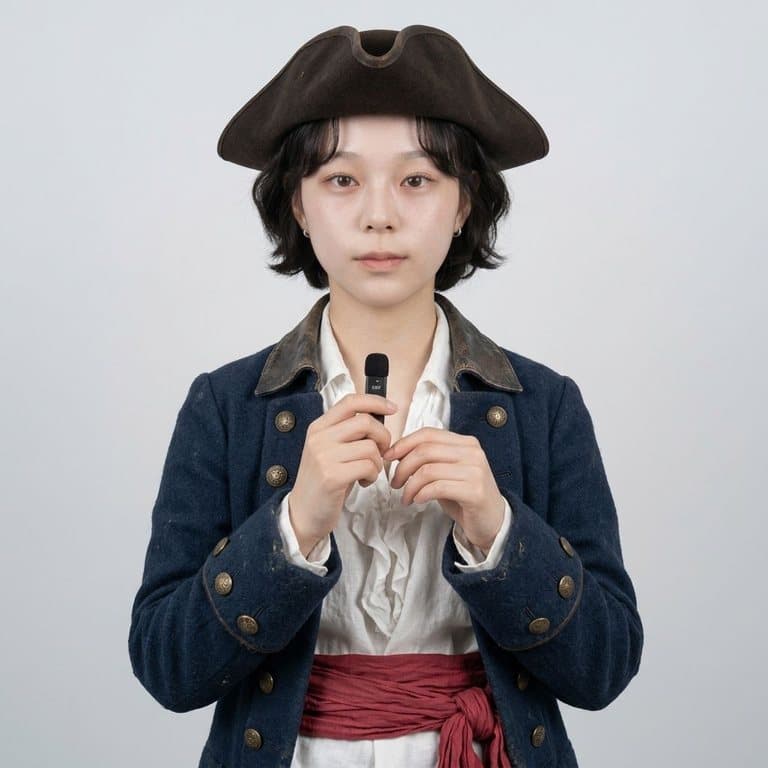
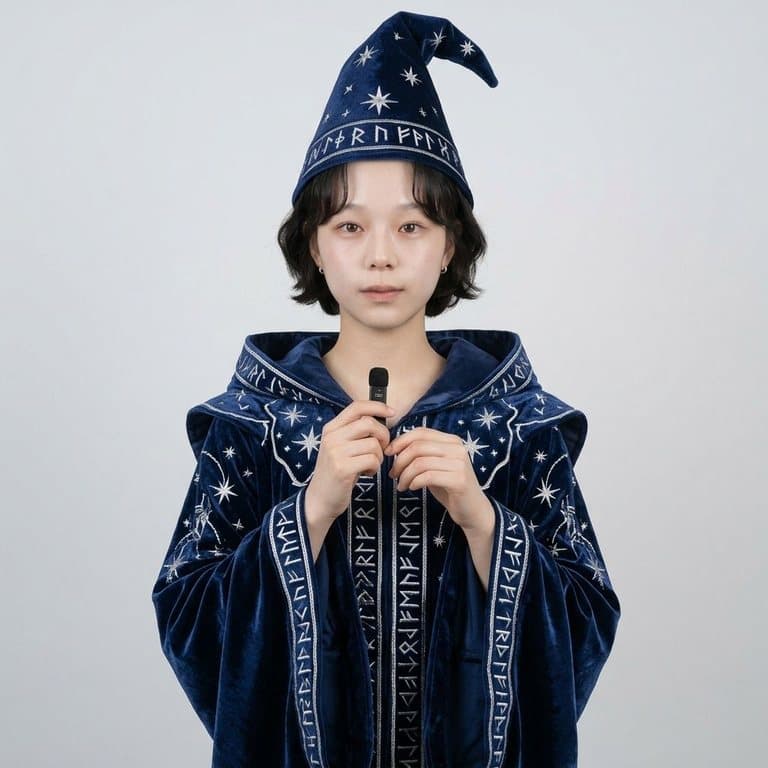
What is an AI outfit changer?
An AI outfit changer edits a photo of a real person so they appear to be wearing different clothes. Unlike an outfit generator, which invents a new person or a fashion illustration, an outfit changer keeps you in the picture: same face, same body, same pose, same background — only the clothes are replaced. Pop-Cam's version runs on Google's Nano Banana 2 image model and is instructed to redraw nothing but the clothing, which is why the results read as a real photo of you rather than a lookalike.
Virtual try-on: see clothes on you before you buy
Upload a second photo of the garment — a product image from a shop, a flat-lay, or a picture of a friend wearing it — and the AI transfers that piece onto your photo. It is the quickest way to answer “will this suit me?” without ordering three sizes and sending two back.
- Use a garment photo with the whole item visible and a plain background.
- Pick a photo of yourself in a similar pose to how the item is worn (full-body for dresses and coats).
- Add a note if needed: “tuck the shirt in”, “roll up the sleeves”.
Ways people use it
- Planning an outfit for a wedding, interview or date and comparing three options side by side.
- Testing a style you have never worn — old money, Y2K, western — before spending money on it.
- Content: outfit-transition posts, “which one?” polls and lookbooks from a single shoot.
- Professional photos: turn a casual photo into a suited headshot-style picture.
Tips for the most realistic result
- Good light and a sharp photo matter more than anything else.
- Keep arms away from the torso when you can; crossed arms hide where the new clothes should go.
- Full-body photos work best for full outfits; waist-up photos work best for jackets, shirts and tops. The result keeps your photo's crop, so a waist-up photo won't show shoes.
- If a result is close but not right, describe the difference in the text box and run it again.
Free to try
Your first generation is free, no sign-up needed, and a free Pop-Cam account comes with 2 free 💎 (1 per image), no credit card. Need more? 💎 packs start at $6 for 24 generations. Want fashion illustrations instead of photos? Try the AI outfit generator, or turn the new look into a chibi.