


What is an AI blog header image generator?
An AI blog header image generator is a tool that takes your blog post title (and optionally a short description) and produces a publish-ready feature image in your chosen visual style. There is no template picking, no Photoshop, no stock-photo licensing — you paste a title, choose a style preset, and download a high-resolution PNG that drops into WordPress, Substack, Medium, Ghost, or Webflow at the standard hero slot aspect. The Pop-Cam free version runs in your browser: your first header is free with no sign-up, and a free Pop-Cam account comes with 2 free 💎, no credit card needed.
Why generate blog headers with AI instead of stock photos?
Stock photos are quick, but they have three problems: they are duplicated across thousands of competing posts, they rarely match the specific topic of your headline, and the licensing tier you actually need gets expensive fast. AI-generated blog banners solve all three:
- Every banner is unique to your post — Google rewards distinct hero imagery for SEO.
- The AI composes around your title — a finance post gets restrained colors, a travel post gets vibrant ones.
- Free or near-free per generation — no $50 stock-photo bill per article.
Blog header image vs Midjourney vs Photoshop
Midjourney is powerful but requires Discord, a paid plan, and prompt-engineering skills to get banner-aspect output. Photoshop and Canva give you a blank canvas — you still pick a layout, find imagery, and lay it out. Pop-Cam sits between the two: one click, no prompt skills, and the output is sized for the blog hero slot by default. The trade-off is less prompt-level control than Midjourney; the win is speed and zero design lift.
Blog hero image best practices
- Lead with a clear title. The AI uses the title to choose subject and palette, so concrete titles ("How I built a $30k MRR Substack") beat vague ones ("My journey").
- Pick a style that matches your blog's tone. Use minimalist or flat illustration for B2B content; Illustration, Nature, or Abstract for personal and lifestyle blogs.
- Keep the title short. The title is designed into the image, so titles under about ten words stay large and legible, even as a small social-card thumbnail.
- Stay consistent within a blog. Pick one style and use it across every post for a recognizable visual identity that boosts brand recall.
Blog header image size
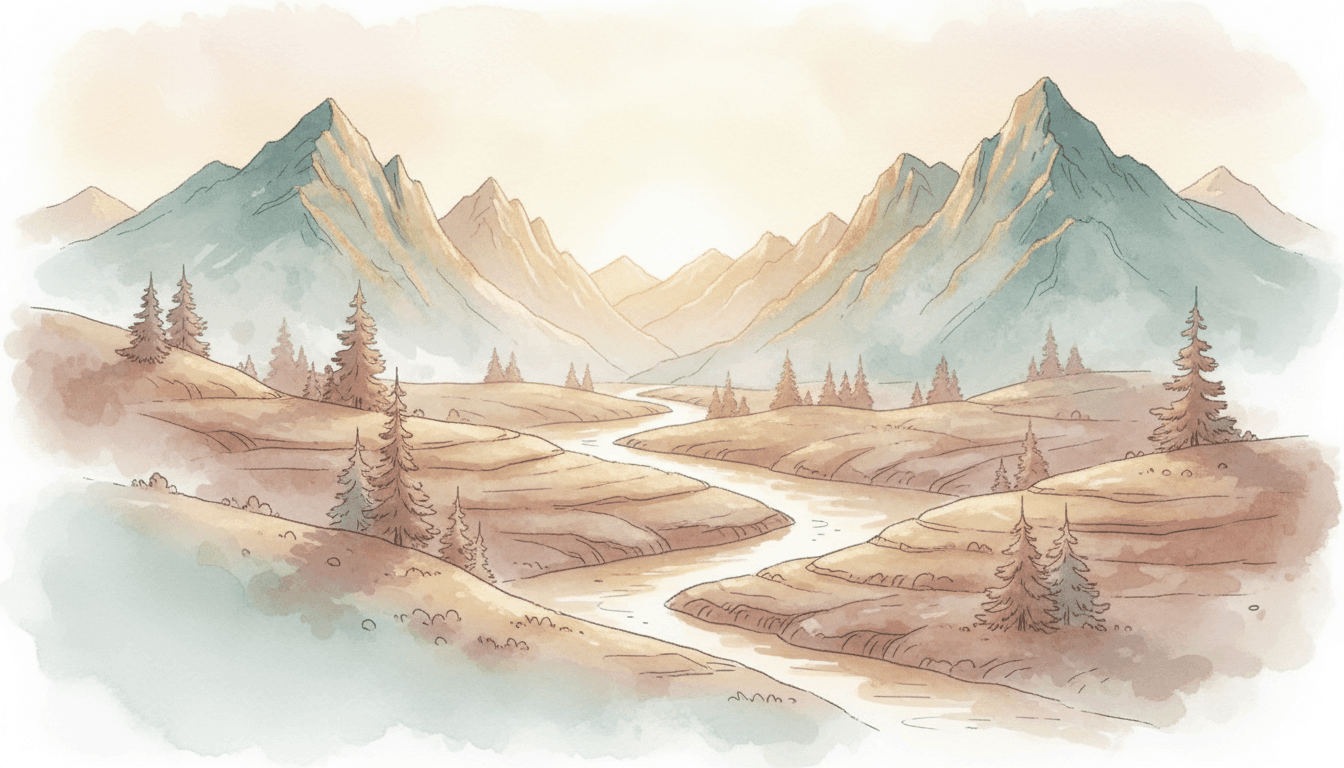
Every banner is generated at a 16:9 aspect ratio, the landscape shape most blog themes use for the feature image. If your platform crops the feature image to a social card (1200×630, about 1.9:1), keep the title short so it sits inside the centre of the frame and survives the crop.
Blog headers for WordPress, Substack, Medium, Ghost and Webflow
Pop-Cam exports a 16:9 image, which fits the default feature-image slot on WordPress, Substack, beehiiv, Medium, Ghost, Webflow, Hashnode, and Dev.to. For unlimited generations, brand-color customization, and higher-resolution exports, Pop-Cam 💎 packs start at $6 for 24 generations.