Loading page…
Turn your Selfies Into Funny Infographics
P
ProductHunt:
"Easy to Use"
Turn your Selfies IntoFunny Infographics

4.8/5 rating over 8153 generations


✨Turn your photos into illustrations
⚡No Skills needed
💫Get Your infographics in seconds
⭐Ready-to-use infographic style

Producthunt
"Easy to Use"

Turn your Selfies IntoFunny infographics
✨ Instantly Share with Friends
⚡ No Skills Needed
💫 Get Downloadable Pictures in Seconds
⭐ Ready-to-use infographic style
✨ Turn your photos into illustrations
⚡ No Skills needed
💫 Get Your infographics in seconds
⭐ Ready-to-use infographic style

Generate Your Infographic
Upload a selfie or snap a photo and let Pop-cam turn it into a shareable infographic.
Capture Image
Use your camera to take a photo
See the Transformation
Original photo
Infographic illustration

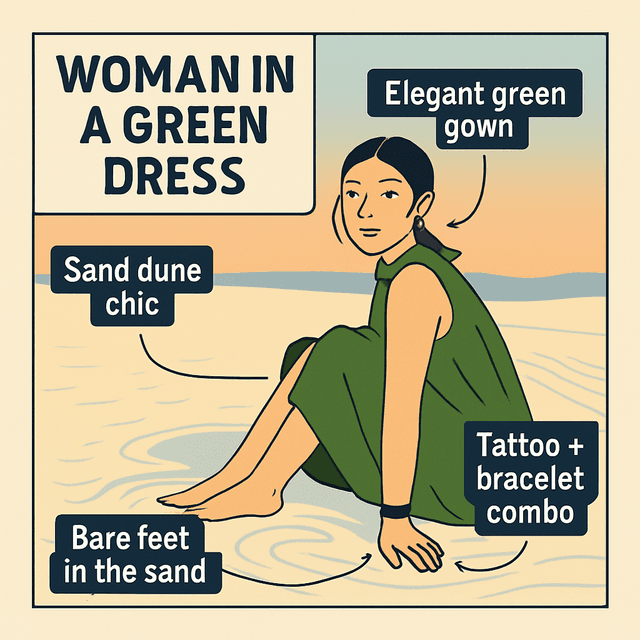
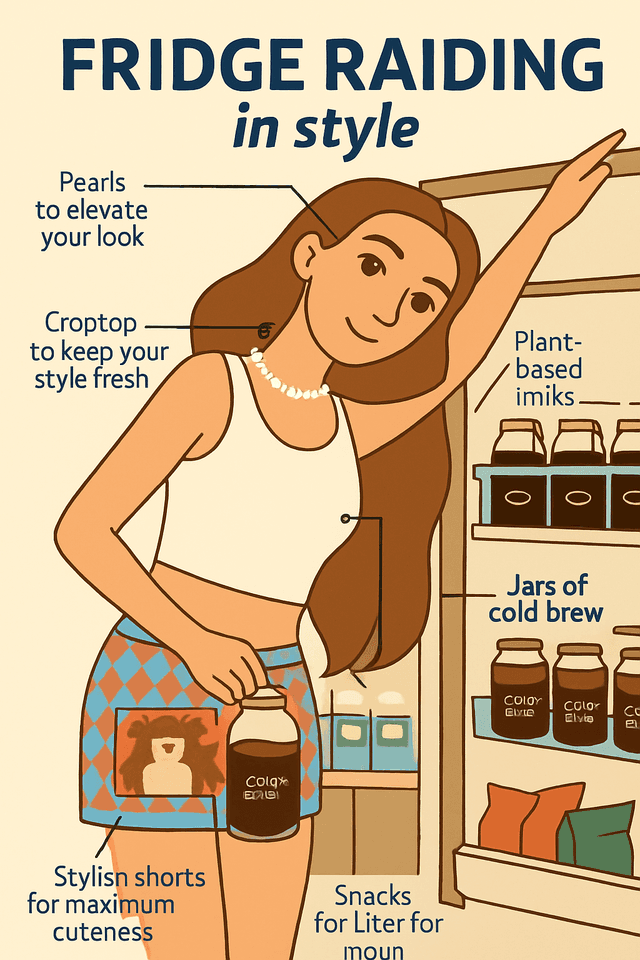
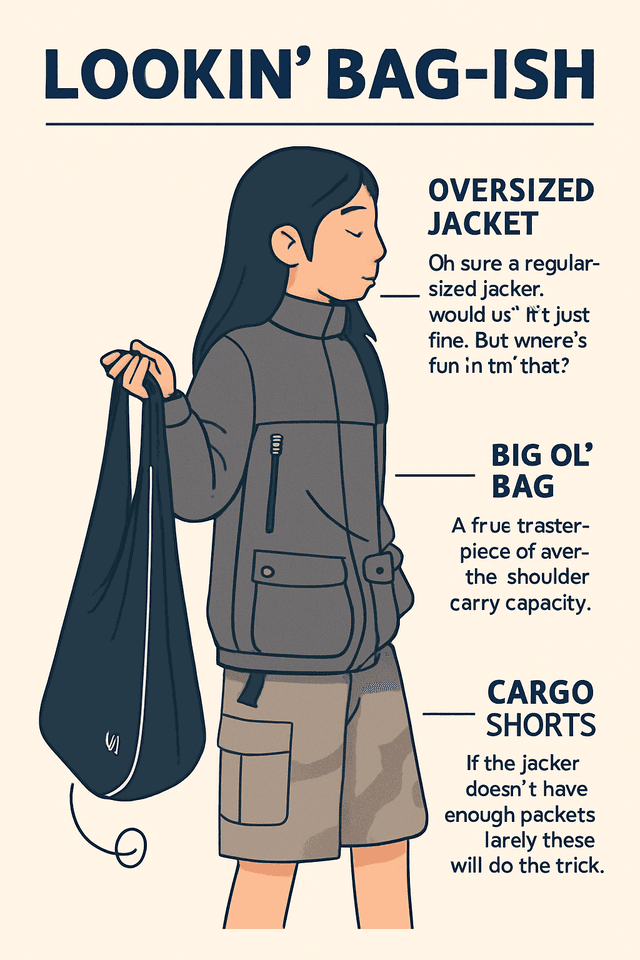
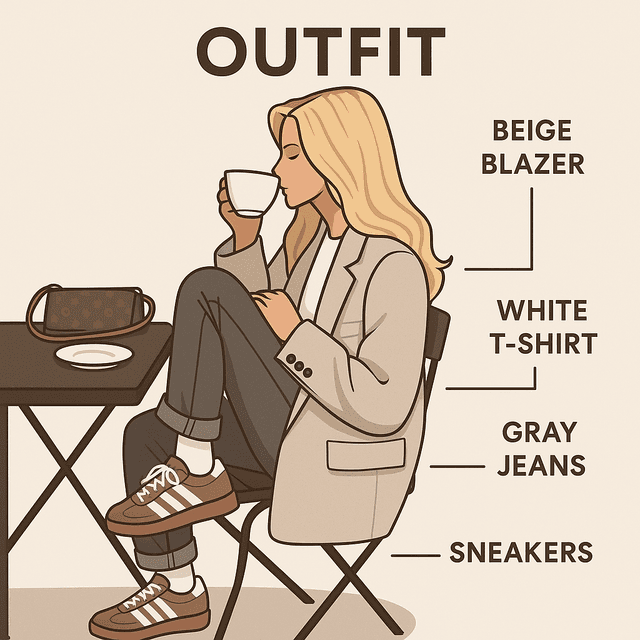
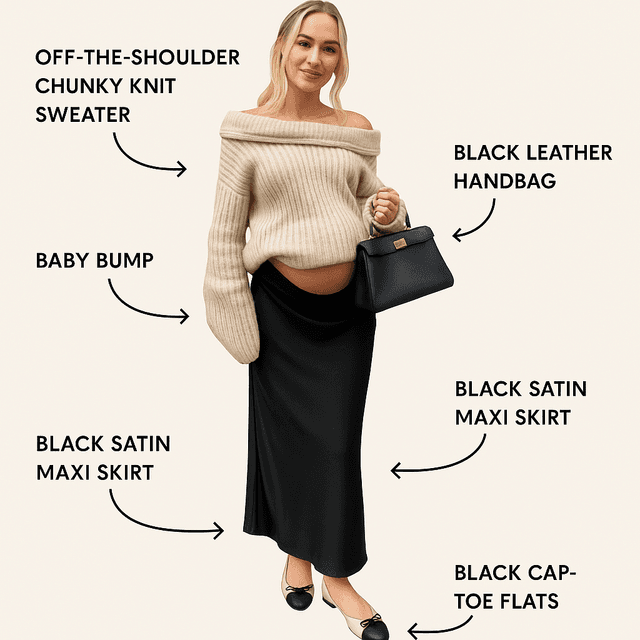
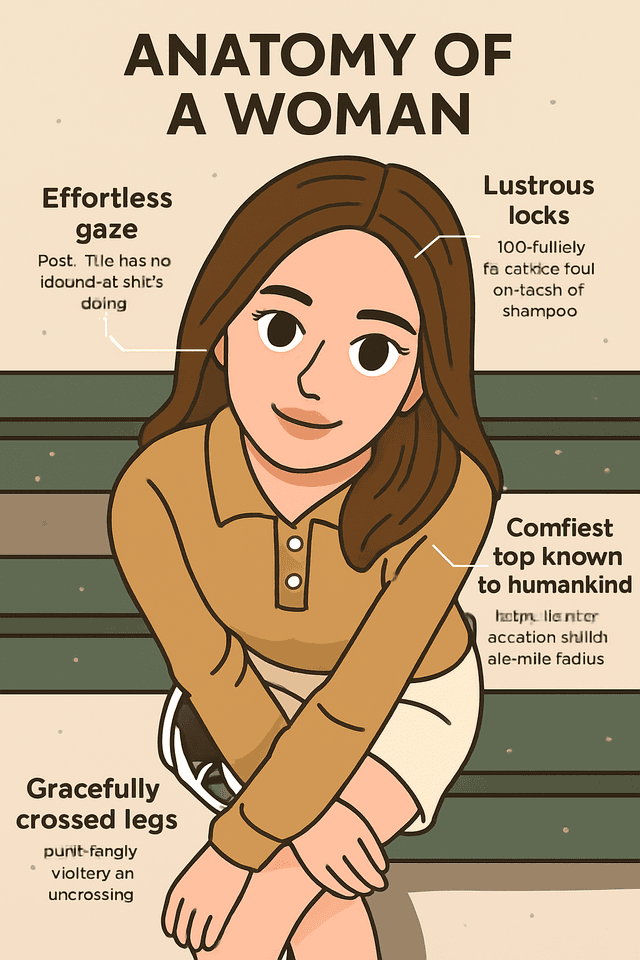
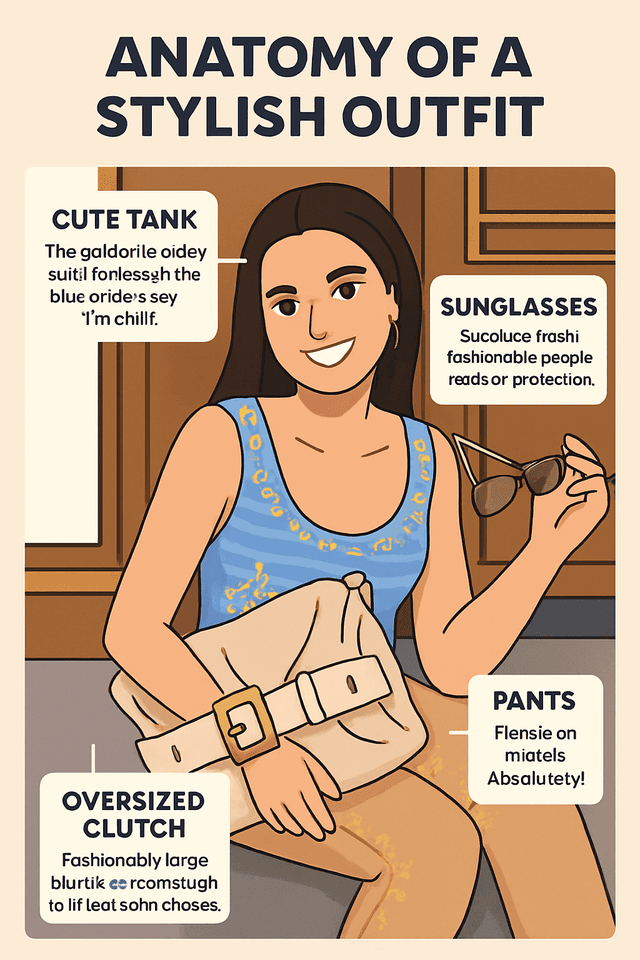
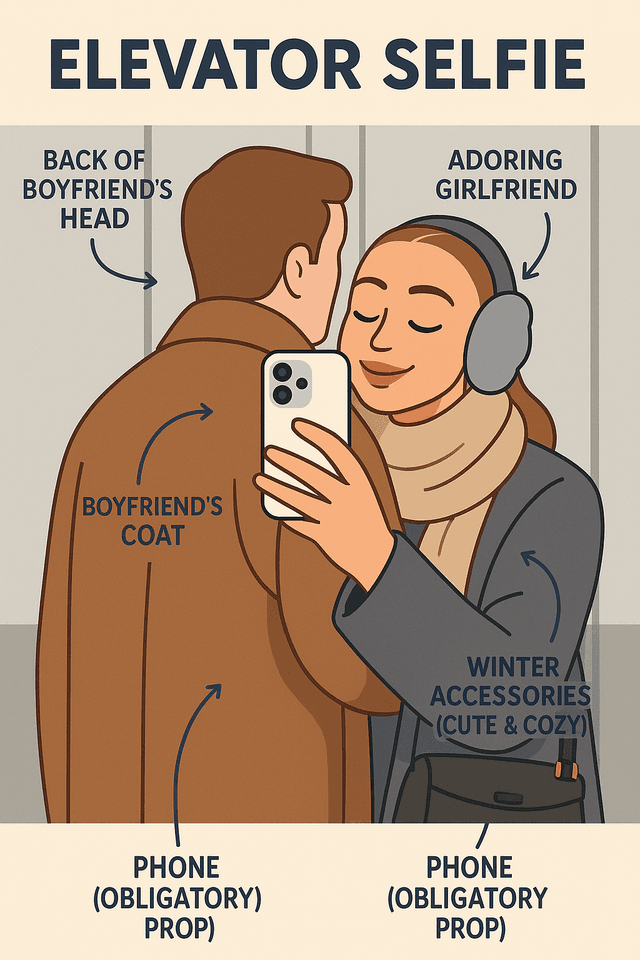
Comments
What real creators say after one click.
Sarah M.
I sell handmade dog collars on Etsy and have been paying $40 for product banner illustrations every new drop. Tried Pop-Cam on a whim and now my whole banner is mine — the watercolor style especially is just chef's kiss!! Took maybe ten minutes start to finish.
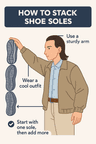
Jason L.
needed a banner for my podcast. ten seconds in pop-cam, done. looks better than the one i paid a guy on fiverr for last year. not even kidding
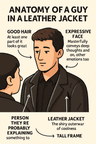
Priya T.
I work in product marketing and we constantly need decent hero illustrations for blog posts. The output quality is comparable to what our design team produces, and it's particularly strong for editorial-style food visuals. Wish the export resolution went a bit higher for print work, but for web it's more than enough.

Michael W.
Ran a side-by-side against three other AI tools on the same dog photo. Pop-Cam was the only one that didn't mangle the face. Got what I paid for.
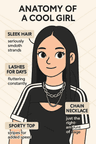
Lily Z.
honestly didn't expect much because i've been burned by ai stuff before but the y2k filter is unhinged in the best way?? uploaded a photo from my friend's bday and it came out looking exactly like a film camera from like 2003. saved 6 different versions. would love a few more retro presets tbh
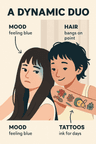
Diego A.
Use it every Sunday for my taqueria's Instagram. The chalkboard menu style is perfect for our al pastor specials — looks hand-drawn but I don't have to wake up at 5am to draw it. Mi esposa says the engagement is up maybe 30 percent since we started.
What a selfie infographic is
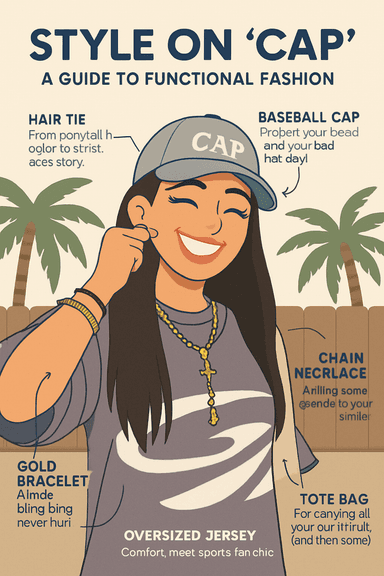
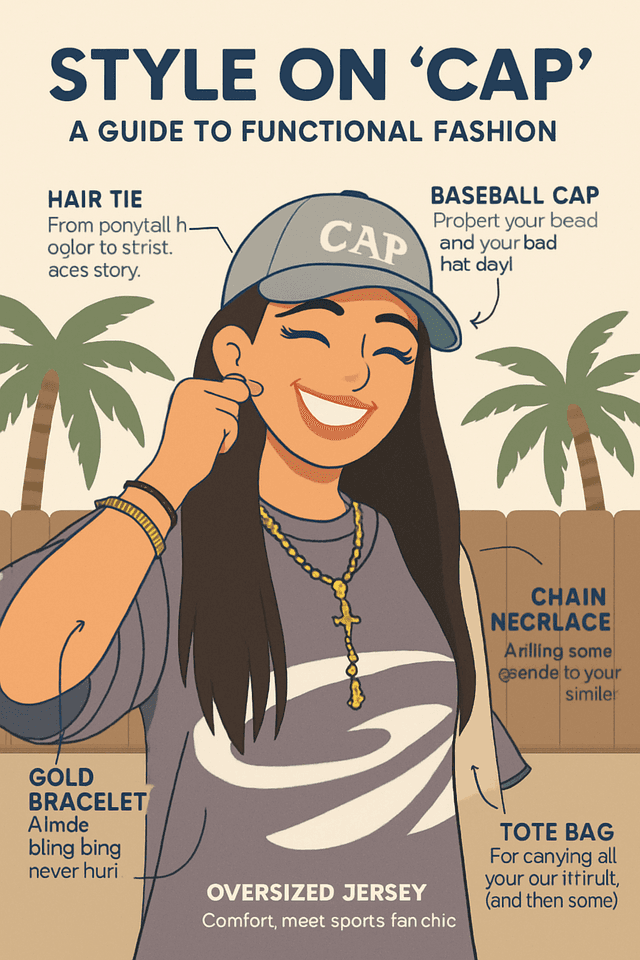
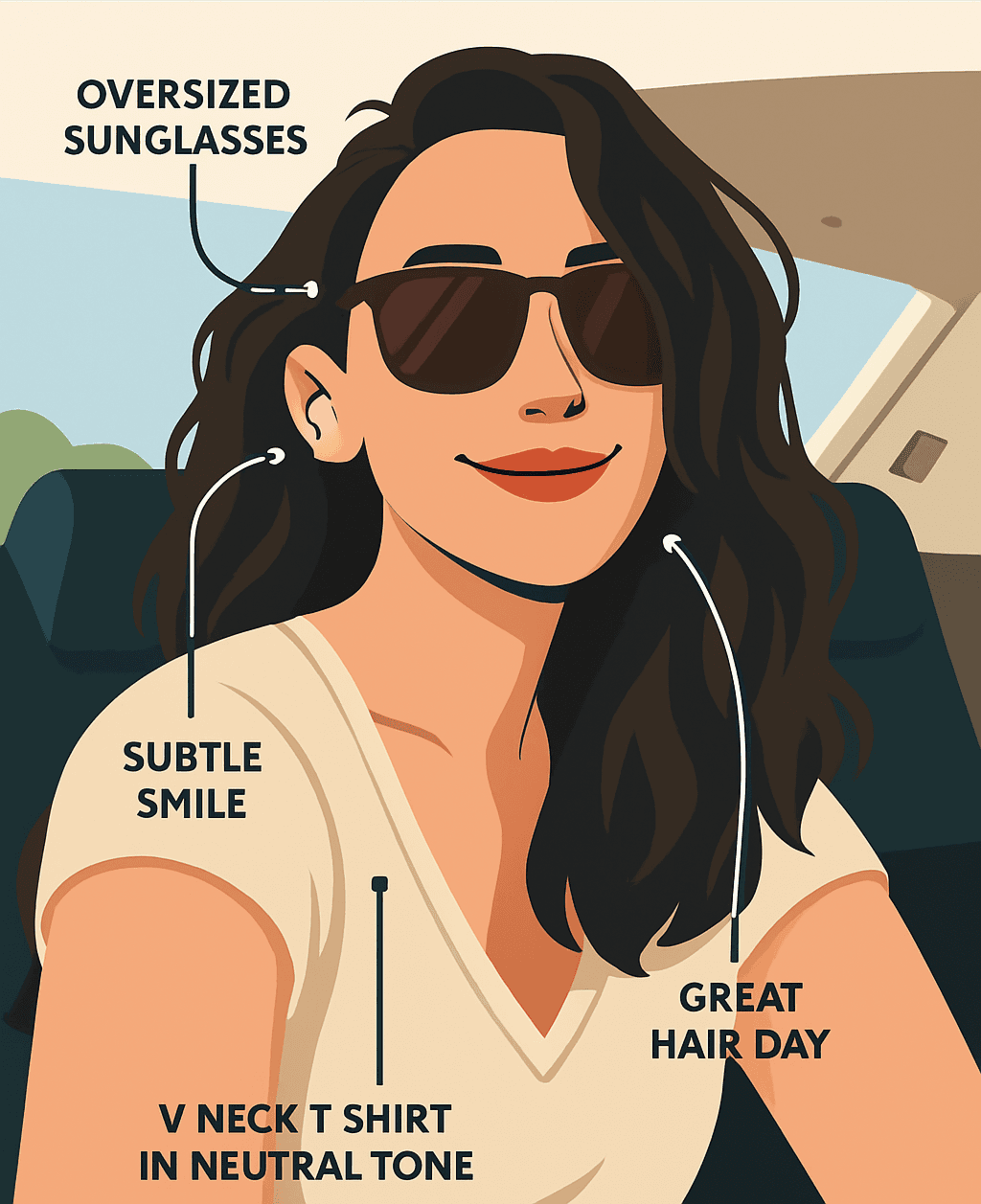
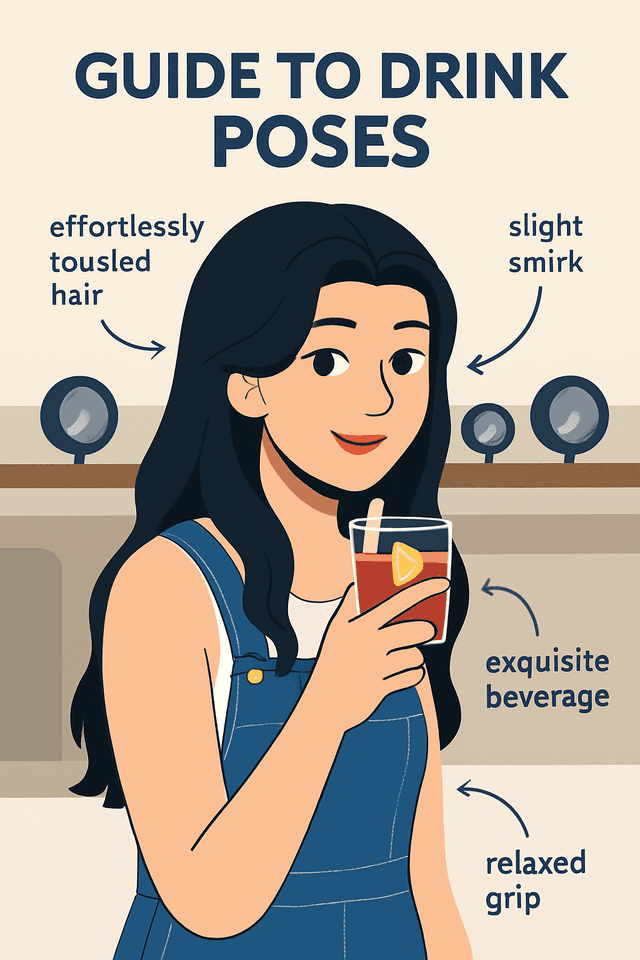
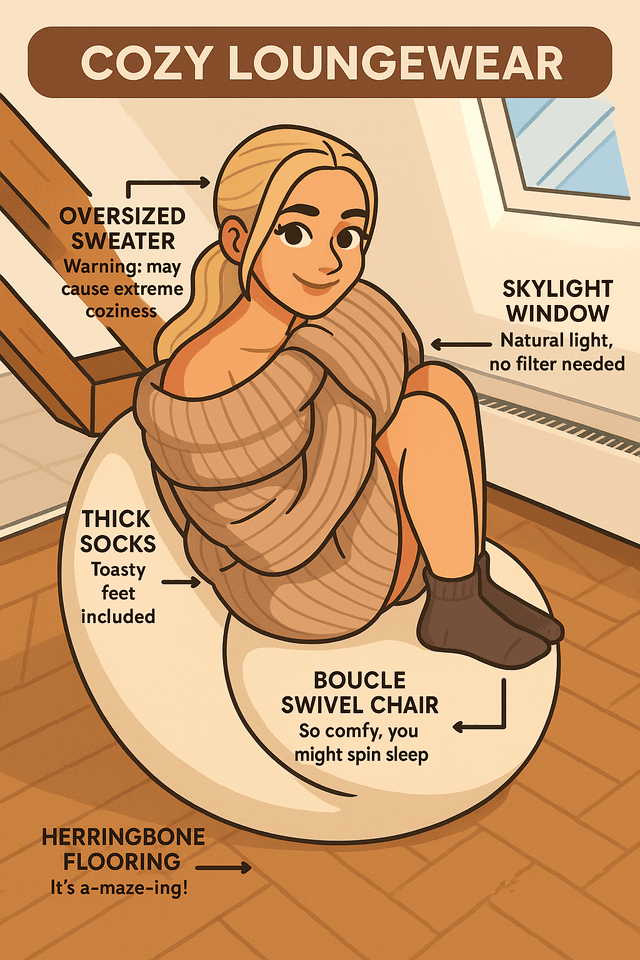
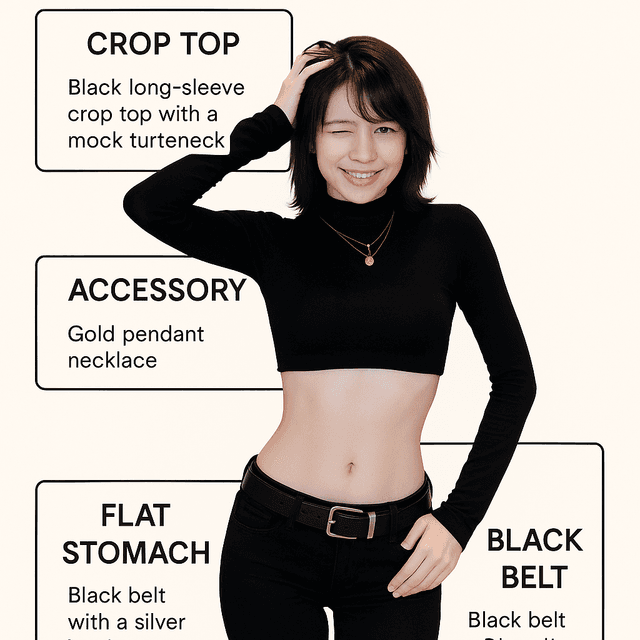
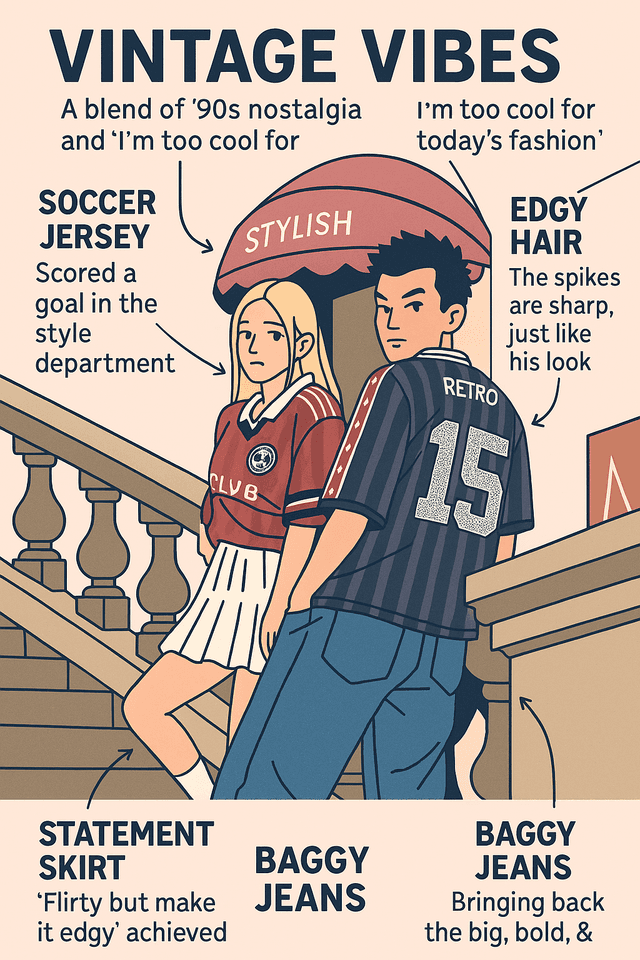
A selfie infographic is a cartoon illustration of you with labels: arrows pointing at the coffee, the headphones, the three-day-old hoodie, each with a caption. Pop-Cam makes one from a single selfie in about 20 seconds. You upload the photo, the AI redraws you as a character and writes the labels from what it sees, and you download a shareable image. It is a funny infographic about a person, not a data chart; the point is that friends recognize you and laugh at the captions.
What it is not: a tool for turning text, notes or data into a diagram. That is a different Pop-Cam tool, below.
Selfie infographic or notes to infographic: which tool
Pop-Cam has two infographic tools that people mix up. Pick by what you are starting from.
| You have | You want | Use |
|---|---|---|
| A selfie or a photo of someone | A funny, labelled cartoon of that person | This page |
| Lecture notes, a reading, a list | A study infographic or visual notes you can revise from | Notes to Infographic |
| A paragraph of text or a process | A text to infographic explainer for a post or slide | Notes to Infographic |
| A blog post title | A header image with the title set in | Blog Header Image |
| A dish, a pet, an outfit | An illustration of that thing, not an infographic | Food · Pet Portraits · AI Outfit Generator |
Students and teachers looking for an educational infographic or an infographic for students almost always want the second row: Notes to Infographic reads the text and lays it out as sketchnotes-style visual notes. This page needs a face.
Infographic ideas from one selfie
The same upload supports a lot of infographic ideas. The ones that get shared most:
- "Anatomy of a [your job]": the laptop stickers, the fourth coffee, the lanyard
- A new-hire or team intro for LinkedIn: one labelled character per person, same style
- A dating-profile infographic: green flags and red flags on the same person
- Couple or best-friend versions: two selfies, two characters, matching captions
- You and your pet: upload both, or pair this with the Dog Cartoon and Cat Drawing tools
- A birthday card: the birthday person, labelled with running jokes
- A travel or weekend recap: what you wore, carried and ate
- A gym or hobby progress post: before and after, with the gear labelled
Infographic for Instagram and LinkedIn
An Instagram infographic from this tool works as a single post or as the first card of a carousel; a LinkedIn infographic works as a self-intro that gets read because it is a picture. Export at full resolution and crop to square for the feed or portrait for stories; each platform downscales on upload. To post on a schedule rather than by hand, send the image to the Social Media Scheduler, which publishes to Instagram, LinkedIn, TikTok, Facebook, X, Pinterest, Threads and Bluesky.
Making an infographic in ChatGPT or Gemini vs here
You can ask a general chatbot for an infographic of yourself, and people do: a ChatGPT infographic or a Gemini infographic starts with you writing a prompt that describes the look, the labels and the layout, then iterating. Here the look and the layout are a preset and the labels are written from the photo, so you can start without writing a style prompt. The trade-off is control: a chatbot will follow a detailed brief, and this page is built for the one-upload case. Either way, read the captions before you post; the AI writes what it sees, and it can see wrong.
Every infographic and content tool on Pop-Cam
| Tool | Makes | Start from |
|---|---|---|
| Selfie Infographic (this page) | Funny labelled cartoon of a person | A selfie |
| Notes to Infographic | Study and explainer infographics, visual notes | Text or notes |
| Blog Header Image | Header with your title designed in | A title |
| AI Photoshoot | A set of portrait shots | A selfie |
| AI Sticker Maker | Die-cut stickers of the character | The infographic or the selfie |
| Image to Video | A short animated clip of the result | The exported image |
| Social Media Scheduler | Scheduled posts to 9 platforms | Any image above |
| All content-creation tools | The category page | Browsing |
Selfie infographic FAQ
Everything you need to know about Pop-Cam.
Pricing · Terms of Service · Privacy Policy