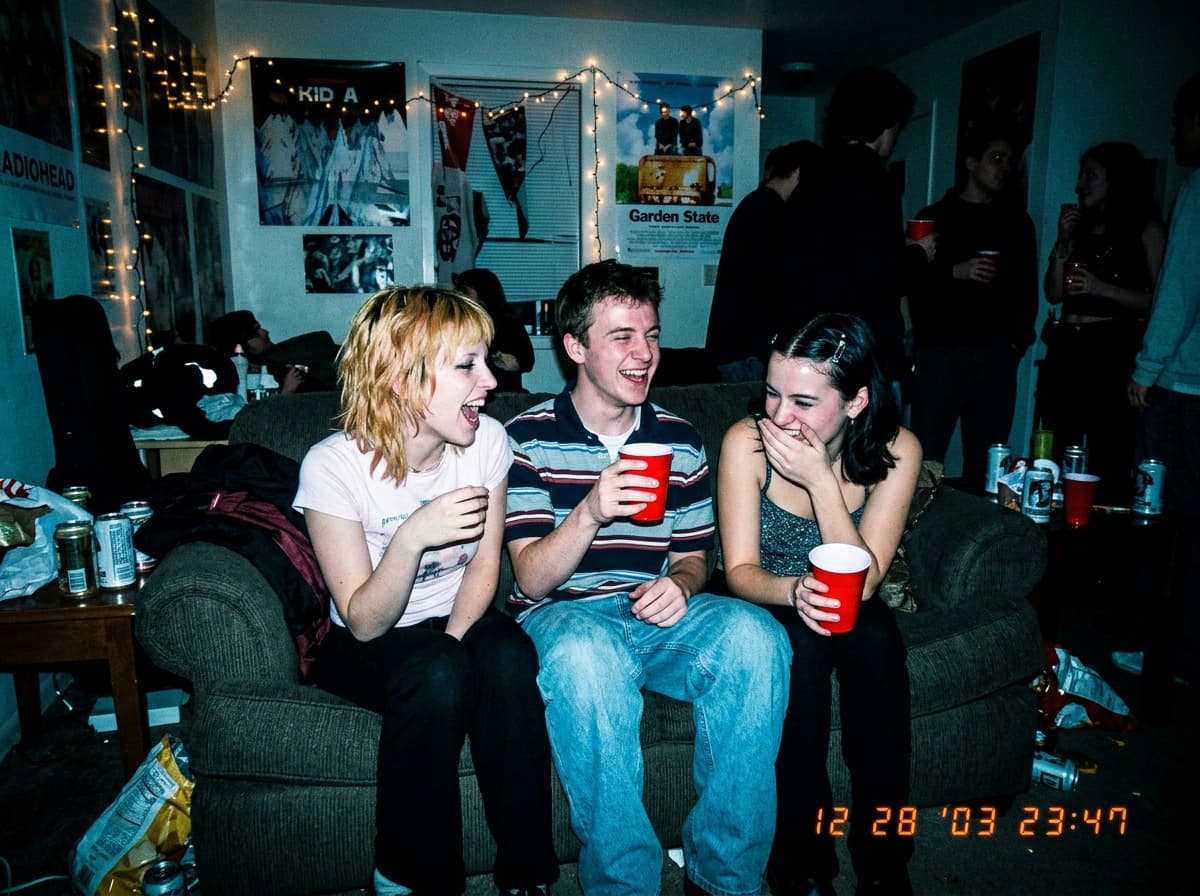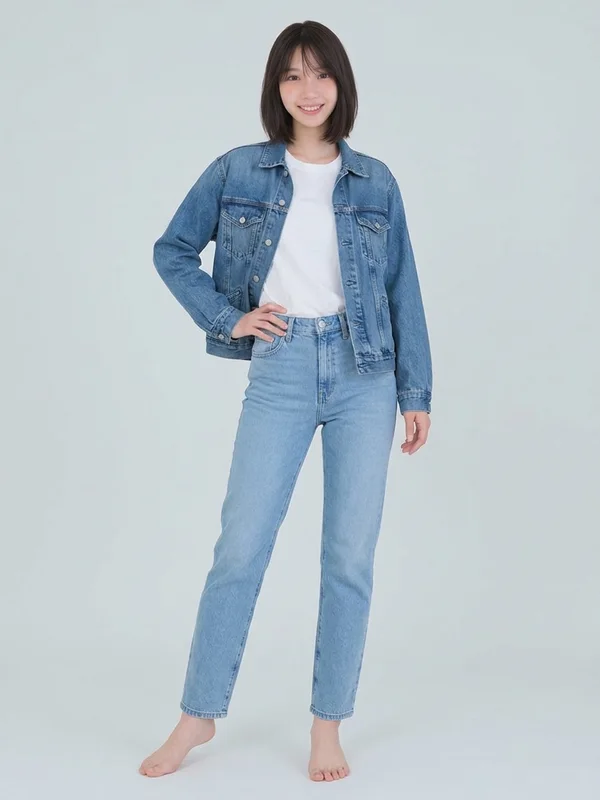
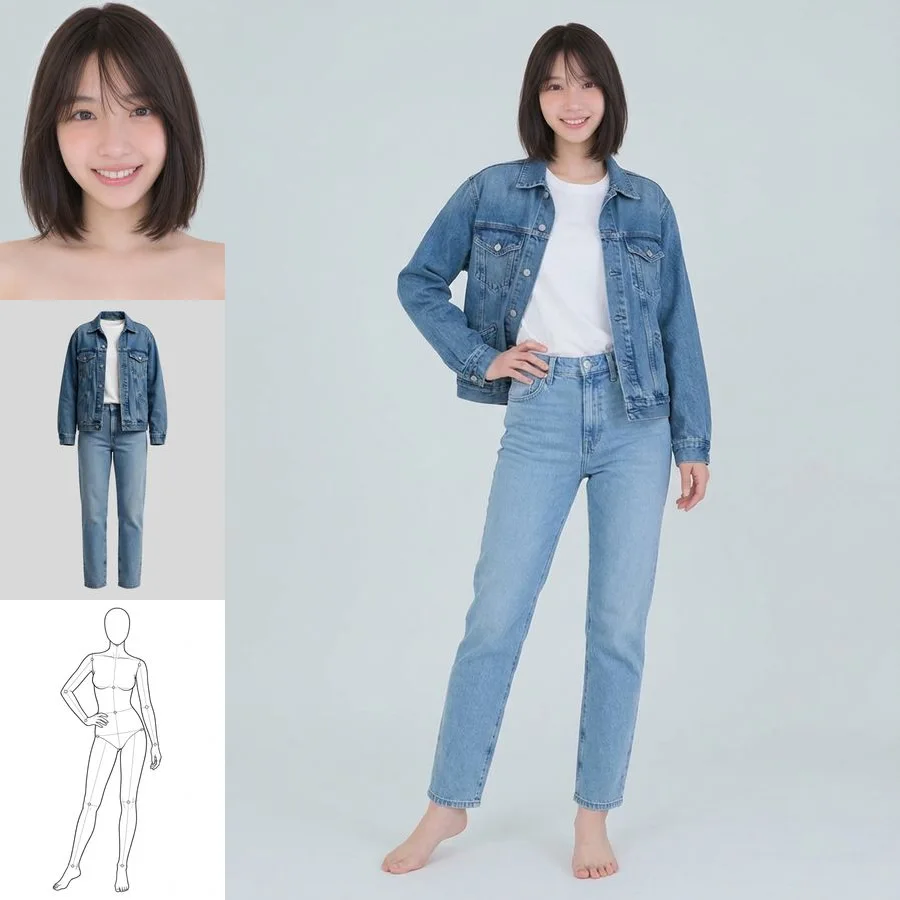
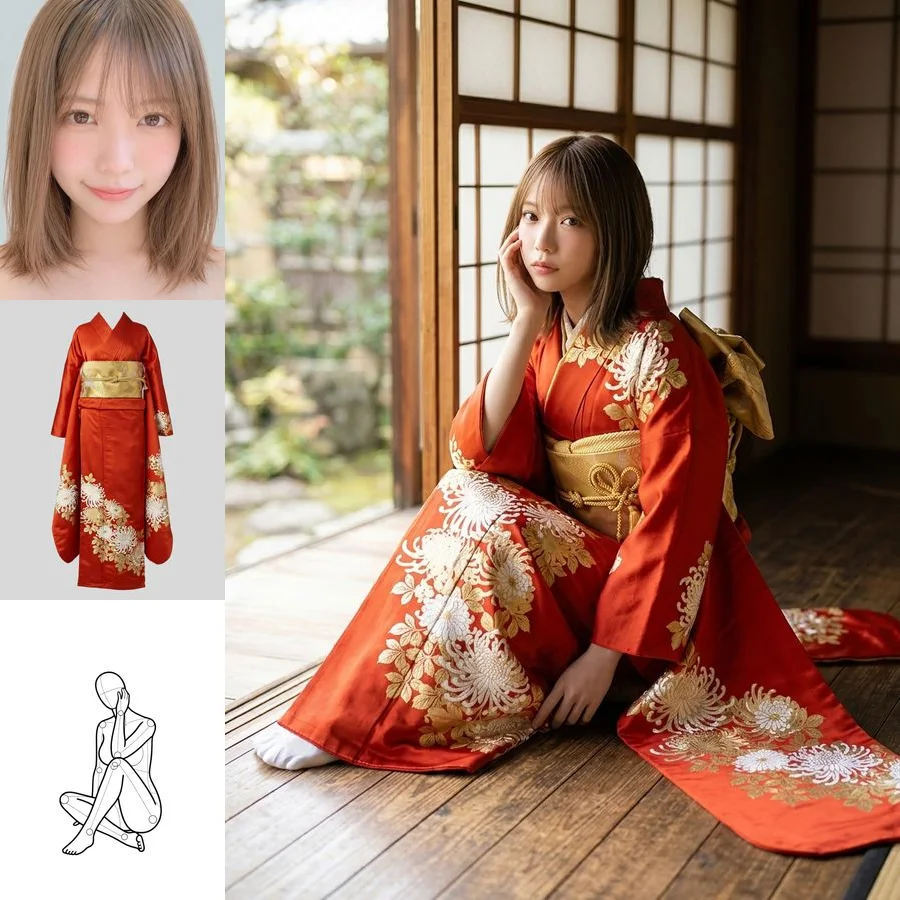
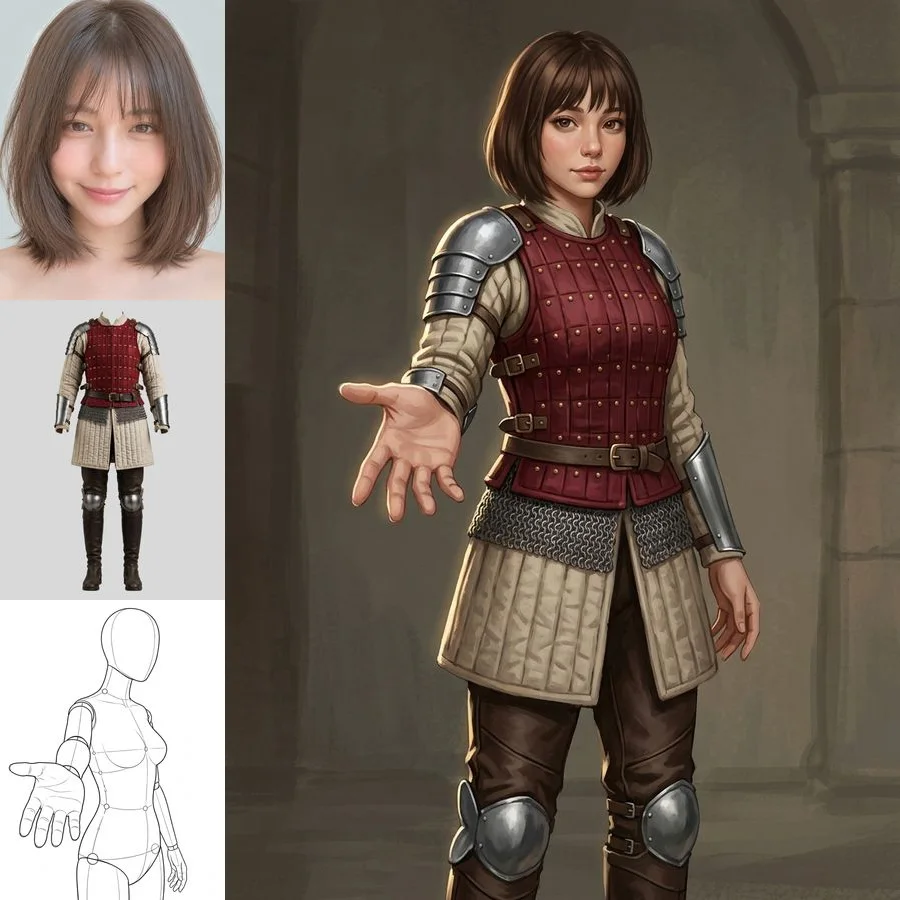
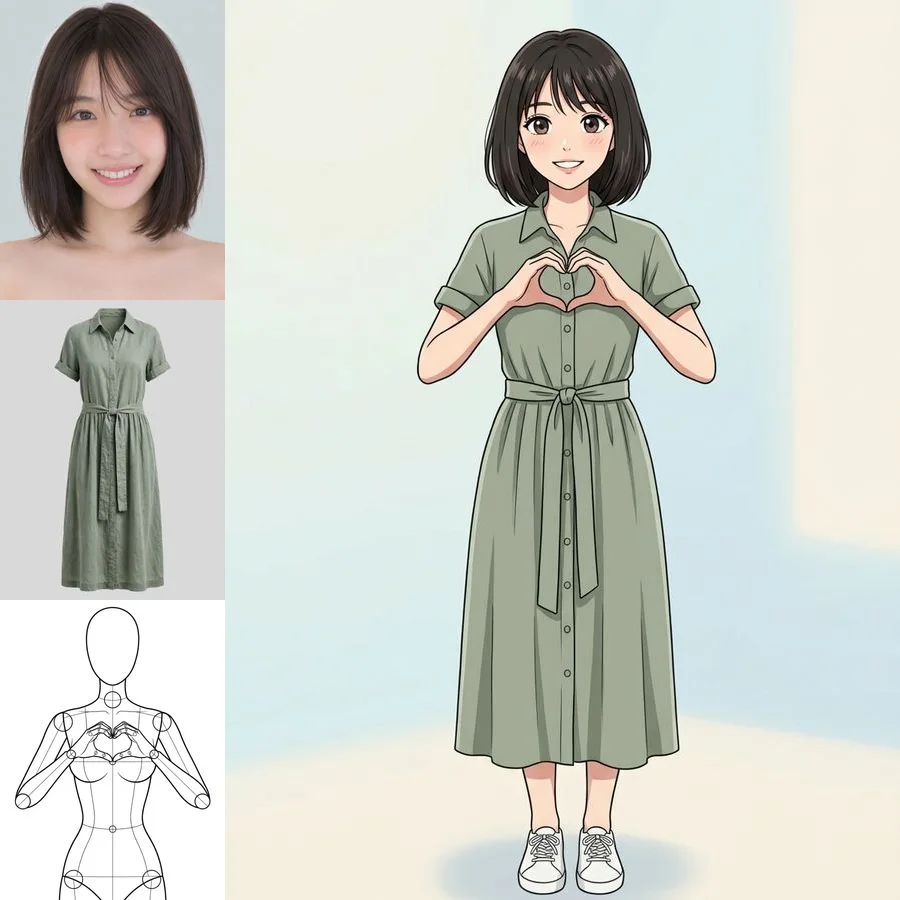
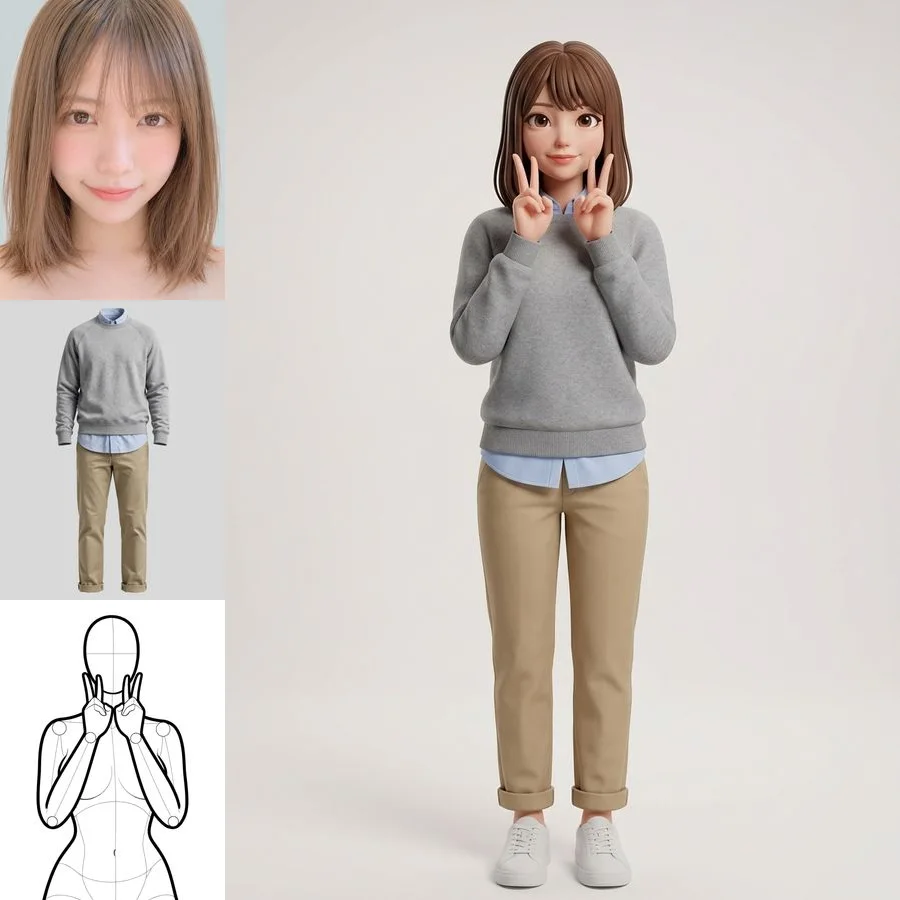
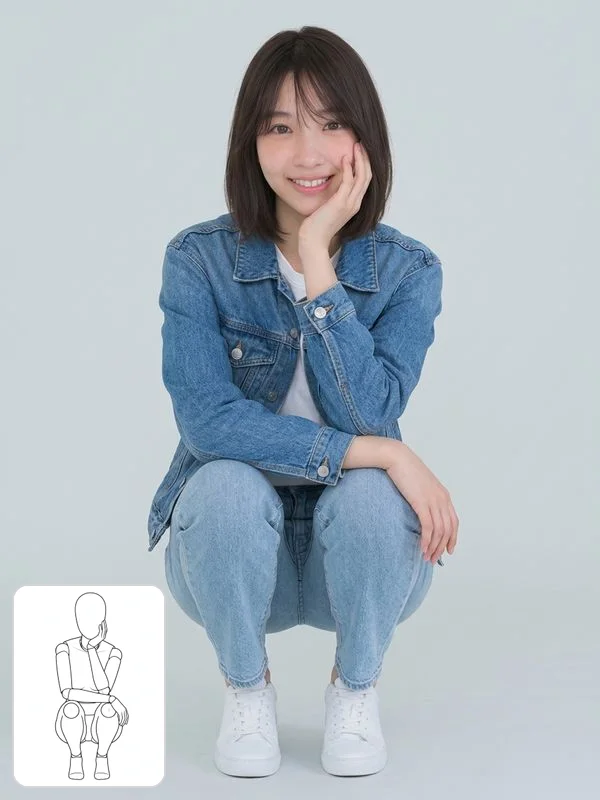
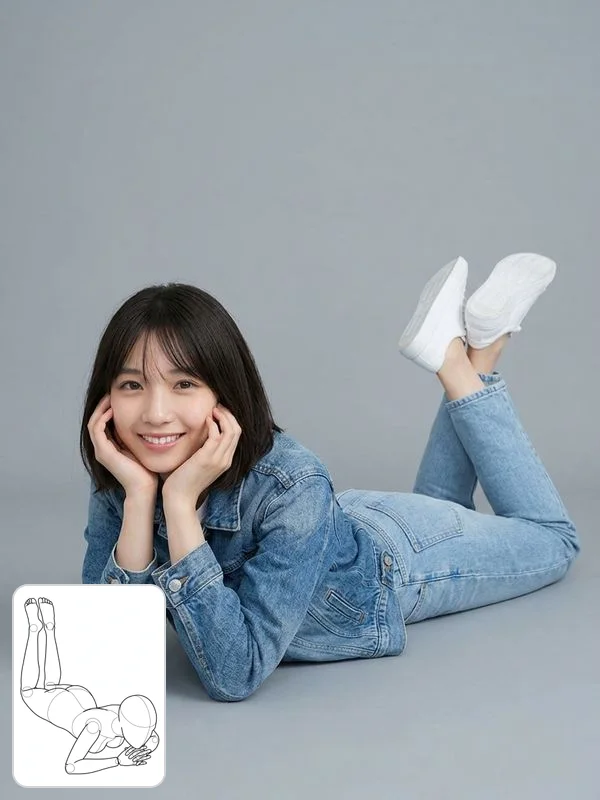
One face, one outfit, six poses
These six pictures use the same face and the same denim outfit. Only the pose drawing changed, and it is shown in the corner of each picture. Click a picture to load that face, outfit and pose into the tool.
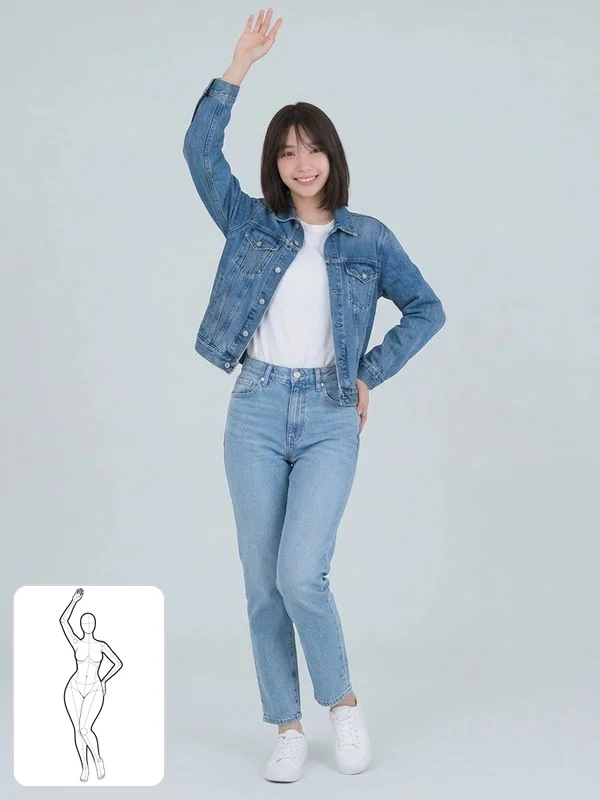
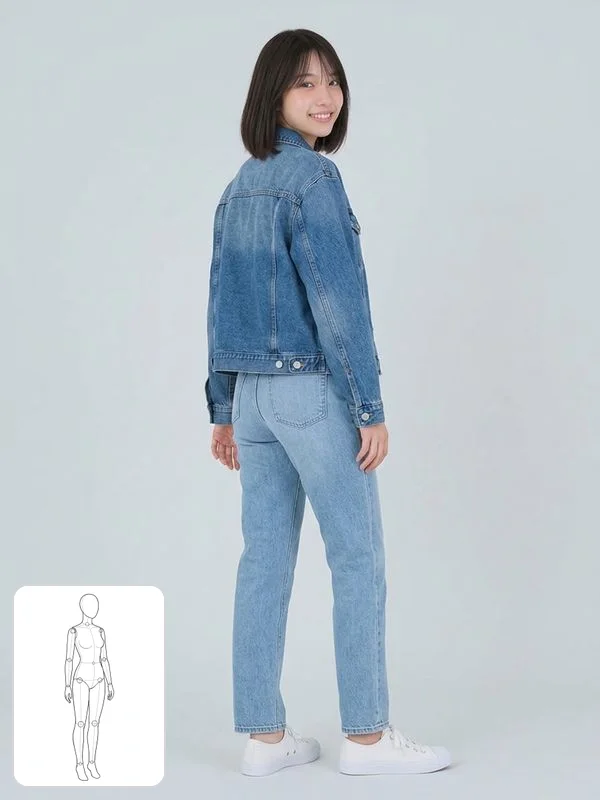
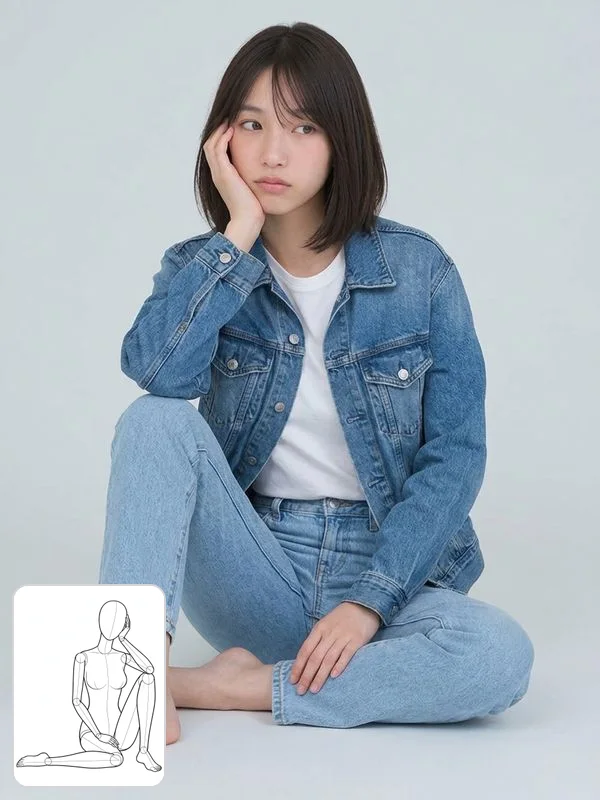
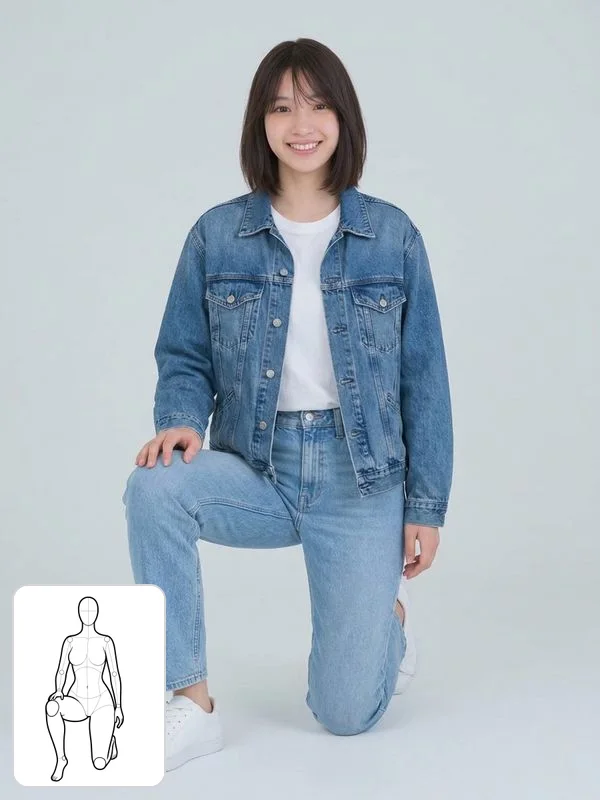
What is an AI avatar creator?
An avatar creator builds a picture of a character you choose the parts of. Older ones let you pick from a fixed set of drawn eyes, hair and clothes. This one works from pictures: you give it a face, an outfit and a pose, and an AI image model draws one person who has that face, wears that outfit and holds that pose. The result can look like a photo, or like an anime, 3D or comic character.
Where the faces, outfits and poses come from
The tool opens three free libraries of this site. You can also browse each one by itself:
- Free AI faces: 1,499 AI-generated faces. None is a real person.
- Outfit reference library: 452 outfits with nobody in them, from everyday clothes to armour and historical dress.
- Pose reference library: 96 poses of a mannequin, drawn from up to five angles.
Ways people use it
- A character sheet: the same face in several outfits and poses for a game, a comic or a story.
- A profile picture: your own face in an outfit and a style you choose.
- An AI influencer: one fixed face, a new outfit and pose for each post.
- A first look at an idea: see an outfit on a person before you draw or buy it.
Tips for a good avatar
- Use a face that looks straight at the camera in even light. A front view keeps the likeness best.
- Choose a full-body pose for a full outfit, and an upper-body pose when the face and the hands matter most.
- Take the front view of an outfit unless you want to show its back.
- If the result is close but not right, add a short note and press the button again.
What to do with the avatar next
Open the avatar in Create to change the scene, or put it in other clothes with the AI Outfit Changer. Make it move with Image to Video, or turn it into a chibi or a sticker.