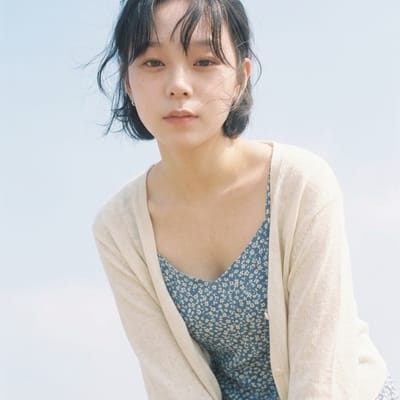
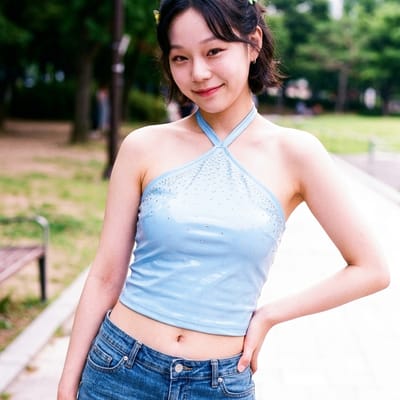
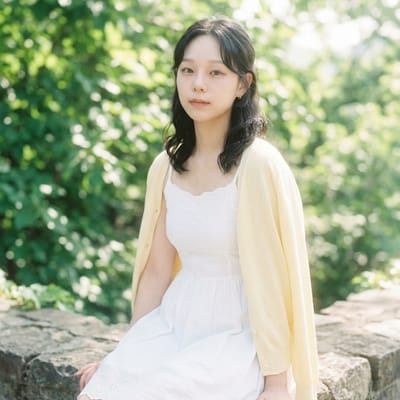
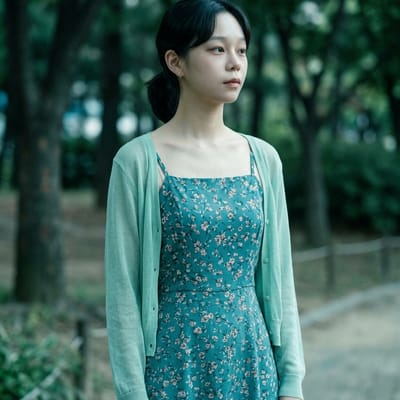
What every prompt on this page produces, the situations it is for, and the exact steps to run it.
Dreamy Soft
A milky, hazy film look over your whole photo: pastel-washed colours, heavy diffusion, blooming highlights, lifted shadows, no sharp edges.
Use it when
- Backlit portraits and soft-focus posts.
- Wedding and engagement photos.
- A calm, ethereal feed.
How to run it
- Upload a portrait, ideally with light behind the subject.
- Run the prompt unchanged.
- Add 'keep the subject's face sharp' if the diffusion softens too much.
Y2K Glossy
An early-2000s glossy print finish with composition kept: oversaturated colour, blown highlights, punchy contrast, a magenta shift, no grain and no change to skin texture.
Use it when
- Flash photos from a night out.
- Pairing with the Y2K aesthetic prompt set.
- Making a modern phone photo look like a printed 4x6.
How to run it
- Upload a flash or bright photo.
- Run the prompt unchanged.
- Reduce 'oversaturated' to 'saturated' for a gentler print.
Film Bokeh
Identical text to Dreamy Soft: milky glow, pastel wash, diffusion, blooming highlights, lifted shadows.
Use it when
- Same situations as Dreamy Soft.
How to run it
- Pick either prompt; the result is the same.
- If you want real bokeh, add 'shallow depth of field, background blurred' to the text.
Fujifilm Superia 400
A Superia 400 look on your photo: cool cyan-green shift, blue-green shadows, desaturated midtones, fine sharp grain, a muted palette, no warm filter.
Use it when
- Daylight photos with greens and blues in frame.
- Street and travel feeds that should feel like film, not vintage.
- A cooler alternative to Portra.
How to run it
- Upload a daylight photo.
- Delete 'blue dress shifts cooler and more teal'; it refers to one sample image.
- Run; add 'keep skin tones natural' if faces go green.
Faded Out
A heavily bleached version of your photo: everything lifted toward white, crushed highlights, near-white shadows, very low contrast, pale and airy.
Use it when
- Minimal, quiet feeds.
- Text overlays, where low contrast helps the type read.
- Softening a busy or harsh photo.
How to run it
- Upload a bright, simple photo; dark scenes turn to mud.
- Run the prompt unchanged.
- Change 'heavily' to 'slightly' for a subtler fade.
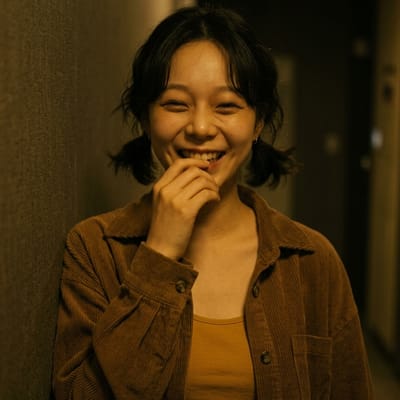
Digicam Warm Tone
A cheap-camera finish: yellow-orange cast throughout, underexposed shadows, low dynamic range, muddy colour, sensor noise, flat contrast, no clean whites.
Use it when
- Indoor and evening photos you want to feel like 2006.
- Lo-fi music and zine content.
- Pairing with the CCD camera prompts for a themed set.
How to run it
- Upload an indoor or evening photo.
- Run the prompt unchanged.
- Add 'keep skin tones natural' if faces go orange.
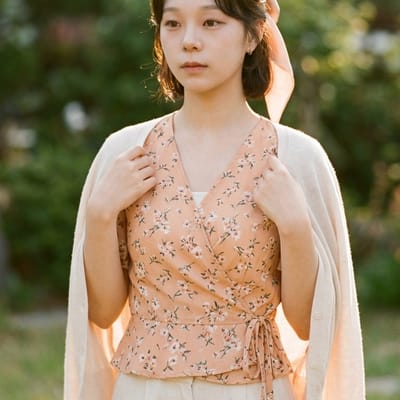
Kodak Portra 400
A Portra 400 look on your photo: warm orange-cream shift, lifted shadows, creamy highlights, soft fine grain, pastel overall, golden skin, blues warmed slightly.
Use it when
- Daylight portraits and couples photos.
- A warm, classic film feed.
- Softening digital sharpness.
How to run it
- Upload a daylight portrait.
- Run the prompt unchanged.
- For a stronger film feel, add 'visible grain'; this version keeps it soft.
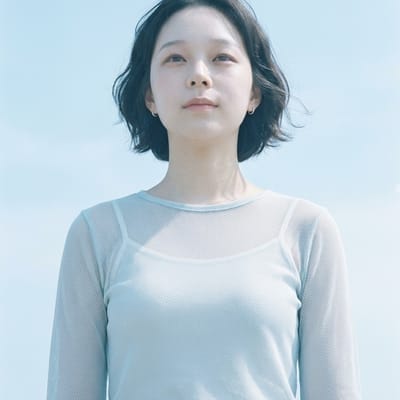
Cool Blue Haze
An icy mood: blue-tinted haze, pale lifted shadows, slightly overexposed cool skin, an enhanced icy sky, diffused glow, muted colours.
Use it when
- Winter and snow photos.
- Quiet, melancholic posts.
- Outdoor shots with a lot of sky.
How to run it
- Upload an outdoor photo with sky in frame.
- Run the prompt unchanged.
- Add 'keep skin tones natural' if faces look cold.
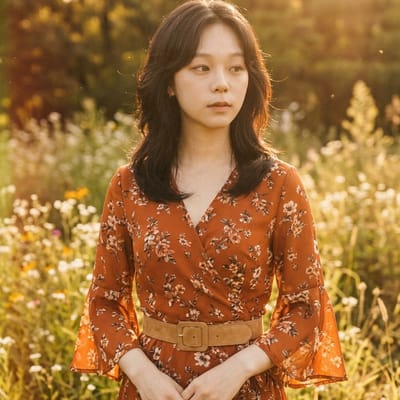
Retro 70s
A 1970s colour feel: amber-yellow cast, faded contrast, brownish shadows, washed-out highlights, an earthy muted palette.
Use it when
- Earthy daylight scenes: parks, beaches, kitchens.
- Retro posters and invites.
- A warm, worn look without heavy grain.
How to run it
- Upload a daylight photo.
- Run the prompt unchanged.
- Add 'slight vignette' for a more printed look.